Best WhatsApp form builders in 2026
The only comparison of WhatsApp form builders that matters in 2026. Real tests, honest coverage, one clear recommendation.

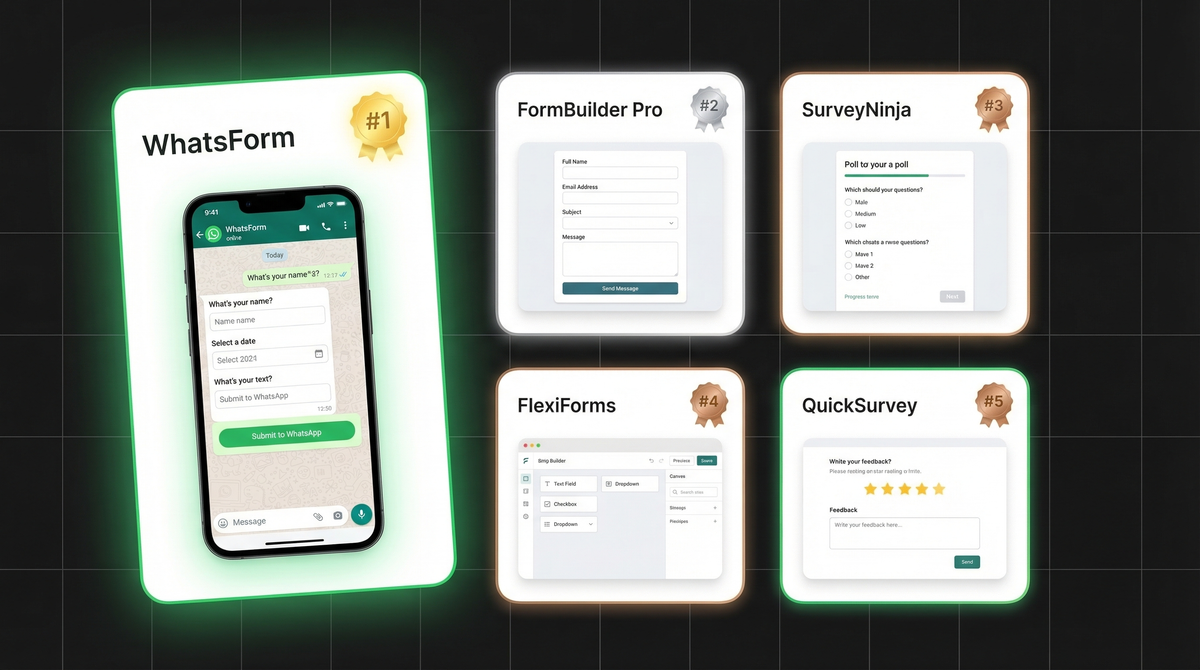
If you're searching for the best WhatsApp form builder, you already know what you want: a WhatsApp form that sends responses directly to WhatsApp, not to an inbox you check twice a week. The question is which tool actually delivers that without a 10-step setup involving three different apps.
We've tested the main contenders. Here's what we found.
What makes a good WhatsApp form builder
Not every form tool with a "WhatsApp" checkbox is actually built for WhatsApp. Before picking one, check for these five things.
WhatsApp delivery out of the box. The form responses should arrive in WhatsApp, not just email or a dashboard. If it needs Zapier or Make to get there, that's a workaround, not a feature.
Mobile-first design. Most of your users are filling forms on phones. The form should look great on mobile and load fast. Desktop-only or clunky layouts kill completion rates.
Easy setup. If it takes more than 15 minutes to go live, you'll give up. Or you'll set it up once and never touch it again. The best tools get you from blank to published in under 5 minutes.
Templates. Booking forms, order forms, contact forms, registration forms. A good template library means you're not starting from scratch every time.
Payment support. If you're collecting orders or bookings, you'll want to collect payment in the same flow. Forms that support Stripe, Razorpay, or similar save you a step.
With those criteria in mind, here's how the main tools stack up.
1. WhatsForm. best purpose-built option
Full disclosure: we built it. But we built it because nothing else did this job well enough.
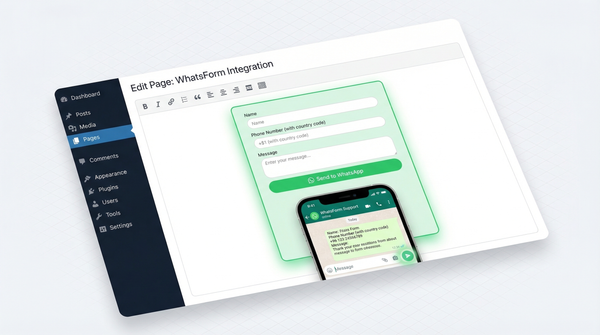
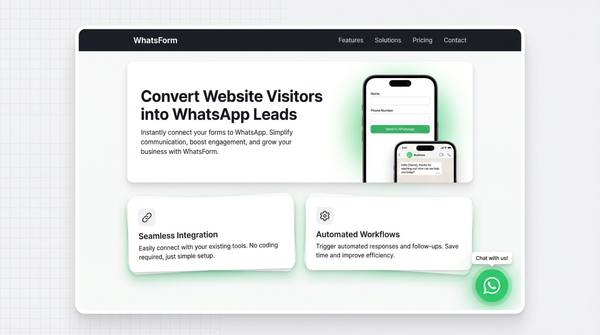
WhatsForm is the only form builder designed specifically for WhatsApp delivery. You build the form, someone fills it out, and the responses land in your WhatsApp immediately. No automation tools needed. No delays. No dashboard to log into.
Here's what you get on the free tier:
- Unlimited forms and responses
- Instant WhatsApp delivery of every submission
- Pre-built templates for orders, bookings, leads, and registrations
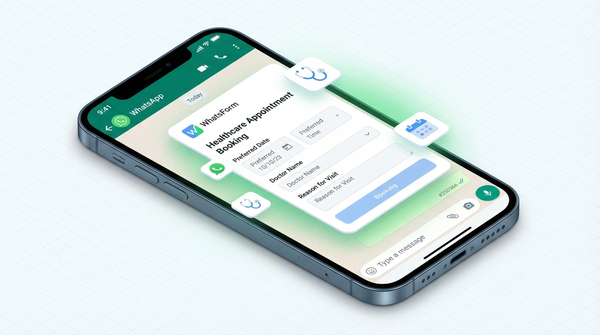
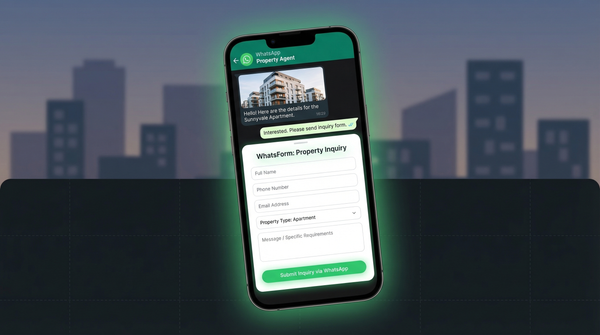
- WhatsApp order forms, booking forms, contact forms, and more
- Embed on any website as a WhatsApp contact form or share via link or QR code
- Payment collection via Stripe and other providers
- Great for collecting orders on WhatsApp
There's a WordPress plugin if your site runs on WordPress, and you can manage responses and forms from the Android app or iOS app while you're away from your desk.
The key difference from everything else on this list: WhatsForm doesn't treat WhatsApp as an afterthought or an integration. It's the entire point. Creating your first form takes about three minutes.
Price: Free tier available. Paid plans start at affordable rates. See pricing.
2. Google Forms + WhatsApp workaround
Google Forms is free, familiar, and gets the job done for basic data collection. If you're already using Google Forms, you might want to read about converting Google Forms to WhatsApp. But it has zero native WhatsApp support. Responses go to a Google Sheet. That's it.
To get responses into WhatsApp, you need to connect Google Forms to Zapier or Make, build an automation that watches for new form submissions, and configure a WhatsApp-connected messaging step. It works, but it's slow to set up and slower to deliver. You're relying on polling intervals, which means a 5-15 minute delay on most plans.
The bigger problem: Google Forms looks and feels like a Google Form. It's not customizable. There are no templates for business use cases like orders or bookings. And if your automation breaks or hits a usage limit, you stop getting notifications entirely.
Good for personal use or internal processes where you control the setup. Not ideal if you need WhatsApp delivery to be instant and reliable.
Price: Free (but Zapier/Make automations add cost and complexity). Read our full comparison.
3. Typeform + WhatsApp integration
Typeform builds genuinely beautiful forms. The one-question-at-a-time interface increases completion rates, the design is polished, and the logic branching is strong. If you're doing a survey or a lead gen form and care about user experience, Typeform is worth considering.
But there's no native WhatsApp delivery. Same story as Google Forms: you need Zapier in the middle. And Typeform's pricing makes that sting more. The paid plan starts at $25/month, before you factor in Zapier costs on top.
For teams already on Typeform who just want to add WhatsApp notifications, the integration works fine. For someone starting fresh who specifically wants WhatsApp delivery, you're paying a premium for a feature that still needs a workaround.
Price: Free tier (limited). Paid from $25/month. See how it compares to WhatsForm.
4. Jotform
Jotform is one of the most feature-rich form builders out there. It has hundreds of templates, advanced field types, payment support, and a solid app builder. For complex forms with conditional logic, file uploads, and e-signatures, Jotform is hard to beat.
It does have WhatsApp notification support via integration, but the setup is not simple. You'll be navigating integrations menus, configuring tokens, and testing webhook flows. It's doable, but it takes time and some technical patience.
The free plan is limited to 100 monthly responses and 5 active forms. Paid plans start at $34/month, which is steep if WhatsApp delivery is your primary goal.
Best fit for businesses that need complex forms with many field types and can invest time in setup. Not the fastest path to WhatsApp delivery.
Price: Free (limited). Paid from $34/month.
5. Pabbly Form Builder
Pabbly Form Builder is the form module inside the Pabbly suite, which includes Pabbly Connect (their automation platform). If you're already running Pabbly for business automation, the form builder fits naturally into that stack.
WhatsApp integration works through Pabbly Connect, so it's more capable than a basic notification. You can route form data into complex multi-step workflows, send WhatsApp messages via the API, and connect to CRMs. For automation-heavy setups, this is genuinely useful.
For someone who just needs a form that sends to WhatsApp, it's more infrastructure than the job requires. The learning curve for the full Pabbly setup is significant if you're coming in fresh.
Price: Starts from $19/month (Pabbly suite). Good value if you need the full automation stack.
Comparison at a glance
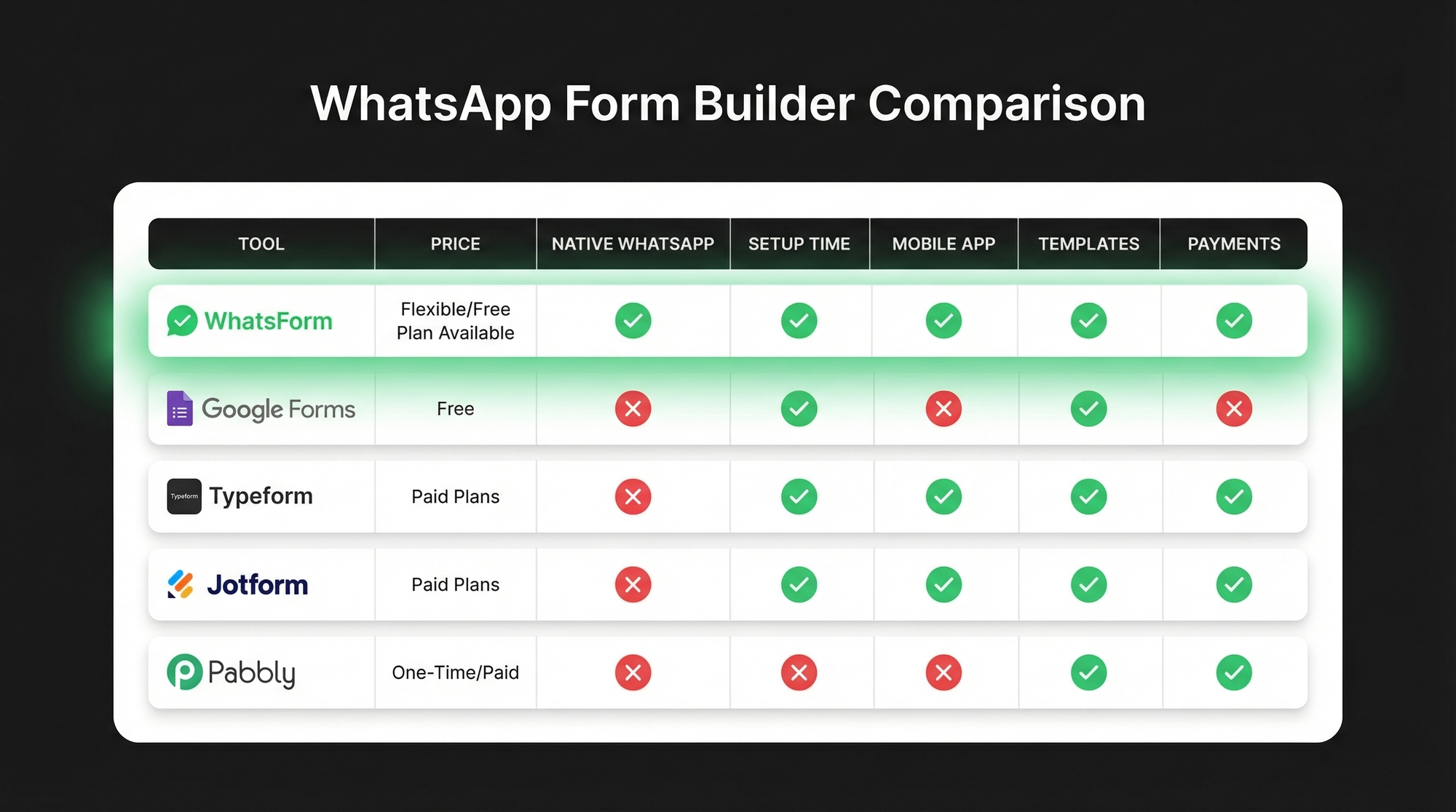
| Tool | Price | Native WhatsApp | Setup time | Mobile app | Templates | Payments |
|---|---|---|---|---|---|---|
| WhatsForm | Free tier available | Yes | Under 5 min | Yes (Android + iOS) | Yes | Yes |
| Google Forms | Free | No (needs Zapier) | 30+ min with automation | No | Limited | No |
| Typeform | From $25/mo | No (needs Zapier) | 30+ min with automation | No | Yes | Yes |
| Jotform | Free / from $34/mo | No (needs integration) | 45+ min | Yes | Yes (hundreds) | Yes |
| Pabbly | From $19/mo | No (via Pabbly Connect) | 1+ hour | No | Yes | Yes |
Our recommendation
If your goal is to get form responses into WhatsApp quickly and reliably, start with WhatsForm. It's the only tool on this list that was built specifically for that job. Everything else is a workaround.
If you're already deep in the Google or Typeform ecosystem and just want to add WhatsApp as one notification channel, the Zapier route works. But you'll be managing more moving parts and accepting slower delivery.
For businesses that live in WhatsApp and want their forms to live there too, the choice is straightforward.
For a detailed walkthrough, check our help center guide on creating your first WhatsApp form, or learn how to convert an existing Google Form.
Try WhatsForm free and have your first form live in under 5 minutes. No credit card needed.
Already have a WhatsApp business number? You can also explore our WhatsApp for teams features to route responses to the right person automatically.
Questions? Just open WhatsApp and ask. That's kind of the whole point.