9 free WhatsApp tools every business should know about
9 free WhatsApp tools that fix the most common pain points for businesses. Direct message, link generator, QR code, formatter, and more. No signup needed.

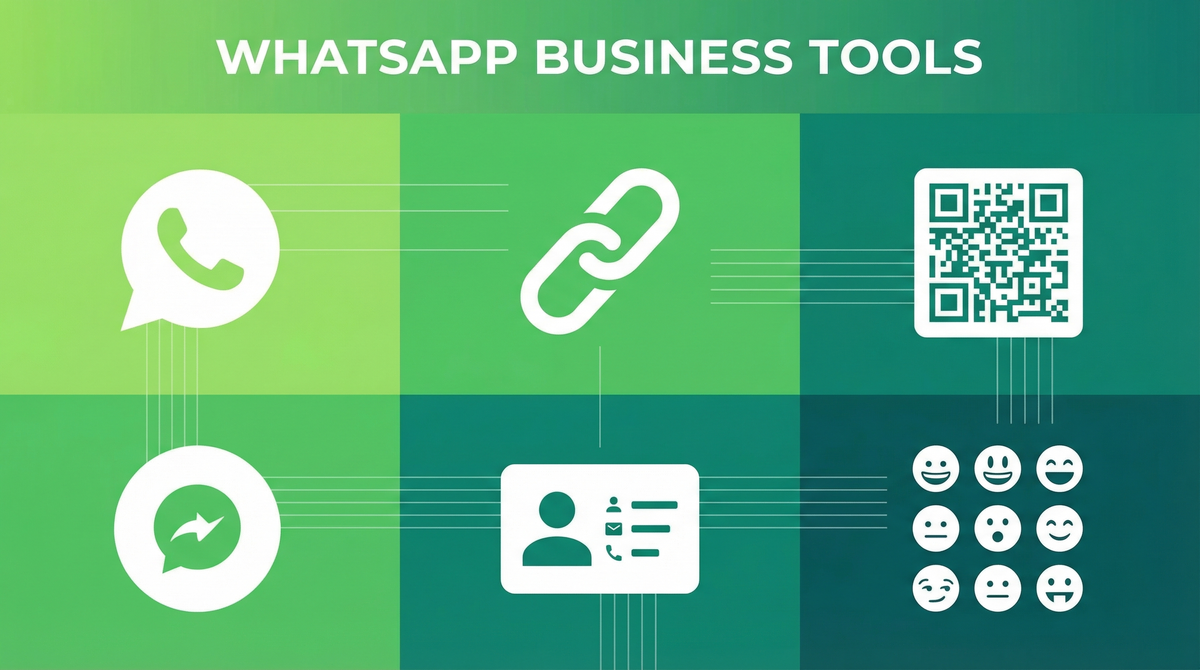
Most businesses using WhatsApp for work are doing everything manually. Saving every number before messaging. Typing out the same link over and over. Copying and pasting messages with no formatting. It adds up to a lot of wasted time for something that should take seconds.
We built 9 free tools to fix these exact pain points. Full disclosure: we built these as part of WhatsForm. Not a pitch. Just a genuine collection of utilities my team and I use ourselves when working with WhatsApp for business.
Quick context: what is WhatsForm?
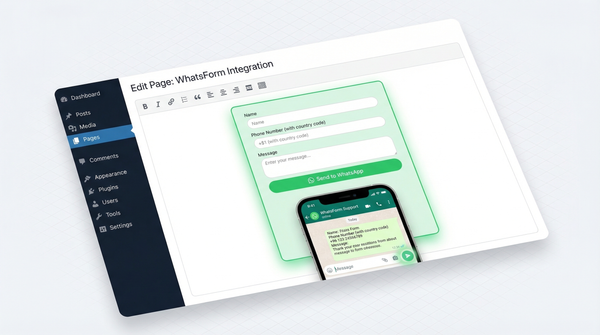
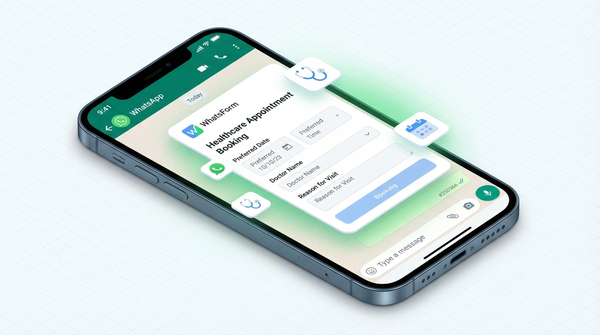
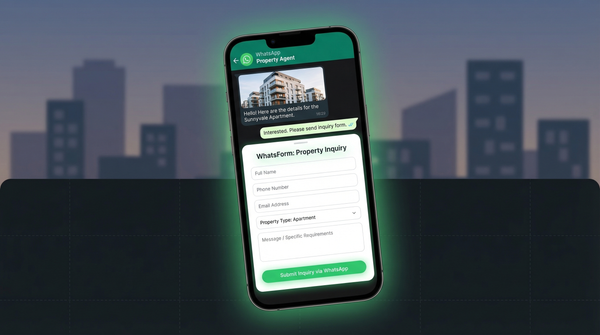
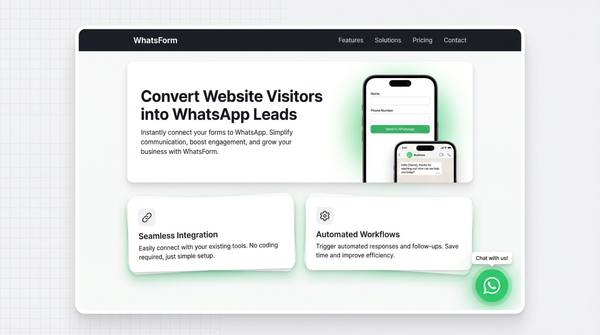
WhatsForm is a form builder that sends responses directly to WhatsApp. Your customers fill out a form on your website or a shared link, and the answers land straight on your WhatsApp as a message from their number. No email inbox, no dashboard to check. Just a WhatsApp conversation with all the context you need.
We built it for businesses that already live on WhatsApp. And along the way, we built these 9 free tools to solve the smaller everyday problems that kept coming up.
All free. No signup needed. Here they are.
WhatsApp Direct Message
Send a WhatsApp message to any number without saving it as a contact first. Paste the number, type your message, click send. That's it.
Who needs it: Sales reps, recruiters, anyone doing outreach to numbers they'll message once and never again.
Real use case: You're on a call with a new WhatsApp lead generation without the API and they ask you to send them your pricing. You don't want to add them to your contacts just to send one message. Open the tool, paste their number, send the link. Done in 10 seconds.
WhatsApp Link Generator
Create a wa.me link with a pre-filled message that opens WhatsApp and populates the chat box automatically. No manual URL encoding required.
Who needs it: Anyone putting a WhatsApp contact link in their email signature, website, or social bio.
Real use case: You run a small agency and want clients to reach you on WhatsApp from your website. Generate a link with your number and a pre-filled "Hi, I found you through your website" message. Paste it in your site. Visitors click, message is already written, they just hit send.
WhatsApp QR Code Generator
Generate a get a QR code for your form a WhatsApp chat with your number and a pre-filled message. Download it, print it, use it anywhere offline.
Who needs it: Retailers, restaurants, event organizers, anyone with a physical presence who wants to connect customers to WhatsApp instantly.
Real use case: A clothing brand adds the QR code to their packaging. Customer scans it after delivery, it opens WhatsApp with "I just received my collect orders on WhatsApp" pre-filled. They complete the message and hit send. Customer support starts in seconds.
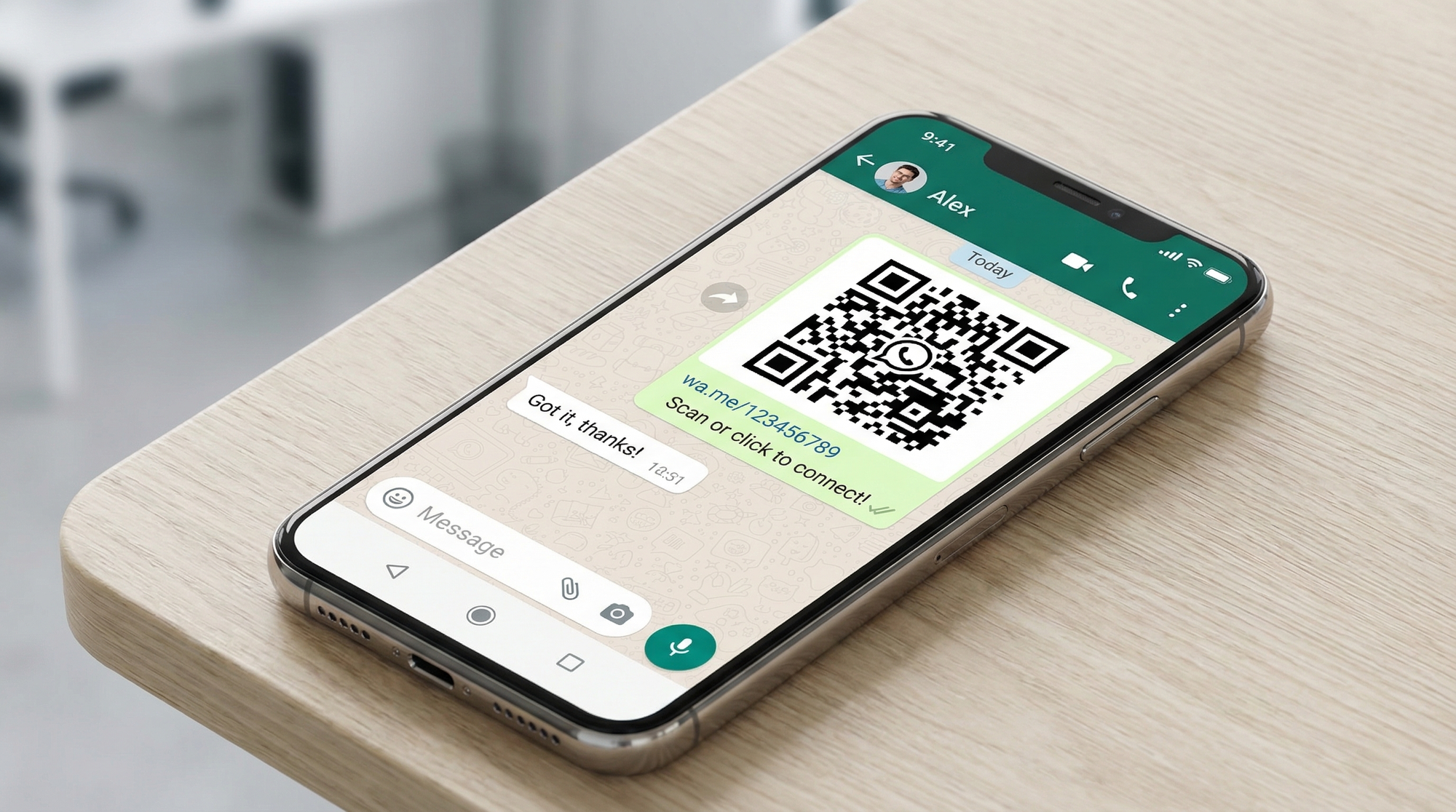
Try WhatsApp QR Code Generator
WhatsApp Message Formatter
Format your WhatsApp messages with bold, italic, strikethrough, and monospace before you send them. No need to remember the syntax. Type your message, apply formatting visually, copy the result.
Who needs it: Customer support teams, community managers, anyone sending structured messages like announcements, price lists, or step-by-step instructions.
Real use case: Your support team sends the same troubleshooting steps to customers 20 times a day. Format it once with bold headings and numbered steps, save it as a template, paste it every time. Looks professional, takes zero extra effort per message.
Try WhatsApp Message Formatter
WhatsApp Chat Button Generator
Create a styled HTML button for your website. When visitors click it, WhatsApp opens with your number ready to go. Copy the code snippet, paste it into your site.
Who needs it: Small business owners, freelancers, anyone without a developer who wants to add a WhatsApp contact button to their website.
Real use case: A freelance designer adds the chat button to their portfolio site. Potential clients click it straight from the work page, no contact form, no email, no waiting. The conversation starts while their interest is highest.
Try WhatsApp Chat Button Generator
WhatsApp vCard Generator
Create a virtual contact card (.vcf file) you can share on WhatsApp. Recipients tap it and your full business details are imported to their contacts in one tap.
Who needs it: Sales reps, consultants, anyone doing high-volume networking who wants their contact saved properly the first time.
Real use case: You meet 15 people at a conference. Instead of asking each one to manually type your number, you send them your vCard on WhatsApp. They tap it, your name, number, email, and company are all saved instantly. No typos, no follow-up needed.
WhatsApp Number Validator
Check if a phone number is actually registered on WhatsApp before you try to message it. Saves you from sending messages into the void or getting delivery failures.
Who needs it: Marketing teams doing WhatsApp outreach, businesses building contact lists, anyone with a database of numbers they need to verify.
Real use case: You're running a WhatsApp broadcast campaign and you have a list of 500 customer numbers. Before sending, run them through the validator to clean the list. You end up with active WhatsApp numbers only. Deliverability goes up, wasted effort goes down.
WhatsApp Website Widget
Add a add WhatsForm as a widget to your website that sticks to the corner of every page. Visitors see it, click it, and land in a WhatsApp chat with you. Built on GetWidget. See the full WhatsApp widget page for more options.
Who needs it: E-commerce stores, service businesses, anyone whose customers are more likely to WhatsApp than fill out a contact form.
Real use case: An online furniture store adds the widget. A customer browsing sofas has a question about dimensions. Instead of navigating to a contact page or waiting for live chat, they click the widget and ask directly on WhatsApp. Sales team responds in minutes. Customer converts.
WhatsApp Emoji Keyboard
Browse the full set of WhatsApp-supported emojis and copy any of them with a single click. Faster than searching your phone keyboard, especially when you're typing on desktop.
Who needs it: Social media managers, community managers, customer support teams who use emojis in their WhatsApp messages regularly.
Real use case: Your support team sends friendly, on-brand messages that include emojis. Instead of switching between keyboard and emoji picker on mobile, they keep this tool open in a tab on their desktop and copy the emojis they need in one click. Faster, more consistent.
That's the full list
For a detailed walkthrough, check our help center guide on QR code generation.
Nine tools, all free, no account required. We built them because we use WhatsApp for business ourselves and kept running into the same friction. These solve the most common ones.
The WhatsForm app is available on Android and iOS.
If you find them useful, share them with someone on your team who'd benefit. And if there's a WhatsApp pain point we haven't solved yet, check out WhatsForm. That's where we build more tools like these.