How to collect orders on WhatsApp without losing your mind
If you're taking orders on WhatsApp manually, you're asking the same questions over and over. There's a better way. Here's how WhatsApp order forms work.

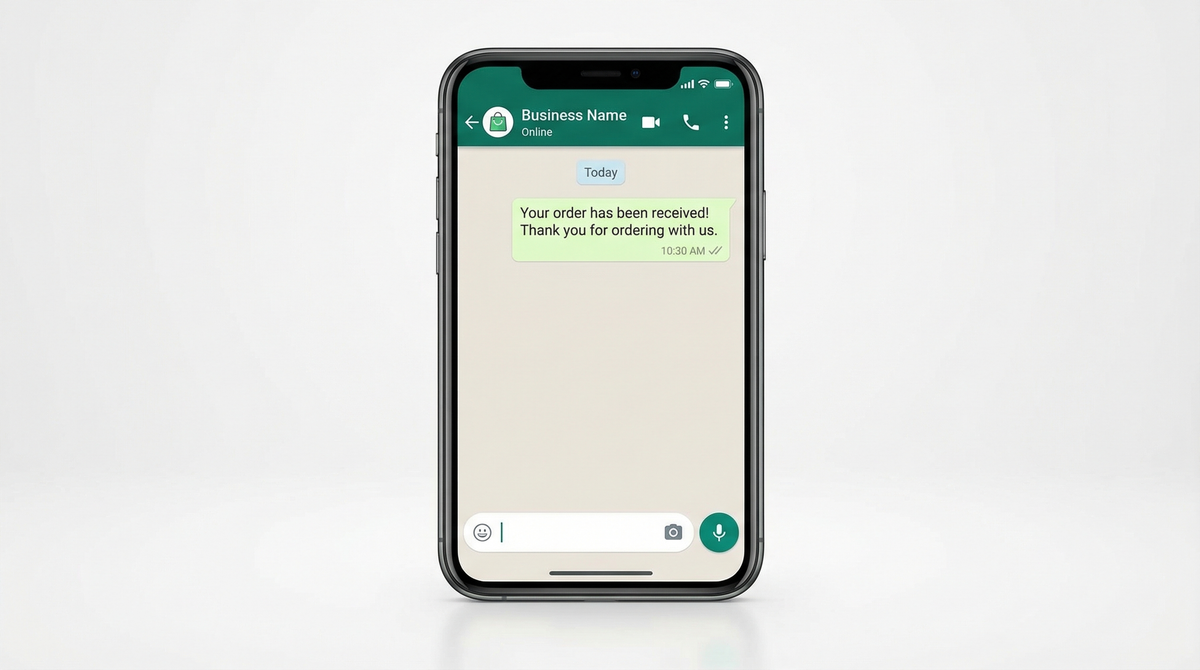
You got your first few orders on WhatsApp and it felt great. A customer messaged you, you replied, figured out what they wanted, got their address, confirmed delivery time. Done.
Then you got 10 orders a day. Then 30.
Now you're drowning. You have 47 unread messages. You asked someone for their size three times. You sent a bakery order to the wrong address. You lost a customer because you forgot to reply.
WhatsApp is an amazing channel for business. But it was never built for order management. And that gap is costing you time, money, and sanity.
The problem with WhatsApp orders
Every new customer conversation starts the same way. They message you. You reply: "Hi! What would you like to order?" They tell you. You reply: "What size?" They reply. You reply: "And your delivery address?" They reply. You reply: "When do you need it?"
That's 4-6 back-and-forth messages just to collect basic information you need for every single order.
Multiply that by 30 orders a day. You're spending 2-3 hours just asking the same questions. Every day.

And it's not just the time. It's the mental load of tracking everything in your head. Which conversation is which order? Did this customer already confirm? Did you note down that special instruction about no onions?
WhatsApp doesn't have order management. It has conversations. And conversations are a terrible database.
What is a WhatsApp order form
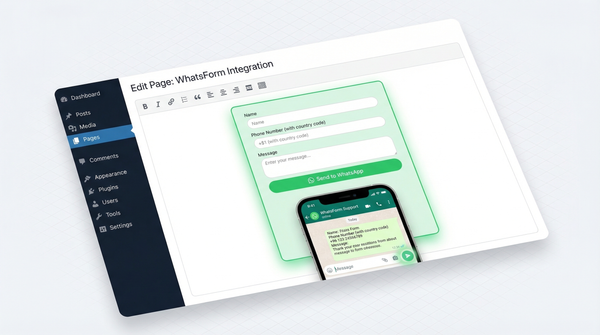
A WhatsApp order form is a web form that your customers fill out. When they submit it, the response lands directly in your WhatsApp as a message from their phone number.
That's it. No app to download. No account to create. Just a link you share, they fill, and you get a structured order on WhatsApp ready to discuss and confirm.
The key difference from a regular form: the customer doesn't submit to an inbox you have to check. The response comes to your WhatsApp. So you still get the conversation, but now it starts with all the information already filled in.
You open WhatsApp and see: "Hi, I'd like to order a vanilla sponge cake, 1kg, for Saturday 15th March, delivery to 42 Park Street, Koramangala." That's an order you can actually act on.
How it works
The flow is simple:
- You create a form with all the questions you normally ask. Product selection, quantity, size, delivery address, preferred date, special instructions.
- You get a shareable link. Something like
wa.me/...or a direct form URL. - Customer clicks the link, fills the form, and submits.
- A pre-filled WhatsApp message opens on their phone with their order details. They hit send from their number.
- It lands in your WhatsApp. The conversation is started. With context. No back and forth needed.
You go from 6 messages per order down to 1. And that one message has everything you need.
Who actually uses this
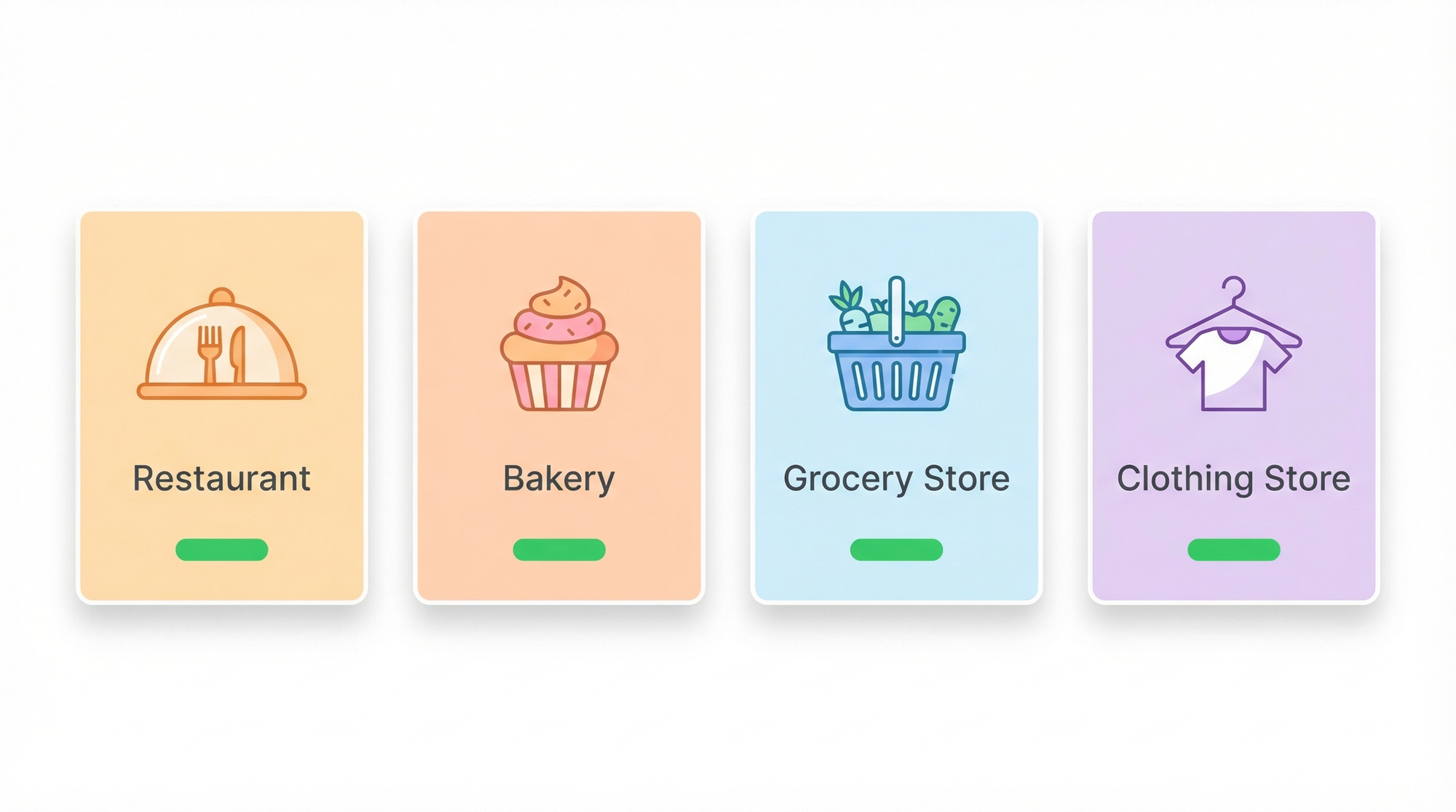
Restaurants and cloud kitchens use it for pre-orders and catering orders. Instead of a customer calling to place a large office lunch order, they fill a form. Item by item, with quantities, dietary requirements, delivery time. Everything structured.
Home bakeries might be the biggest users. Custom cake orders have a dozen variables: flavour, size, design, message on cake, delivery date, delivery address. A form turns a 20-message conversation into a clean single message.
Grocery stores and kiranas (local grocery shops) use it for scheduled deliveries. Weekly order forms where customers tick what they need. Submitted once, fulfilled once.
Clothing stores collect size, colour, quantity, shipping address in one go. No more "what size did they say again" moments.
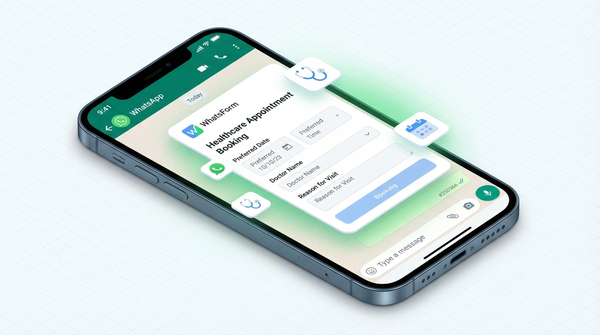
Service businesses like home cleaning, repair services, and tutors use it as a booking intake form. Collect the details before the conversation even starts.
Basically: if you take orders on WhatsApp and you're asking the same questions every time, this is for you.
Tips for making a good order form
Keep it short. The form is not a survey. You need the minimum information to fulfill the order. Every extra field is friction. If you don't need it to complete the order, cut it.
Use dropdown and multiple choice fields instead of text fields wherever possible. "What size?" should have options: Small, Medium, Large. Not a blank text box where someone types "medium pls" and another person types "M" and now you have inconsistent data.
Add product images if you can. If customers are choosing from a menu or a catalog, showing photos increases confidence and reduces mistakes. "I thought the chocolate cake was darker" is a problem that doesn't happen when they picked from a photo.
Use conditional logic. Only show the "cake message" field if they selected "custom message on cake." Only show delivery fields if they selected delivery, not pickup. This keeps the form clean for each scenario.
Test it yourself. Fill out your own form on your phone before sharing it with customers. You'll immediately notice what's confusing or unnecessary.
How to share your order form
WhatsApp auto-reply / greeting message. Most business WhatsApp accounts let you set an automated greeting message. Include your order form link there. "Hi! To place an order, fill this quick form and we'll be right with you: [link]." Now every new customer conversation starts with context.
WhatsApp quick replies. Set up a quick reply for "order" so when someone messages "I want to order," you can tap a quick reply button and send them the link in one tap.
Instagram bio and stories. If you get DMs asking to order on Instagram, redirect them to WhatsApp via the form link. "To order, click the link in bio." Consolidates everything into WhatsApp where you actually manage orders.
QR code on packaging. Print the QR code for your order form on your boxes, bags, or cards. Repeat customers can scan and reorder without hunting for your number. This is a small detail that drives a surprising amount of repeat orders.
Google Business profile. If you have a Google Business listing, add the order form link as your website or in your posts. People searching for you locally can order directly.
How to get started
Full disclosure: we built WhatsForm specifically for this.
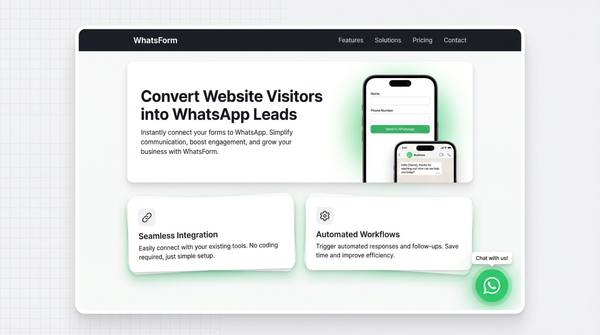
I saw how many small business owners were drowning in WhatsApp messages and I knew there had to be a cleaner way. WhatsForm lets you build WhatsApp order forms in a few minutes. You add your questions, set up your product options, and get a link. Customer fills it, response lands on your WhatsApp from their number. That's it.
You can start with a free account and see if it makes a difference for your business. No setup fee, no monthly commitment to try it.
If you're taking more than 10 orders a day on WhatsApp and still doing it manually, give it a shot. The first week you use it, you'll wonder how you survived without it.
For a detailed walkthrough, check our help center guide on creating an order form.
Ready to try? Start with our WhatsApp order form template.