WhatsApp for healthcare: appointment booking and patient communication
Clinics and dentists are using WhatsApp to handle appointment booking, patient intake forms, prescription refills, and follow-up care. Here's how it works.

Your clinic's phone line is ringing. A patient is on hold. Someone else sent a message three days ago asking to reschedule. Another just called to ask if you have their lab results. Your receptionist is juggling all of it at once.
This is the reality for most small clinics and healthcare practices. And it doesn't have to be.
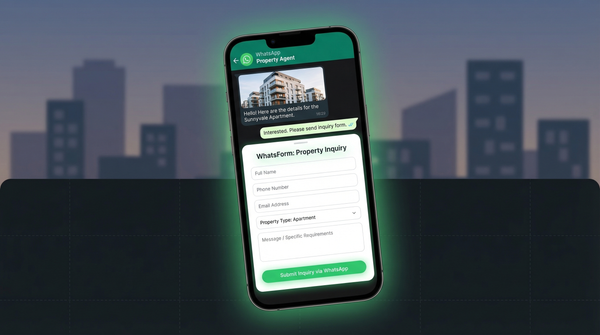
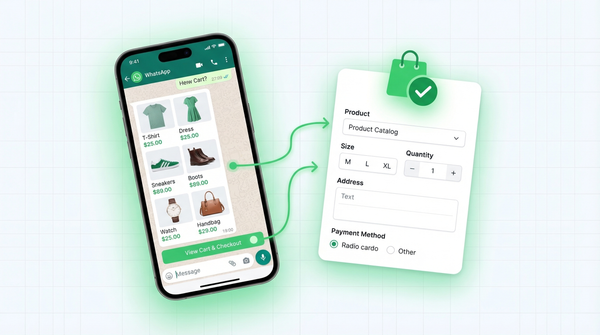
Patients already use WhatsApp for everything. Messaging family, ordering food, talking to their bank. Reaching their doctor should be just as simple. More and more clinics are figuring this out, from solo dentists in small towns to multi-specialty practices in busy cities. It's the same pattern we've seen with restaurants taking orders via WhatsApp, real estate agents capturing inquiries, and e-commerce stores managing orders. Healthcare is next.
Why patients prefer WhatsApp
Nobody likes being put on hold. You call a clinic, press a few numbers, wait. Then someone picks up, asks for your name, asks you to spell it, asks what you're calling about. Five minutes later, you finally have an appointment.
WhatsApp removes all of that. Patients can send a message anytime, without waiting for office hours. If they're up at midnight with a toothache, they can message the dentist, describe the pain, and wait for a response in the morning. No need to call again during working hours.
They can also attach a photo of a rash, forward a lab report, or share a prescription image in seconds. No fax, no email, no uploading documents to a patient portal nobody uses. It's where patients already are. Meeting them there isn't a technology upgrade. It's just good service.
WhatsApp also gives patients a written record of their conversation. They can scroll back and see exactly what the doctor's instructions were, when their appointment is, or what medication was prescribed. That's something a phone call can't offer.
Appointment booking via WhatsApp
Here's how most clinics handle phone bookings: the patient calls, gives their name, says what they need, picks a time, and calls back when they need to reschedule. It works. Barely.
The problem is information scatter. Details get missed. Receptionists have to ask the same questions every time. There's no clean record of what was requested, and nothing is searchable later.
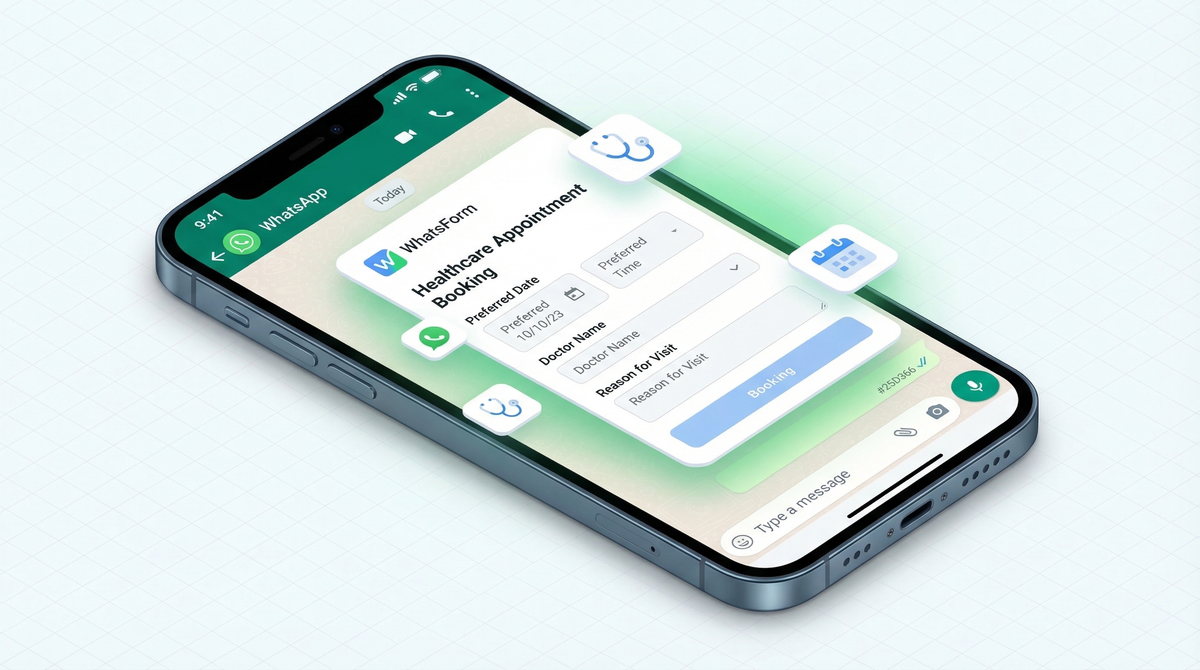
A WhatsApp appointment form changes this. It works just like a WhatsApp contact form on a website, but tailored for clinical scheduling. Instead of a back-and-forth call, the patient fills in a structured form: preferred date, preferred time, which doctor, and reason for visit. Everything lands in one place. No phone tag. No "let me check and call you back."
The clinic gets a clear, consistent record of every request. The patient gets a fast, frictionless experience. Both sides win.
You can use our WhatsApp booking template and have a working appointment flow in minutes. No coding required, no new software to learn.
Patient intake forms
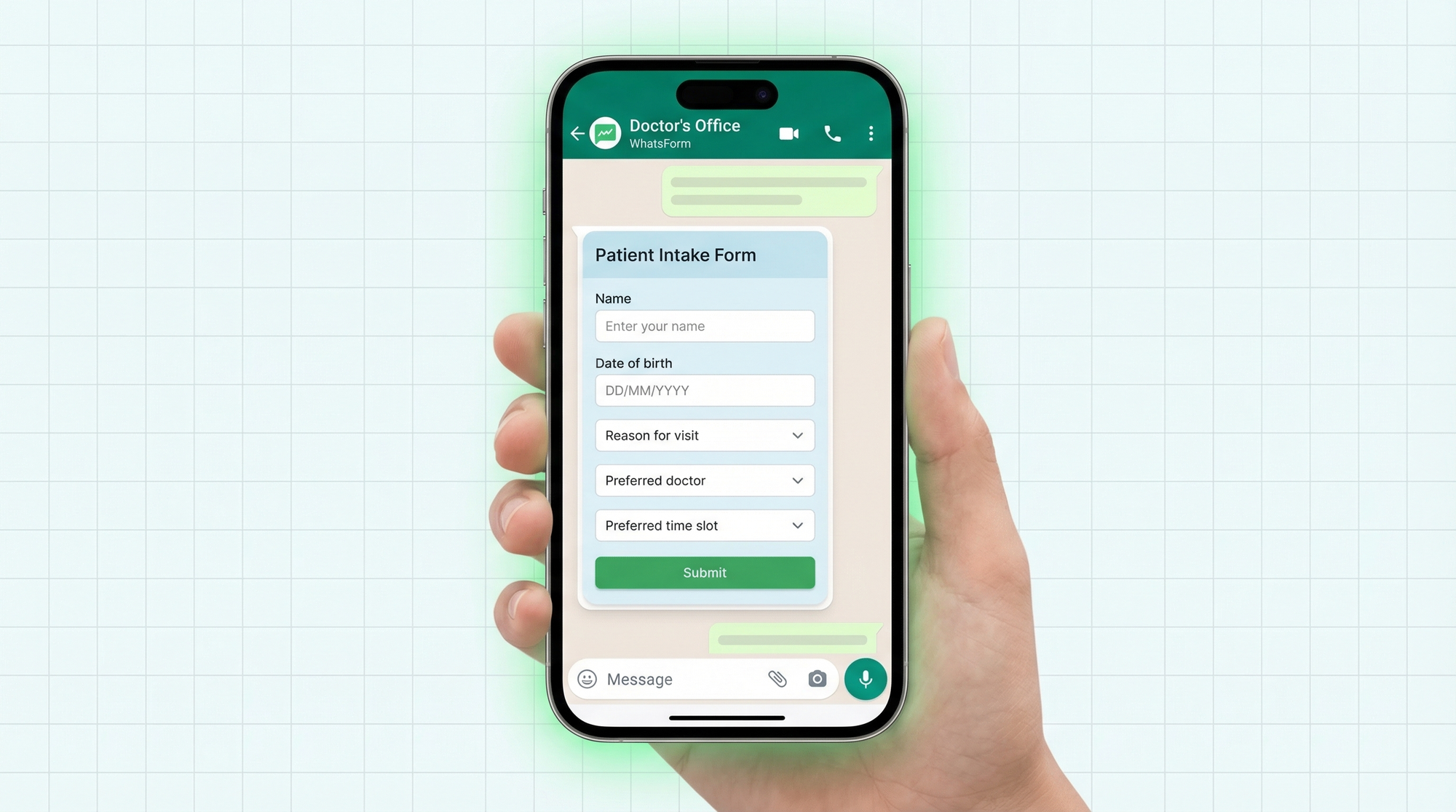
First visits have a lot of paperwork. Name, date of birth, medical history, current medications, allergies, insurance details. Usually patients fill this out on a clipboard in the waiting room, wasting their time and yours.
Move the intake form to WhatsApp and patients complete it before they arrive. Less time in the waiting room. More accurate information. No one's trying to decipher handwriting, and no one's asking the same questions twice.
A well-designed intake form collects: full name and date of birth, reason for visit, existing conditions and allergies, current medications, insurance provider and number, and an emergency contact. The responses arrive in WhatsApp as a structured, labeled message. You review it before the appointment, not while the patient is sitting across from you.
For practices that see a lot of new patients, this alone can save 10 to 15 minutes per appointment. Multiply that across a week and it's a meaningful chunk of time back.
Prescription refill requests
"Doctor please refill my medicine." This is what most refill requests look like. No medication name, no dosage, no pharmacy. Just a vague message that requires three follow-up questions before anything can happen.
A structured refill request form fixes this. It asks for the medication name, dosage, preferred pharmacy, and when they last filled it. The patient submits one message with everything. Your team can process it without going back and forth.
It also creates a log. You can see who requested what, when, and whether it was processed. That's useful for practices that handle dozens of refill requests every week.
Lab report sharing and follow-up
Sharing lab results used to mean printing, mailing, or hoping the patient portal worked. WhatsApp makes it instant. A patient can receive their results, ask a follow-up question in the same thread, and book a follow-up appointment, all without switching apps.
On the clinic side, you can send a follow-up form after results are shared. Something simple: "Do you have questions about your results? Would you like to book a follow-up visit?" The patient responds. The appointment gets scheduled. No one falls through the cracks.
This closes the communication loop in a way that email rarely does. Patients actually read WhatsApp messages. They often don't read emails from their clinic.
Privacy considerations
WhatsApp uses end-to-end encryption. Messages are encrypted in transit and can only be read by the sender and recipient. That's a solid baseline for most healthcare communication.
That said, WhatsApp is not HIPAA compliant for US-based practices. The platform doesn't offer a Business Associate Agreement (BAA), which is required for HIPAA compliance. If you're running a clinic in the US, understand these limitations before using WhatsApp for patient data, and consult a compliance professional if you're unsure.
For practices in most other countries, including India, the UK, the Middle East, and Southeast Asia, there are no such regulatory barriers. WhatsApp is commonly used for patient communication in these regions, and the encryption provides a reasonable level of privacy for everyday healthcare interactions.
The practical rule: use forms to control what information gets collected and how. Avoid asking patients to type out sensitive details in free-form messages. A structured form with specific fields is always cleaner and safer than an open conversation.
Multi-doctor clinics
Running a clinic with multiple doctors or departments? Routing is simpler than you'd expect. When a patient submits an appointment form, one of the fields can ask which department or doctor they need. The response tells you exactly where to route it, no guessing required.
You can set up separate WhatsApp numbers for different departments, so cardiology, dermatology, and general medicine each have their own direct line. Or use one number and route internally based on form responses. Either approach works. The patient gets to the right place without being transferred three times.
This scales as your practice grows. A solo practitioner can start with a single form and a single number. A multi-specialty clinic can build out department-specific flows. The underlying approach is the same either way.
Getting started
The simplest way to set this up is with WhatsForm. Full disclosure: we built it.
You create a form with the fields you need, set the destination WhatsApp number, and share the link. Patients click it, fill in the form, and hit send. The response arrives in your WhatsApp as a structured message, every field clearly labeled. No developer needed, no monthly software subscription, no patient portal no one logs into. We cover more options in our guide to the best WhatsApp form builders, but for healthcare, simplicity wins.
For a detailed walkthrough, check our help center guide on creating an appointment form.
Start with the ready-made WhatsApp booking template. Customize the fields for your practice, add your WhatsApp number, and it's live. You can also learn how WhatsApp forms work and how to create your first form if you're just getting started.
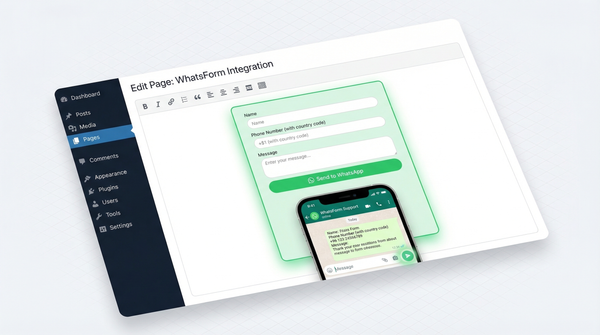
For managing responses on the go, WhatsForm has apps for Android and iOS. Manage appointments, intake forms, and refill requests from your phone, wherever you are. If your practice runs a WordPress site, there's also a WordPress plugin to embed forms directly on your pages.
WhatsApp is where your patients already are. A simple form is all it takes to start using it properly.