WhatsApp for real estate: capture property inquiries instantly
Real estate leads go cold in minutes. WhatsApp gets you there first. Here's how agents and agencies use WhatsApp to capture, qualify, and close property inquiries.

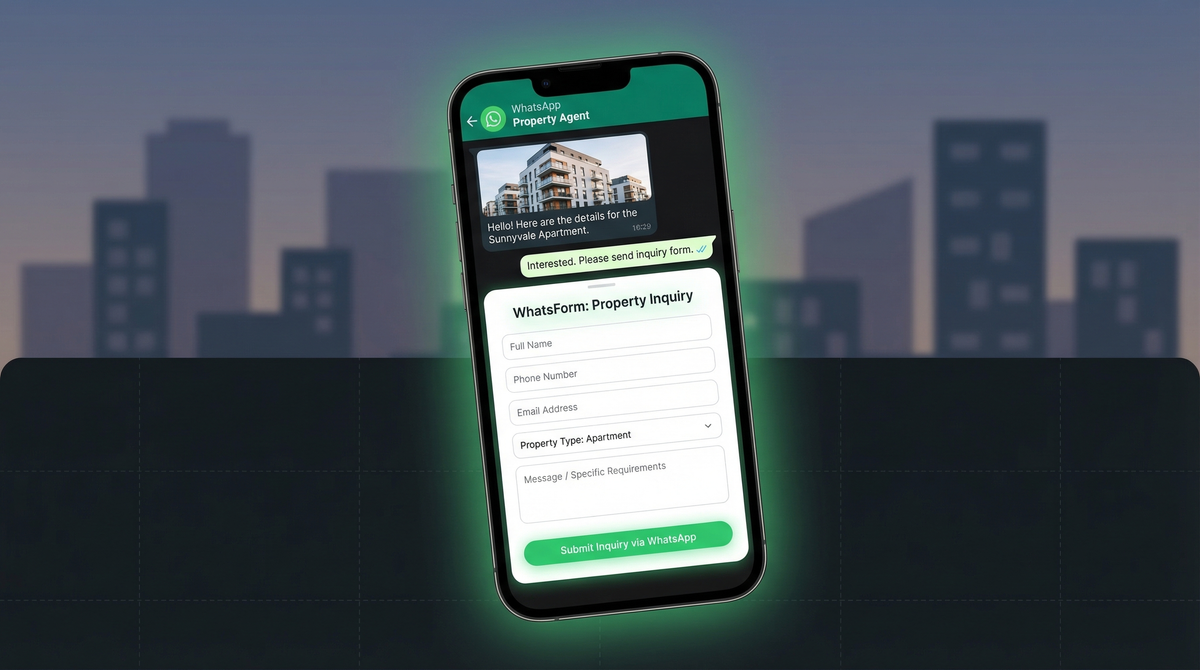
A potential buyer sees your listing online. They have questions. They send you an email.
You reply six hours later.
By then, they've already booked a viewing with the agent who called them back in five minutes.
This is the speed problem in real estate, and it's costing agents deals every single week.
The speed problem in real estate
Real estate leads are not patient. Studies on lead response consistently show that the odds of qualifying a lead drop dramatically within the first five minutes of contact. Wait longer than that, and you're essentially fighting for scraps.
Email is slow by design. People check it when they feel like it. WhatsApp is different. WhatsApp has a 98% open rate, and most messages are read within minutes. When a buyer has a question at 9pm while scrolling listings, they want an answer now, not a reply the next morning.
The agents winning in today's market are the ones who show up instantly. WhatsApp makes that possible, even at scale.
See also: WhatsApp vs email for lead generation.
Why WhatsApp works for real estate
Real estate is a high-trust, high-stakes purchase. Buyers and sellers want to feel like they're talking to a real person, not submitting a contact form into a void. If you're still relying on traditional website forms, consider replacing your contact form with a WhatsApp form instead.
WhatsApp feels personal. It's the same app people use to talk to their family. When an agent responds on WhatsApp, the dynamic is conversational, not transactional.
There's also the media advantage. Property photos, floor plans, virtual tour links, PDF brochures. All of it lands directly in the chat. No need to send the buyer back to a listing page or a separate email. Everything they need is in one thread.
And unlike a CRM inbox or a shared email account, WhatsApp Business lets agents manage leads from their phone, respond on the go, and keep track of where each buyer is in the process using labels.
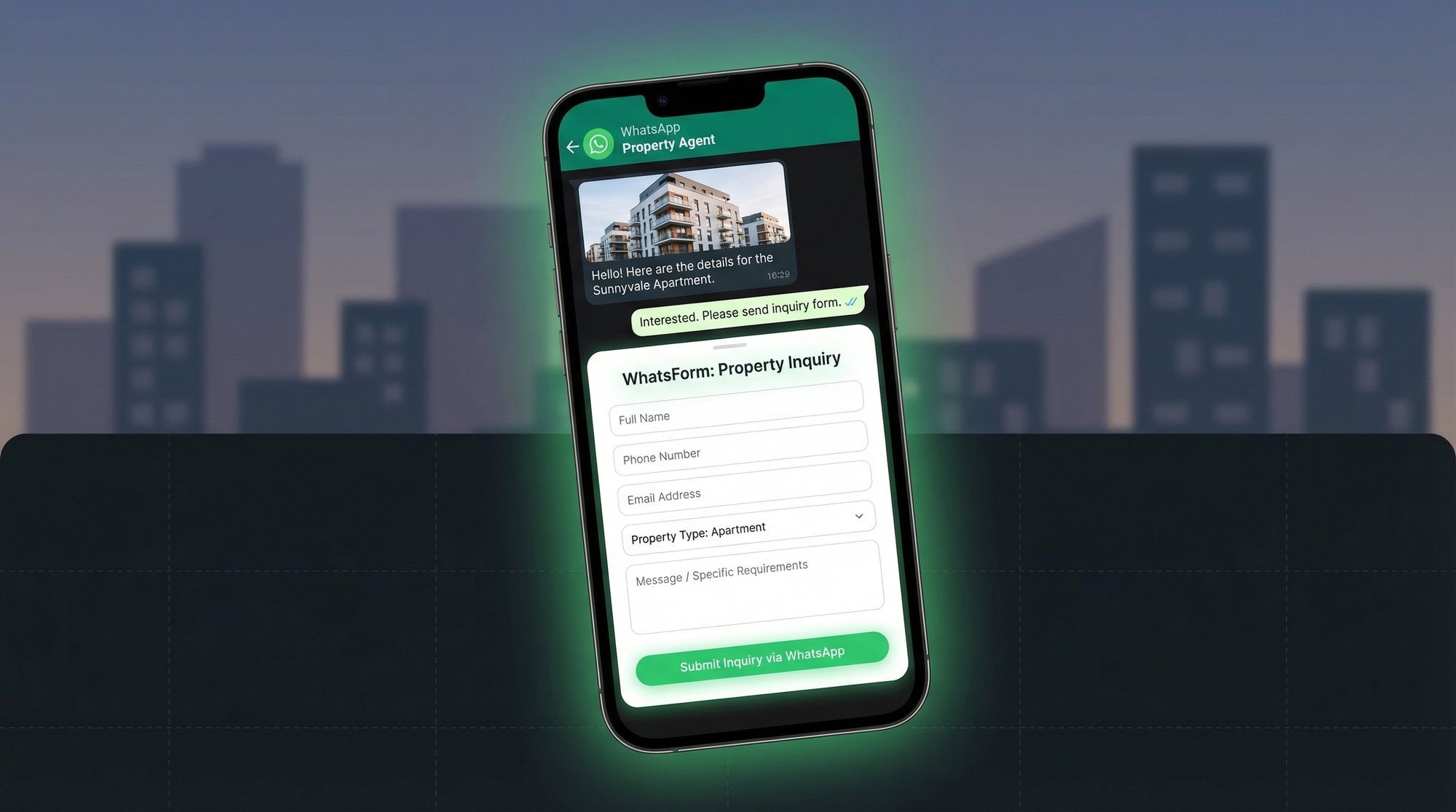
Capturing inquiry details properly
The biggest mistake real estate agents make on WhatsApp is starting every conversation from scratch. Buyer sends "hi, I'm interested in a flat." Agent asks what budget. Buyer replies. Agent asks location. Buyer replies. Fifteen messages later, you finally know if this person is a real lead.
That back-and-forth wastes everyone's time. The fix is a structured WhatsApp inquiry form.
Instead of a blank chat window, the buyer fills out a short form before the conversation starts. Name, budget range, preferred location, property type (apartment, villa, plot), and their timeline. That form sends the completed data directly to the agent's WhatsApp as a structured message.
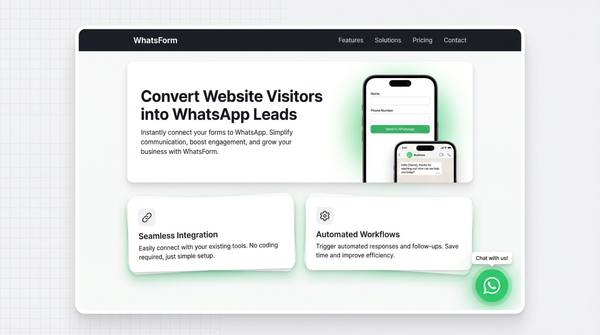
We built WhatsForm specifically for this. You create the form, embed it on your website or share a link, and every lead arrives with their details already filled in. No more "what was your budget again?" moments.
Here's what a proper inquiry capture form looks like:
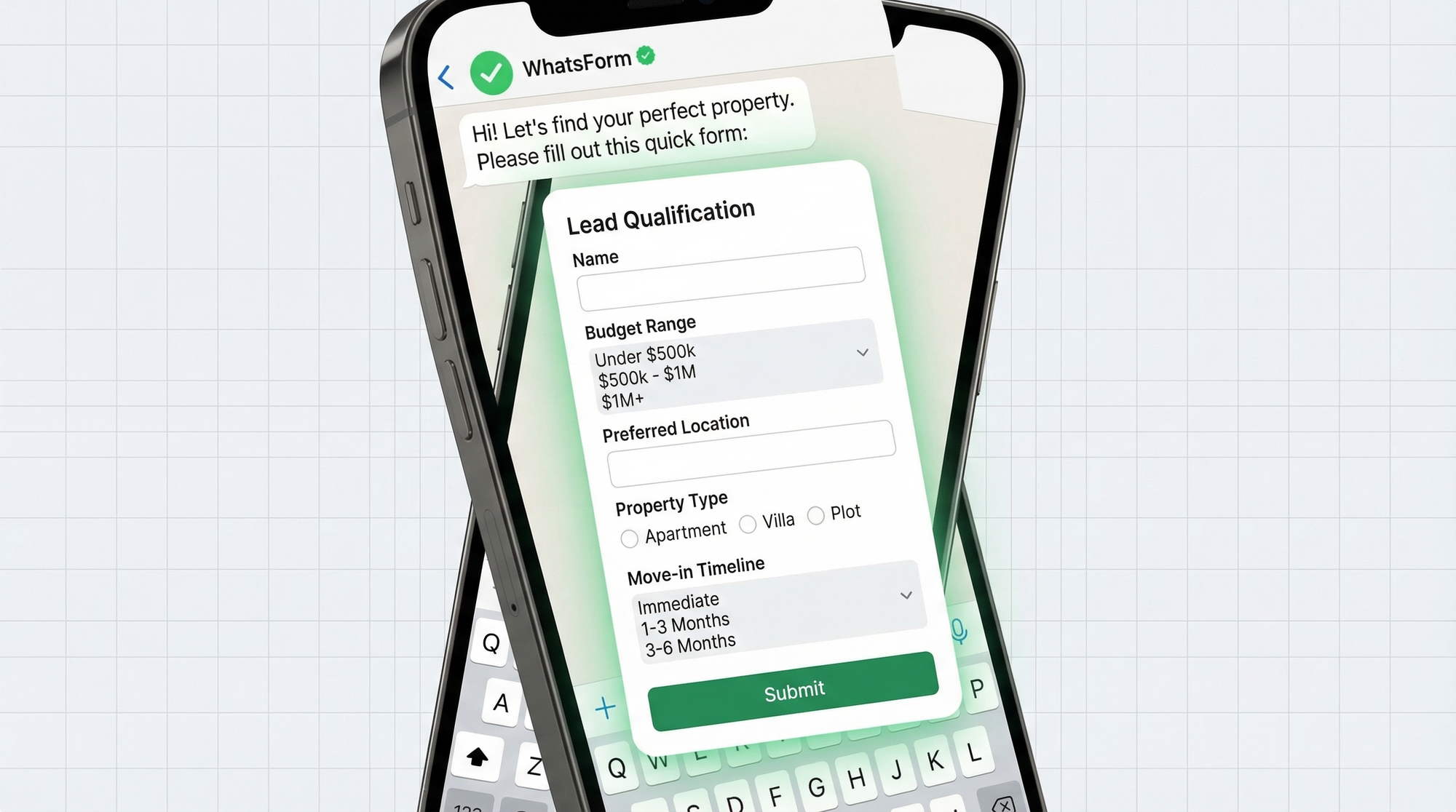
The form fields that matter most for real estate:
- Budget range (dropdown. prevents typing errors and makes filtering easier)
- Preferred location or neighbourhood
- Property type (apartment, villa, commercial, plot)
- Timeline (ready to buy now, 3 months, 6 months, just exploring)
- Phone number (auto-filled if they're already on WhatsApp)
Learn how to create your first form: step-by-step guide.
Property viewing bookings
Once you've qualified a lead, the next step is booking a viewing. This is another point where the process tends to break down. Email threads, missed calls, double-bookings.
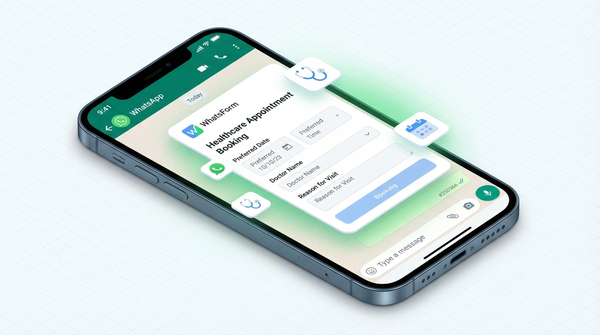
A WhatsApp booking form solves this cleanly. The buyer picks a date, time slot, which property they want to see, and confirms their contact details. The completed booking lands directly in the agent's WhatsApp, ready to confirm.
No phone tag. No back-and-forth scheduling. The lead books a slot, you confirm, done.
For agencies managing multiple properties, this also gives you a clean record of upcoming viewings without relying on someone to manually enter data into a calendar.
Sharing listings via WhatsApp
WhatsApp isn't just for receiving inquiries. It's the best channel for sending property details to interested buyers.
A few things that work well:
- Property photos and videos. Send directly in chat, buyers can share with family easily.
- PDF brochures. Attach the full property spec sheet to the chat thread.
- Virtual tour links. Paste the URL and WhatsApp generates a rich preview.
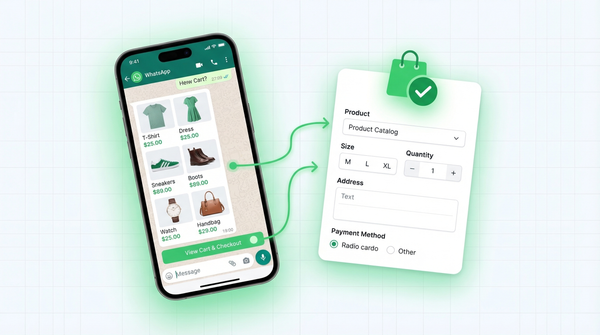
- WhatsApp Catalog. If you're on WhatsApp Business API, you can create a catalog of active listings that buyers can browse directly from the chat.
The key is that everything stays in one place. Buyers don't need to hunt through their email for the floor plan you sent three days ago. It's all in the chat.
Follow-up and nurturing with labels
Not every lead is ready to buy today. Some people are six months out. Some are just starting to look. If you treat every inquiry the same way, you'll burn time on low-priority leads and miss the hot ones.
WhatsApp Business has a simple but powerful feature for this: labels. You can tag conversations and filter by label to see exactly where each lead stands.
A basic real estate label system:
- New inquiry. Just came in, needs first response.
- Qualified. Budget and requirements confirmed.
- Viewing scheduled. Appointment booked.
- Visited. Viewing done, follow-up needed.
- Negotiating. Offer on the table.
- Closed. Deal done.
- Nurturing. Interested but not ready yet, check in monthly.
This gives you a real-time pipeline view without needing a complex CRM. Every morning, open WhatsApp, filter by "New inquiry" and "Negotiating", and you know exactly where to focus.
See how other businesses use WhatsApp for lead generation.
Team coordination across agents
Solo agents can manage everything from one phone. But agencies with multiple agents need a system.
The challenge: a lead comes in for a property in the north of the city, but the agent who handles that area is in a viewing. Who picks it up?
A few approaches that work:
- Routing by area. Different WhatsApp numbers (or form links) for different zones. Each agent manages their own leads. With WhatsForm, you can set up conditional agent routing so that inquiries are automatically forwarded to the right agent based on the buyer's selected location or property type.
- Even distribution. If your agents cover the same area and you want to spread the workload fairly, distribute agent routing automatically takes turns sending each new inquiry to the next available agent, so the workload is split evenly. No manual assignment needed.
- Shared inbox via API. WhatsApp Business API supports multiple agents accessing one number. This is the proper enterprise setup for larger agencies.
- Coverage protocol. Designate a backup agent for each area. If a lead comes in outside office hours or when the primary agent is unavailable, the backup responds within the target window.
For the team setup, the key is agreeing on response time targets and who owns each lead once contact is made. WhatsApp makes coordination easy. The process around it needs to be deliberate.
The same structured approach works for restaurants handling orders and ecommerce businesses managing customer inquiries. The principle is the same: capture details upfront, route to the right person, respond fast.
Setting it up for your agency
Getting this running doesn't take long. Here's the short version:
Step 1: Create your inquiry form. Use WhatsForm to build a property inquiry form with the fields that matter for your market. Full disclosure: we built it. It takes about five minutes to set up and requires no technical skills.
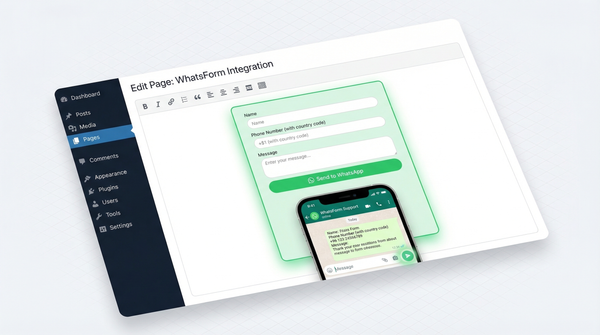
Step 2: Add it to your website. Embed the form on your property listings page or use it as a floating widget. If you're on WordPress, the WhatsForm WordPress plugin makes this a one-click install. Here's how to add it to WordPress.
Step 3: Share the link. Every form gets a shareable URL. Put it in your Instagram bio, your Google Business profile, your email signature. When someone asks about a property, send them the form link before you start chatting.
Step 4: Manage on the go. Download the WhatsForm app on Android or iOS. Manage your forms, view responses, and handle everything from your phone while you're at viewings.
Step 5: Set up your label system. Before leads start coming in, create your pipeline labels in WhatsApp Business. Takes two minutes and saves you hours of confusion later.
That's it. Leads come in structured and complete. You respond faster. You close more deals.
Speed wins in real estate
The agents who win are not always the ones with the best listings or the lowest fees. They're often just the ones who respond first.
For a detailed walkthrough, check our help center guide on setting up an inquiry form.
WhatsApp puts you one message away from every buyer. A structured form means that message arrives with all the context you need. No more starting from zero, no more chasing incomplete leads, no more losing deals because you replied six hours too late.
Start with one form. Put it on your website. See how the first few leads come in. Then build from there.