How restaurants use WhatsApp to take orders and reservations
Restaurants in India, Brazil, and the Middle East are running their entire order and reservation flow through WhatsApp. Here's the structured way to do it.

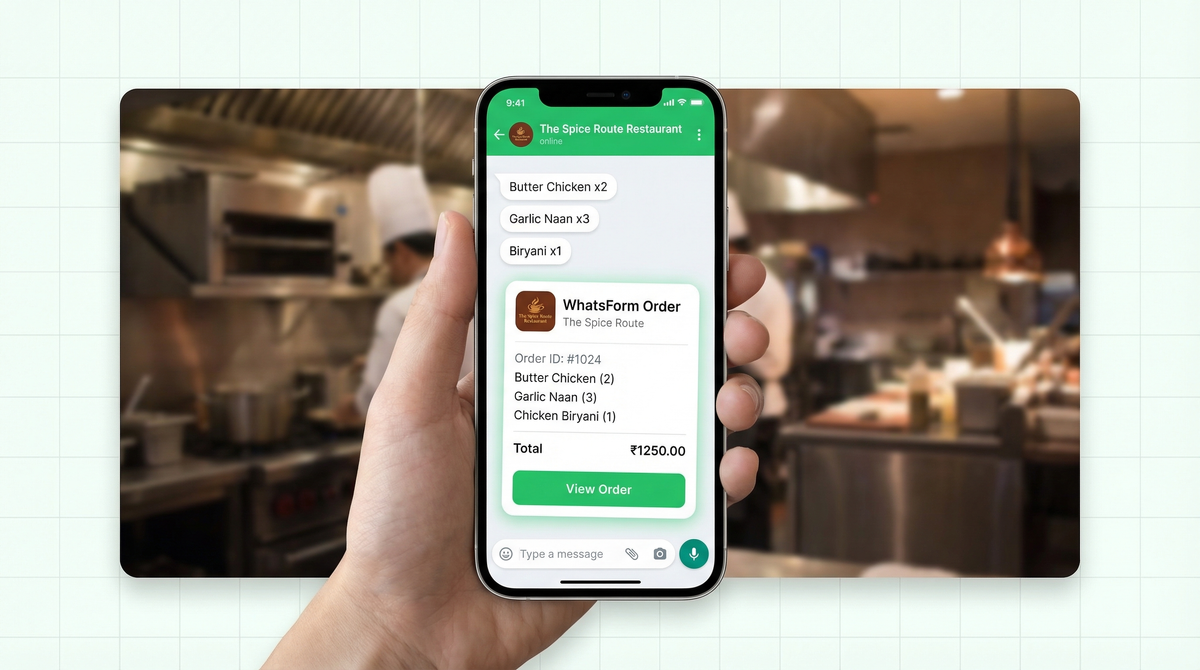
Walk into any busy restaurant in Mumbai, Riyadh, São Paulo, or Jakarta and ask the owner how they take orders. Chances are, the answer is WhatsApp. Not a fancy POS system. Not an app. WhatsApp.
It's not laziness. It's the right call. Customers already have it installed. There's no sign-up friction. And a quick message is faster than a phone call where someone gets put on hold during the dinner rush.
But there's a problem with how most restaurants do it. And it costs them orders every single day.
Why restaurants love WhatsApp
WhatsApp Business has over 200 million monthly active users. A massive chunk of them are restaurants, cafes, bakeries, and food stalls.
The reason is obvious: your customers are already there. No app to download, no account to create, no learning curve. They just message you like they'd message a friend.
In India, Brazil, the Middle East, and Southeast Asia, WhatsApp is the internet for millions of people. It's how they book things, ask questions, and yes, order food. If you're a restaurant not on WhatsApp Business, you're invisible to a huge chunk of potential customers.
It's also faster than phone calls. No hold music. No miscommunication over a noisy line. The customer types their order, you read it, done.
The pain of free-text orders
Here's how a typical WhatsApp order looks when there's no structure:
"Hi, I want 2 butter chicken. Actually make it 3. And naan. Oh and do you have garlic naan? If yes then 2 garlic naan. And can you deliver by 8? My address is... wait let me find it"
Then three messages later: "Actually can you add a raita?"
This is the reality of free-text ordering. And restaurants deal with hundreds of these a week. Missed items. Wrong quantities. Addresses that don't exist. Payment methods never confirmed.
The kitchen gets incomplete info. The delivery person goes to the wrong building. The customer blames the restaurant.
Free-text ordering over WhatsApp is better than phone calls, but it's still chaotic. The fix is simple: a structured form.
How to create a proper order form
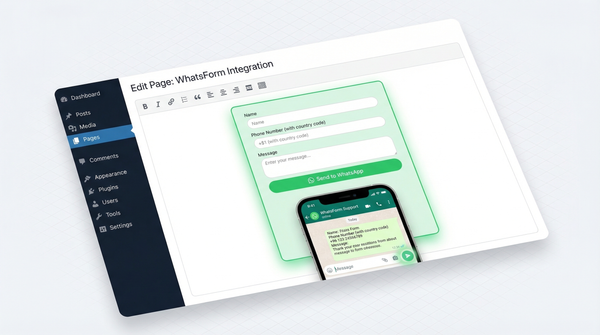
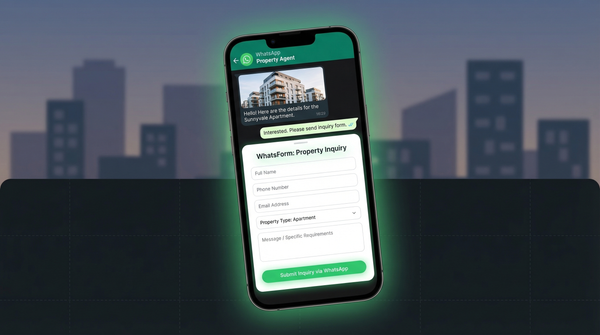
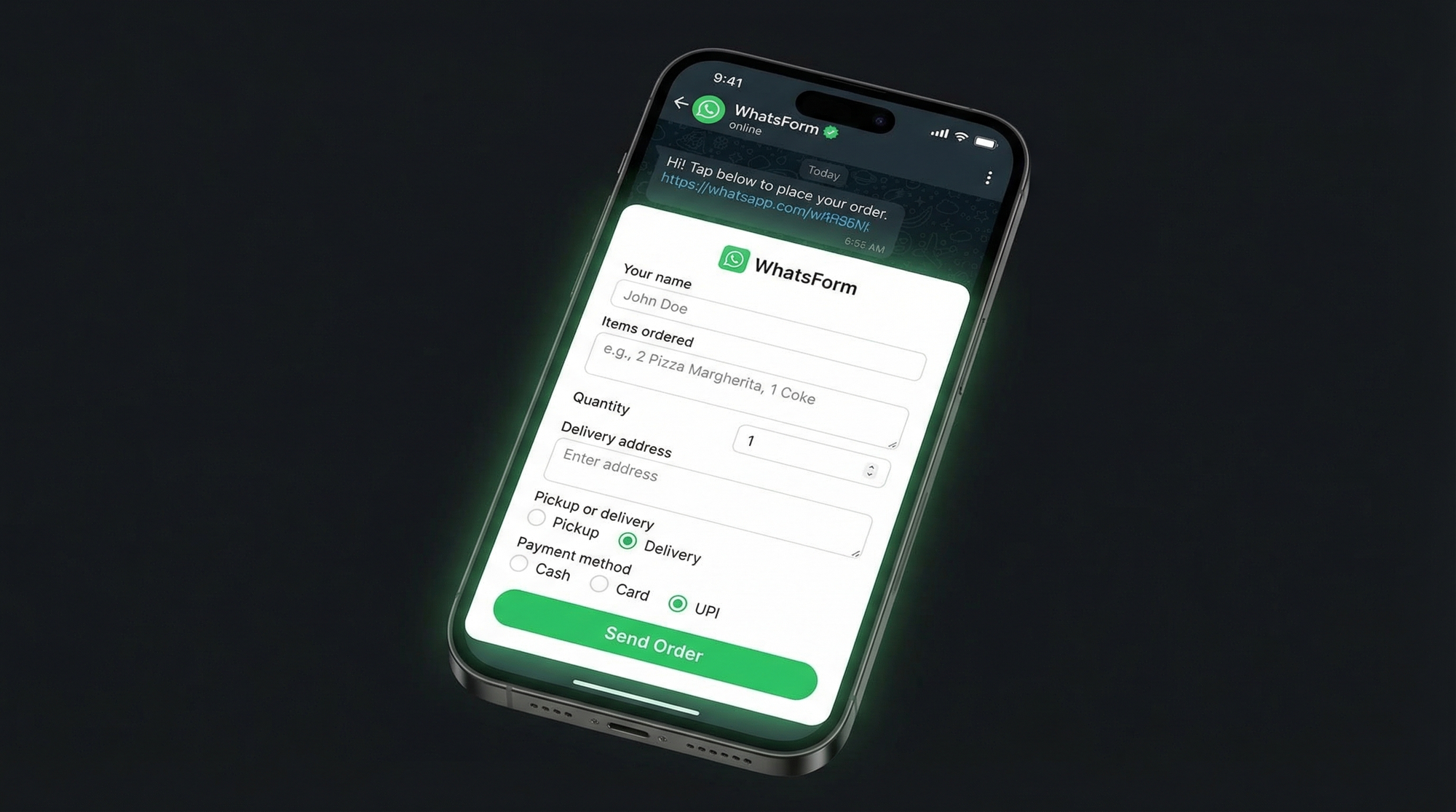
Instead of letting customers type whatever they want, you give them a form. A WhatsApp form collects structured fields, sends the responses directly to your WhatsApp, and keeps everything clean and readable.
A good restaurant order form includes:
- Name (so you know who ordered)
- Items and quantity (no more guessing)
- Delivery or pickup (clear upfront)
- Delivery address (if applicable)
- Preferred time
- Payment method (cash, card, UPI, etc.)
When the customer fills this form and submits, everything arrives in your WhatsApp inbox as one clean message. No back-and-forth. No incomplete orders.
We've written a full guide on this: how to collect orders on WhatsApp. It walks through the exact setup step by step.
Reservation and table booking
Orders aren't the only thing restaurants handle over WhatsApp. Reservations are just as messy when done over chat.
"Can I book for Saturday?" doesn't tell you how many people, what time, or if it's someone's birthday. You end up in a 10-message thread just to confirm a table.
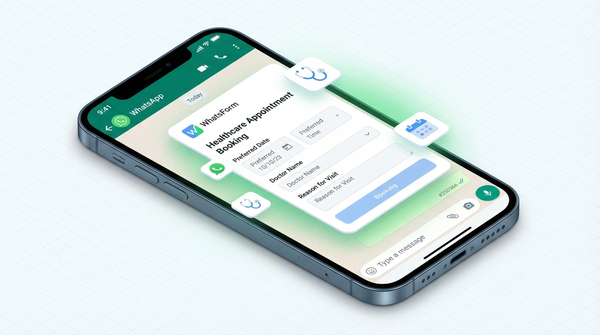
A WhatsApp booking form fixes this. You collect:
- Date and time
- Number of guests
- Name and contact
- Special requests (allergies, occasion, seating preferences)
You get a complete booking in one message. No follow-up needed. Use our WhatsApp contact form guide to set this up in minutes.
Menu sharing via WhatsApp catalog
WhatsApp Business has a built-in catalog feature. You can list your menu items with photos, descriptions, and prices. Customers browse the catalog right inside WhatsApp, pick what they want, and send you their selection.
Setting it up takes about 30 minutes and it makes a real difference. Customers who can see photos of food order more. It's that simple.
Go to WhatsApp Business settings, tap Catalog, and start adding items. Group them by category (starters, mains, desserts, drinks). Add clear photos and accurate prices.
Combine catalog browsing with a structured order form and you have a complete ordering experience that rivals food delivery apps, with zero commission fees.
Handling delivery vs pickup
One of the biggest friction points in restaurant WhatsApp ordering is routing. Delivery orders need an address. Pickup orders don't. If you're asking everyone for an address upfront, you're wasting time and confusing customers.
With a WhatsApp form, you add a conditional field. If the customer selects "delivery," the address field appears. If they select "pickup," it stays hidden.
This auto-routing based on form response means your team always gets exactly the information they need, nothing more and nothing less. You can also set up separate WhatsApp numbers or labels for delivery vs pickup orders if your volume justifies it.
Real examples: how small restaurants do it
Bakery taking cake orders. A home bakery in Kerala shares a WhatsApp form link in their Instagram bio. The form collects: cake flavour, size, message on cake, pickup date, and payment preference. Orders arrive clean. Zero missed customizations.
Pizza shop in São Paulo. They send the WhatsForm link in their Google Business profile. Customers pick their pizza, add toppings, drop their address, choose cash or PIX. The shop owner gets a WhatsApp message with everything filled in. No phone calls during rush hour.
Biryani delivery service. A small operation running out of a home kitchen in Hyderabad handles 40-50 orders a day entirely through WhatsApp. They use a form that captures the biryani type, portion size, delivery area, and time slot. They've been doing this for two years. No third-party app. No commission. Just WhatsApp and a structured form.
These aren't tech-forward businesses. They're just restaurants that got tired of chaotic chats and found a better way.
Getting started in 10 minutes
Here's how to set this up with WhatsForm:
- Sign up at WhatsForm (free to start, no credit card)
- Use a template. Start with the WhatsApp order form guide for food orders or the WhatsApp contact form guide for reservations
- Customize the fields for your menu and delivery options
- Connect your WhatsApp Business number
- Share the link in your Instagram bio, Google listing, website, or send it to regulars
Full setup walkthrough in our help center guide: how to create your first WhatsApp form.
If you're managing orders on the go, download the app:
If your menu is on your website, you can also add a WhatsApp contact form so customers can start an order from your site directly.
If you're comparing tools, check out how to create a WhatsApp order form or see how WhatsForm compares to Google Forms.
WhatsApp is already where your customers are. The only upgrade you need is a form that makes orders clean, complete, and easy to act on. Ten minutes of setup. Zero chaotic texts.