WhatsApp vs WhatsApp Business: what's the difference?
Regular WhatsApp or WhatsApp Business? Here's exactly what's different, what stays the same, and which one your business actually needs.

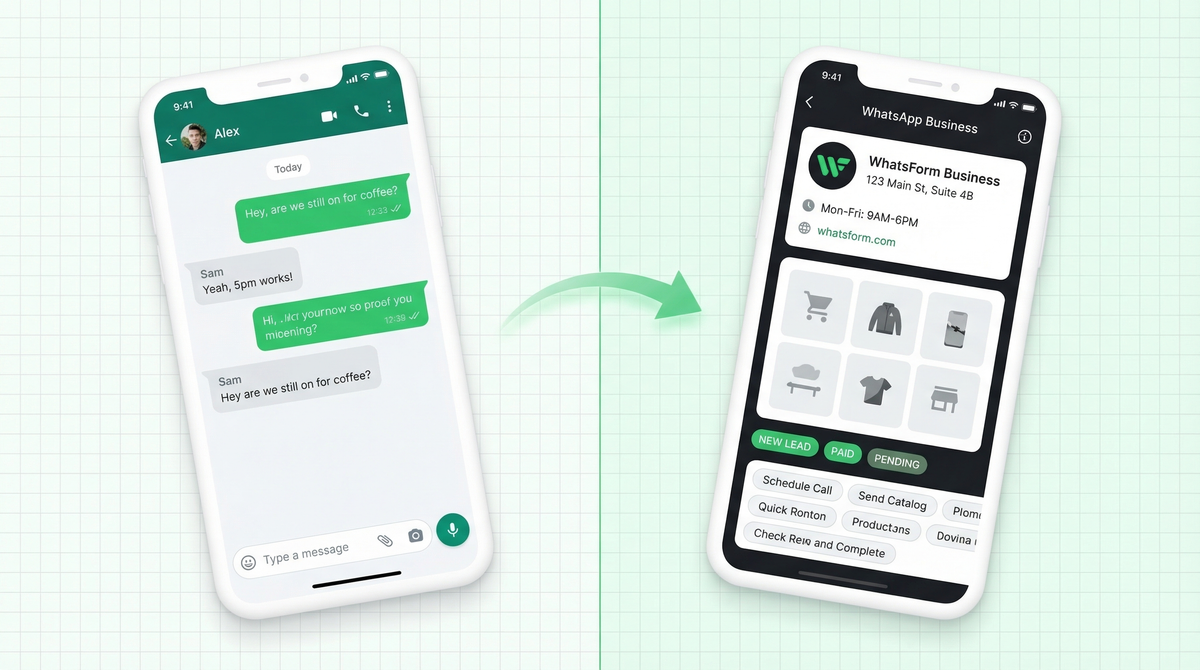
If you've ever typed "WhatsApp Business" into Google, you're not alone. It's the most-searched WhatsApp question from business owners worldwide. And the confusion makes sense. Two apps, same name, wildly different purposes.
Here's the short answer: WhatsApp is for personal messaging. WhatsApp Business is built for businesses, with a set of tools that make it easier to manage customer conversations at scale. If you're using regular WhatsApp to run your business right now, you're leaving a lot on the table.
Let's break it down properly.
What WhatsApp Business gives you that regular WhatsApp doesn't
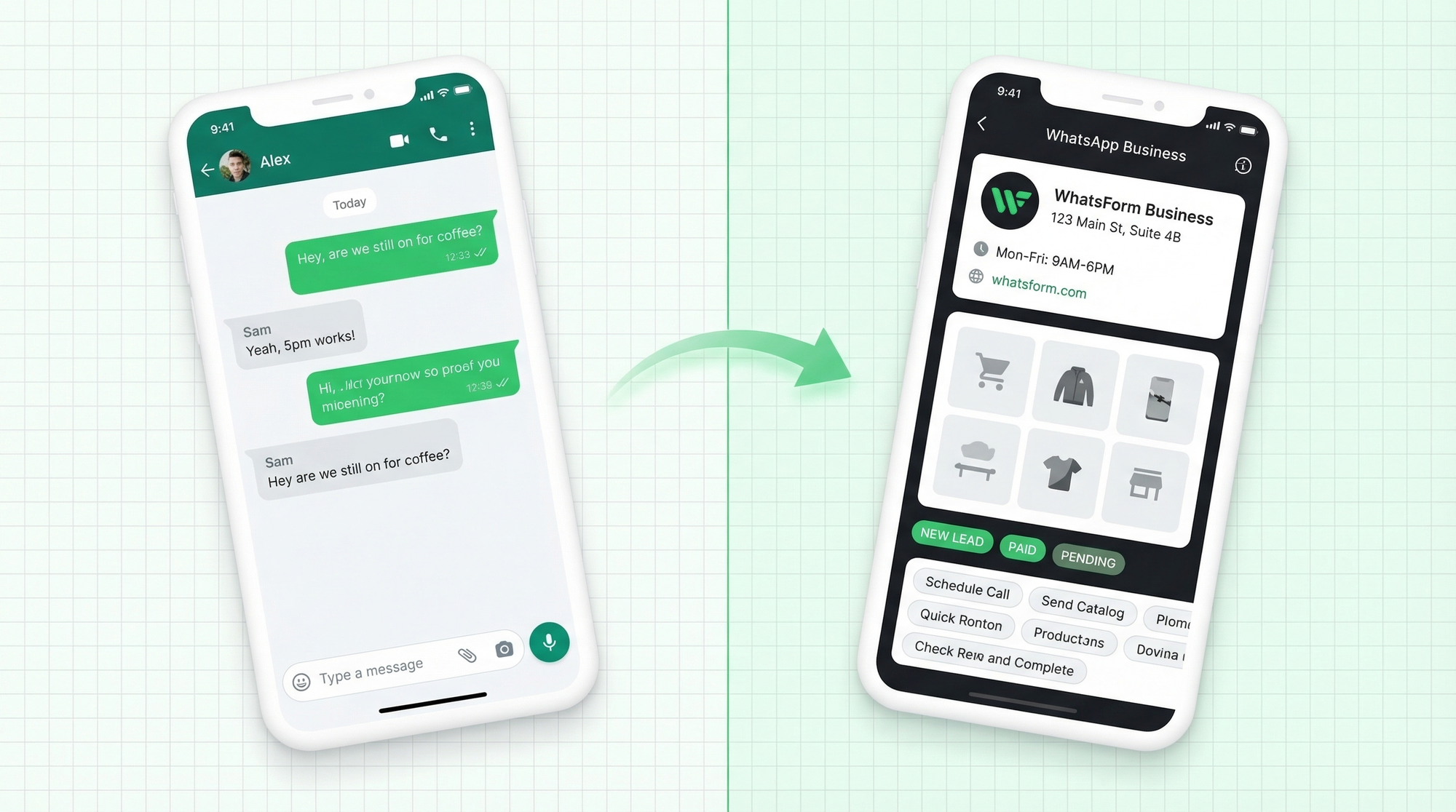
The app looks almost identical when you first open it. But underneath, WhatsApp Business has a whole layer of features built specifically for running a business.
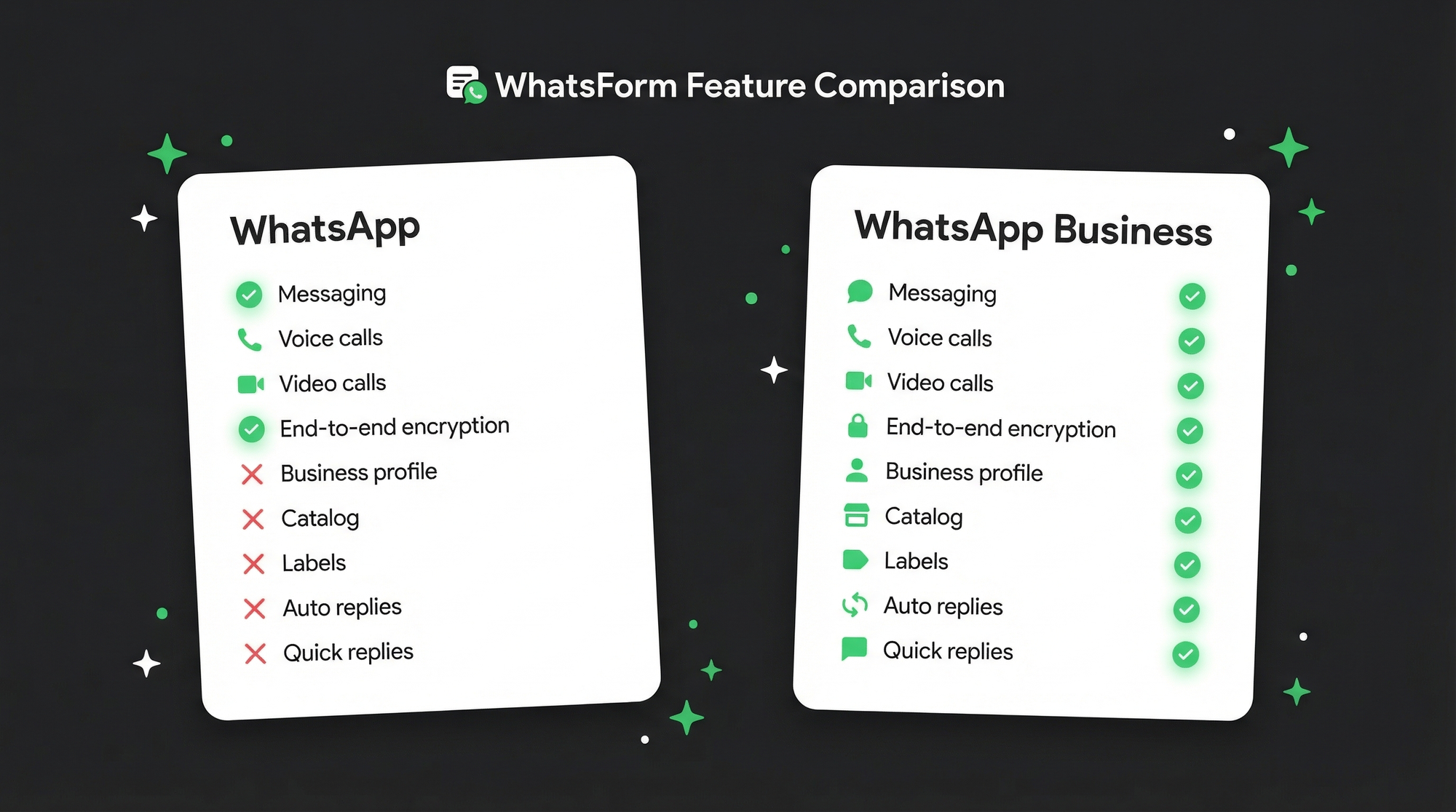
Business profile
You can add your business name, description, website, email, address, and opening hours. When a customer taps your name in a chat, they see a proper business card instead of just a phone number. First impressions matter, and this is a free way to look professional.
Catalog
You can list your products or services directly inside WhatsApp. Customers browse your catalog without leaving the chat. No website needed. No link-clicking. Just scrolling and messaging. It's surprisingly effective for small businesses, especially restaurants taking orders via WhatsApp. If you want to take it further, you can pair your catalog with a WhatsApp order form so customers can place structured orders directly.
Quick replies
Save your most common responses as templates. Type "/" and your saved replies pop up. Answer "what are your prices?" or "where are you located?" in two taps instead of typing it out every single time. If you reply to the same questions repeatedly, this alone is worth switching for.
Labels
Organize your chats with color-coded labels: new lead, contacted, pending payment, order complete. It's a basic CRM built right into the app. Not powerful enough to replace a real CRM, but excellent for keeping things organized when you're just starting out. Especially useful for managing leads coming in from multiple sources.
Greeting message and away message
Set a message that goes out automatically when someone messages you for the first time, or when they message outside business hours. You don't have to be glued to your phone 24/7. Your customers get an immediate response, and you set expectations without doing any extra work. We wrote a full guide on setting up WhatsApp auto replies if you want to go deeper on this.
WhatsApp Web for business
Both apps support WhatsApp Web, but the Business version keeps your professional and personal conversations separate. Log into WhatsApp Business Web at your desk, reply to customers from a full keyboard, and keep your personal chats on your phone. Clean separation, less chaos.
Link generation (wa.me links)
Create a click-to-chat link that opens a WhatsApp conversation with your business. Share it on Instagram, add it to your website, put it in your email signature. Anyone who clicks goes straight to a chat with you, no need to save your number first. You can also add a WhatsApp contact form to your website for a more structured approach. Check our list of free WhatsApp tools for more ways to make this work harder for you.
What stays the same
End-to-end encryption. Every message in WhatsApp Business is just as private and secure as regular WhatsApp. Your customers' conversations are protected the same way.
Free to use. WhatsApp Business is free to download and use. No subscription, no hidden fees. (The API version is different. More on that below.)
Same experience for your customers. When a customer messages you on WhatsApp Business, it looks exactly like a regular WhatsApp chat on their end. They don't need to do anything differently. No extra app, no new account.
Can you use both on the same phone?
Yes, but with a catch. Each app needs its own phone number. If you have a dual-SIM phone, you can run both apps simultaneously. One number for personal use, one for business. Works well once you set it up.
If you don't have a dual-SIM setup, you can use a landline number for WhatsApp Business. WhatsApp will call the landline to verify via voice call. Many businesses do this so the business account stays tied to the office number, not anyone's personal phone.
When to stick with regular WhatsApp
If you're using WhatsApp purely for personal conversations, stay on regular WhatsApp. Simple.
If you have a tiny side project where you get maybe one or two customer messages a week, the extra setup might not be worth it yet. But honestly, even then, switching costs nothing. The Business app is free.
When to switch to WhatsApp Business
If you get more than five customer messages a day, switch now. Today. The quick replies alone will save you significant time every week.
Switch if you:
- Run any kind of shop, service, or freelance business
- Advertise on Instagram or Facebook and get DMs
- Use WhatsApp to close sales or handle support
- Want to look more professional to customers
- Are tired of typing the same answers over and over
There is genuinely no downside. It's the same app, with more features, for free. If you're wondering whether WhatsApp even makes sense as a business channel, we compared WhatsApp vs email for lead generation. Spoiler: WhatsApp wins on response rates.
The third option: WhatsApp Business API
There's a version beyond the Business app. The WhatsApp Business API is built for larger companies that need to send bulk messages, integrate with CRMs, or automate complex workflows. It's not free, it requires a business verification process, and it's definitely overkill for most small businesses.
If you're handling hundreds of conversations a day or want to build serious automation, the API is worth exploring. We'll cover it in a dedicated article soon.
How WhatsApp forms fit in
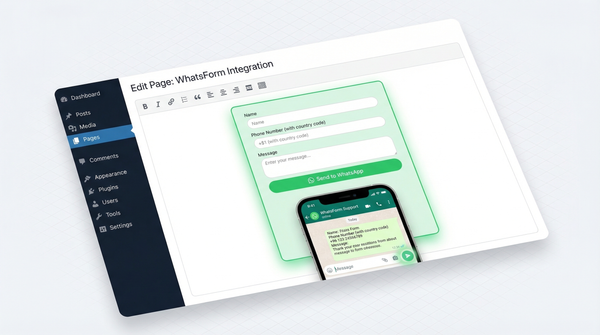
One thing that works really well with WhatsApp Business is using WhatsApp forms to bring leads into your inbox automatically.
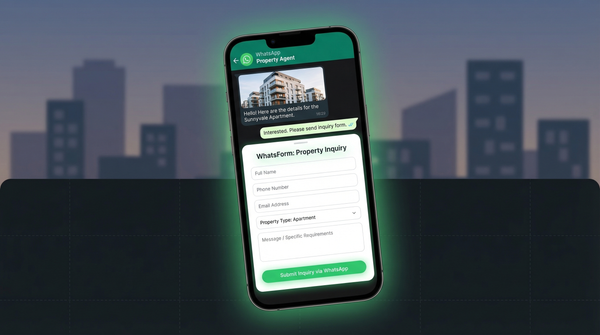
Instead of sharing just your number and hoping people message you, a WhatsApp form lets customers fill out a quick form, and then it opens a WhatsApp chat with a pre-filled message. You get structured lead information right inside your WhatsApp Business inbox. No back-and-forth asking for details. No missed context.
Already using Google Forms? You can convert your Google Form to a WhatsApp form in one click. Or see how WhatsForm stacks up in our WhatsForm vs Google Forms comparison.
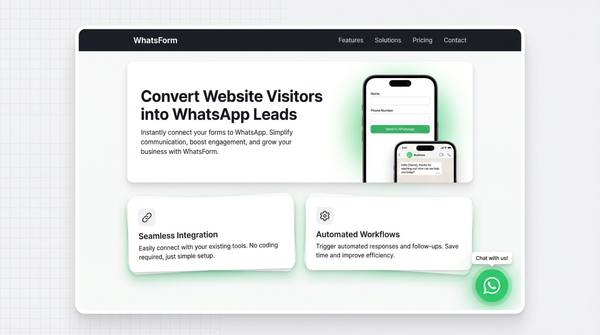
Full disclosure: we built it. WhatsForm works with both regular WhatsApp and WhatsApp Business. You can create your first form in under five minutes, and sharing it is as easy as pasting a link.
If you're already using WhatsApp Business and want a smarter way to capture leads, it's worth a look.
Bottom line
For a detailed walkthrough, check our help center guide on what a WhatsApp form is.
Regular WhatsApp is a messaging app. WhatsApp Business is a lightweight business tool built on top of that messaging app. If you're running any kind of business, the switch takes ten minutes and costs nothing. Do it.
The WhatsForm app is available on Android, iOS, and as a WordPress plugin.
The features that matter most for small businesses: quick replies, labels, auto replies, and the business profile. Get those set up first. Everything else is a bonus.