What is a WhatsApp form?
If you run a business on WhatsApp, you already know the problem. Every new customer gets the same set of questions. WhatsApp forms fix that.

If you run a business on WhatsApp, you already know the problem.
Every new customer that messages you gets the same set of questions:
- "What are you looking for?"
- "Which service do you need?"
- "What size?"
- "Where should we deliver?"
- "When do you need it?"
You type the same things, over and over, for every single person.
It works when you have 5 customers a day. It breaks when you have 50. And it completely falls apart when you're trying to run the business and handle WhatsApp at the same time.
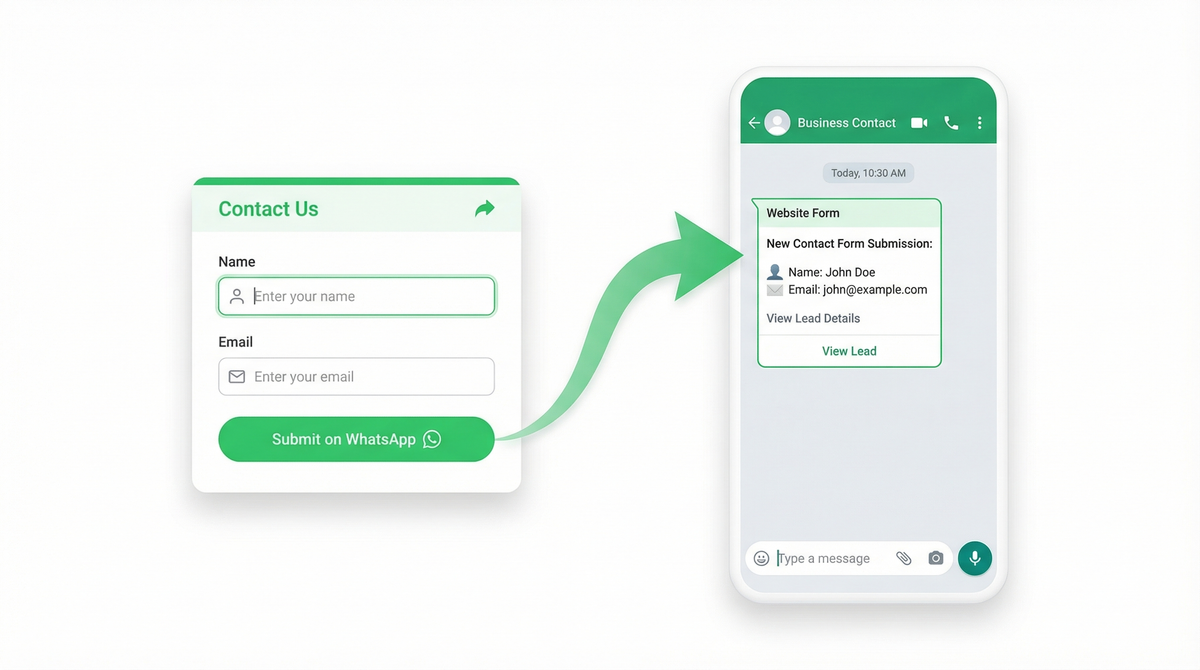
WhatsApp forms solve this. You take all those repetitive questions, put them in a single form customized for your business, and share the link with your customers. The customer clicks, fills in their details, and the response lands directly on your WhatsApp. From their number. An instant conversation is created, and you already have all the context you need to help them.
No more repeating yourself. No more copy-pasting the same questions. No more losing track of who asked for what.
So what exactly is a WhatsApp form?
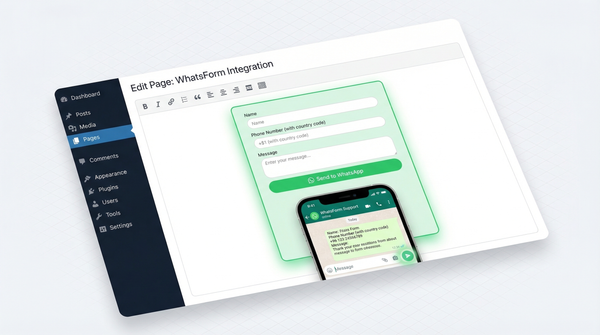
A WhatsApp form is a web form that delivers responses directly to your WhatsApp. Not to your email inbox. Not to a spreadsheet you'll check next week. Straight to the app you already have open 50 times a day.
Your customer fills out a form on your website, landing page, or a shared link. They hit submit. You get a WhatsApp message from their number with all their responses, neatly formatted. You can reply instantly, right there in the chat.
That's it. No new app to learn. No dashboard to check. No leads getting cold in an inbox you forgot to open.
Why this matters more than you think
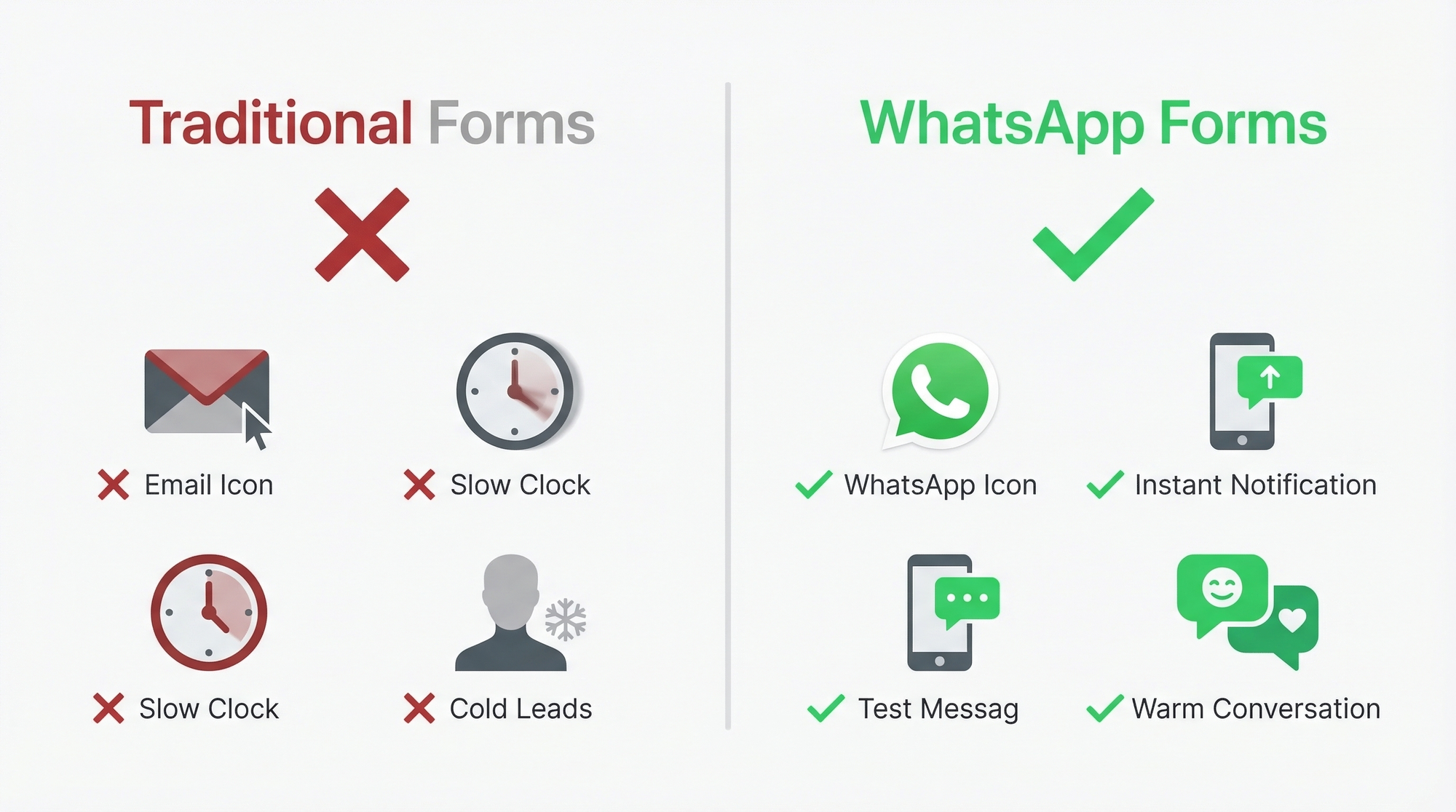
Let me tell you what happens with traditional forms:
- Someone fills out your contact form at 2pm
- The response goes to your email
- You see it at 6pm (maybe)
- You reply at 6pm
- They've already moved on to a competitor
Now here's what happens with a WhatsApp form:
- Someone fills out your form at 2pm
- You get a WhatsApp notification instantly
- You reply in 30 seconds, from the same app you're already using
- The customer is still thinking about you. The conversation starts.
Speed of response is the single biggest factor in converting leads. Harvard Business Review found that businesses who respond within 5 minutes are 100x more likely to connect with a lead. WhatsApp makes sub-minute responses effortless because you're not switching between tools. You're just replying to a message.
How a WhatsApp form actually works
There's no magic here. The mechanics are simple:

Step 1: Build your form. Use a create your first WhatsApp form to add your questions. Name, email, phone, what they're looking for, budget, preferred date, whatever you need. start from a template. Takes about 2 minutes.
Step 2: Share it. You get a share your WhatsForm URL. Put it on your website, share it on Instagram, add it to your email signature, print it on a flyer as a QR code. The form works everywhere.
Step 3: Get responses on WhatsApp. When someone submits the form, you receive a WhatsApp message from their actual phone number. Their answers are formatted cleanly. You tap reply and you're in a conversation.
The beautiful part? The customer doesn't need to have WhatsApp installed to fill out the form. It's a regular web form on their end. The WhatsApp delivery happens on your side.
Use it in your WhatsApp Business greeting and quick replies
Here's something most people miss. If you're using the WhatsApp Business app, you can set up a greeting message that automatically sends when a new customer messages you. Put your WhatsApp form link right in that greeting.
So the flow becomes: customer messages you on WhatsApp, they instantly get a greeting with your form link, they fill it out, and the response comes back to the same chat. You've just automated your entire first interaction without writing a single line of code.
Same goes for quick replies. Set up a quick reply with your form link so you can send it to any customer in two taps. No more typing out the same questions manually.
Where WhatsApp forms make the most sense
Not every business needs this. But if your workflow already revolves around WhatsApp, and for millions of businesses worldwide it does, then this changes everything.

Small e-commerce stores (see our guide on collecting orders on WhatsApp) in markets like India, Brazil, Indonesia, and the Middle East where WhatsApp IS the business platform. A customer fills out an WhatsApp order form template form, you get it on WhatsApp, you confirm, you ship. No Shopify, no payment gateway, no complexity.
Service businesses like freelancers, agencies, and consultants. Someone requests a quote through your form. You see it instantly. You reply with a question. Within 5 minutes you've had a conversation that would've taken 3 days over email.
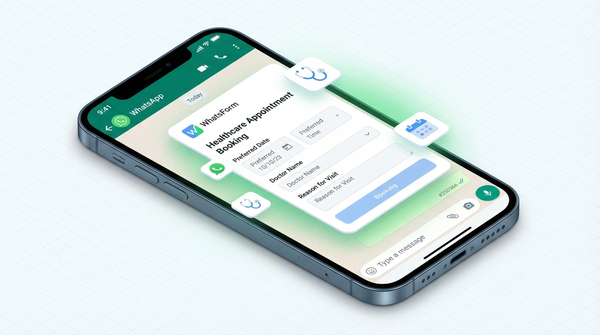
Healthcare clinics where WhatsApp booking template requests land on the receptionist's WhatsApp. They confirm the slot in real-time. Patient gets a personal confirmation, not an automated email they'll miss.
Restaurants and food businesses taking menu orders via a form, received on WhatsApp. Confirm, prepare, deliver. The entire workflow happens in one app.
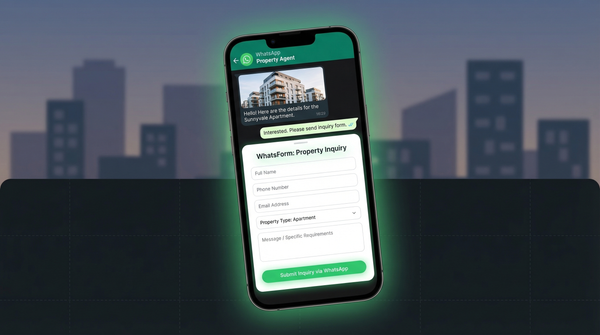
Real estate agents getting property inquiry forms that land directly in the agent's pocket. When a buyer submits interest in a listing, the agent can respond while they're standing in the property.
Education and training businesses handling course registrations, workshop signups, and student feedback. All arriving where the team actually communicates.
The psychology of why this works
There's a reason WhatsApp forms convert better, and it's not about the technology. It's about human behavior.
WhatsApp has a 98% open rate. Compare that to email at 20%. When a lead arrives on WhatsApp, you see it. When you reply, they see it. The channel itself eliminates the biggest problem in lead management: things getting lost.
The reply feels personal. When you respond on WhatsApp, the customer isn't getting a "Dear Customer" autoresponder. They're getting a message from a real person, in an app they use to talk to friends and family. That context changes the relationship from "business transaction" to "conversation."
The friction disappears. No logging into a dashboard. No CRM to update. No email thread to find. You see the message, you reply, the conversation continues. The tool gets out of the way.
What a WhatsApp form is NOT
Let me clear up a few things:
It's not the WhatsApp Business API. The WhatsApp Business API is a powerful but complex system designed for large-scale automated messaging. WhatsApp forms are simpler. They're web forms that deliver to WhatsApp. You don't need API access, technical setup, or a BSP (Business Service Provider).
It's not a chatbot. Chatbots automate conversations inside WhatsApp. A WhatsApp form collects data through a web form and sends you the results on WhatsApp. Different tools, different jobs.
It's not a replacement for your CRM. If you're running a 50-person sales team, you probably need Salesforce or HubSpot. But if you're a small business where the founder is also the sales team? WhatsApp is your CRM. And WhatsApp forms feed it perfectly.
Building your first WhatsApp form
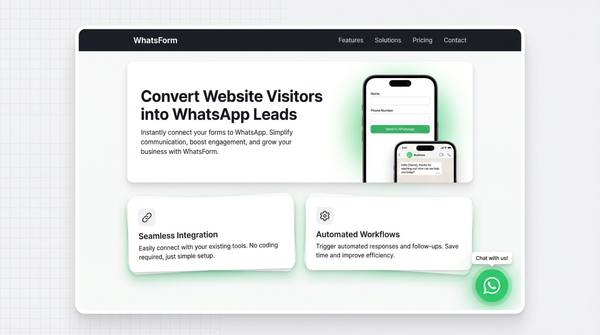
If you want to try this, WhatsForm is probably the easiest way to get started. Full disclosure: we built it. But we built it because I was frustrated with the exact problems I just described.
Here's the quick version:
- Sign up (free plan available)
- Create a form using the drag-and-drop builder (step-by-step guide here)
- Connect your WhatsApp number
- Share the form link or embed it on your site
- Start receiving responses on WhatsApp
The whole setup takes less than 5 minutes. You don't need a developer. You don't need the WhatsApp Business API. You don't need to install anything.
The bigger picture
We're living in a world where 2 billion people use WhatsApp daily. In many markets, WhatsApp isn't just a messaging app. It's the internet. It's how people buy things, book appointments, and talk to businesses.
Traditional forms were designed for a world where email was the primary business communication channel. That world is shrinking every day.
WhatsApp forms aren't a gimmick or a trend. They're a recognition that business communication has moved to messaging apps, and your data collection tools need to move with it.
For a detailed walkthrough, check our help center guide on step-by-step setup.
If your customers are on WhatsApp, and statistically they are, then the question isn't whether WhatsApp forms make sense. It's why you're still sending leads to an inbox nobody checks.
The WhatsForm app is available on Android and iOS.
Want to try it? Create your first WhatsApp form for free. Takes about 2 minutes.