How to create a WhatsApp contact form for your website
Replace your boring contact page with a form that sends inquiries directly to WhatsApp. Faster response times, higher conversion rates.

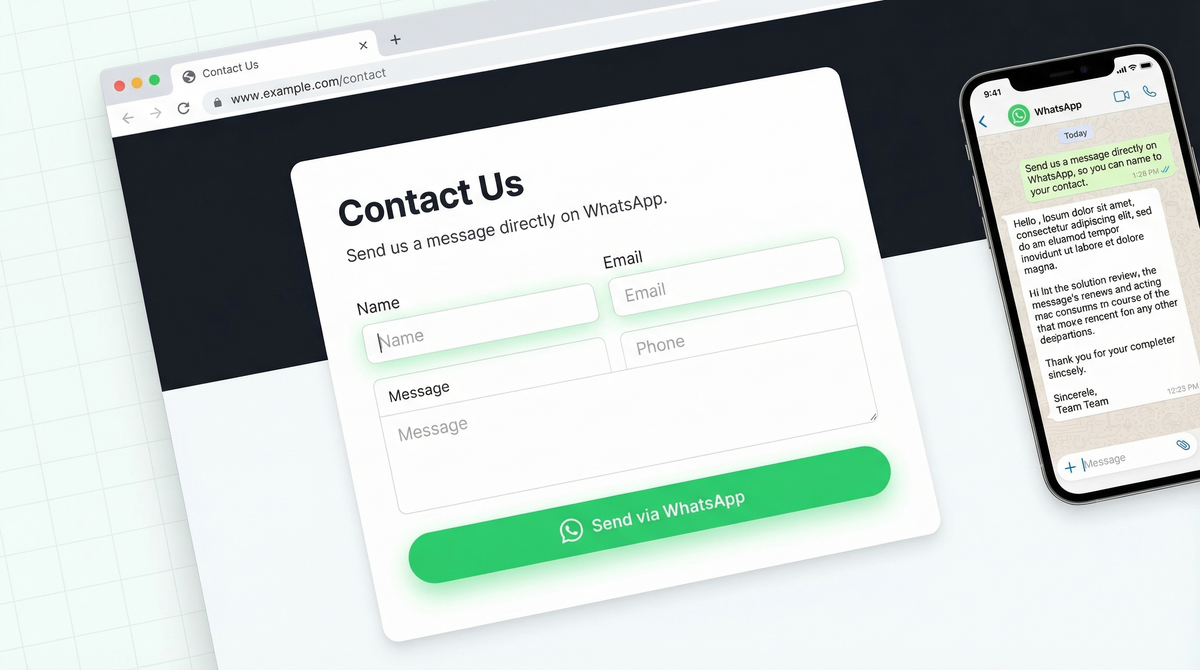
You spent time designing your website. Your contact page looks clean. You've got your contact form online. There's a form, a few fields, a submit button.
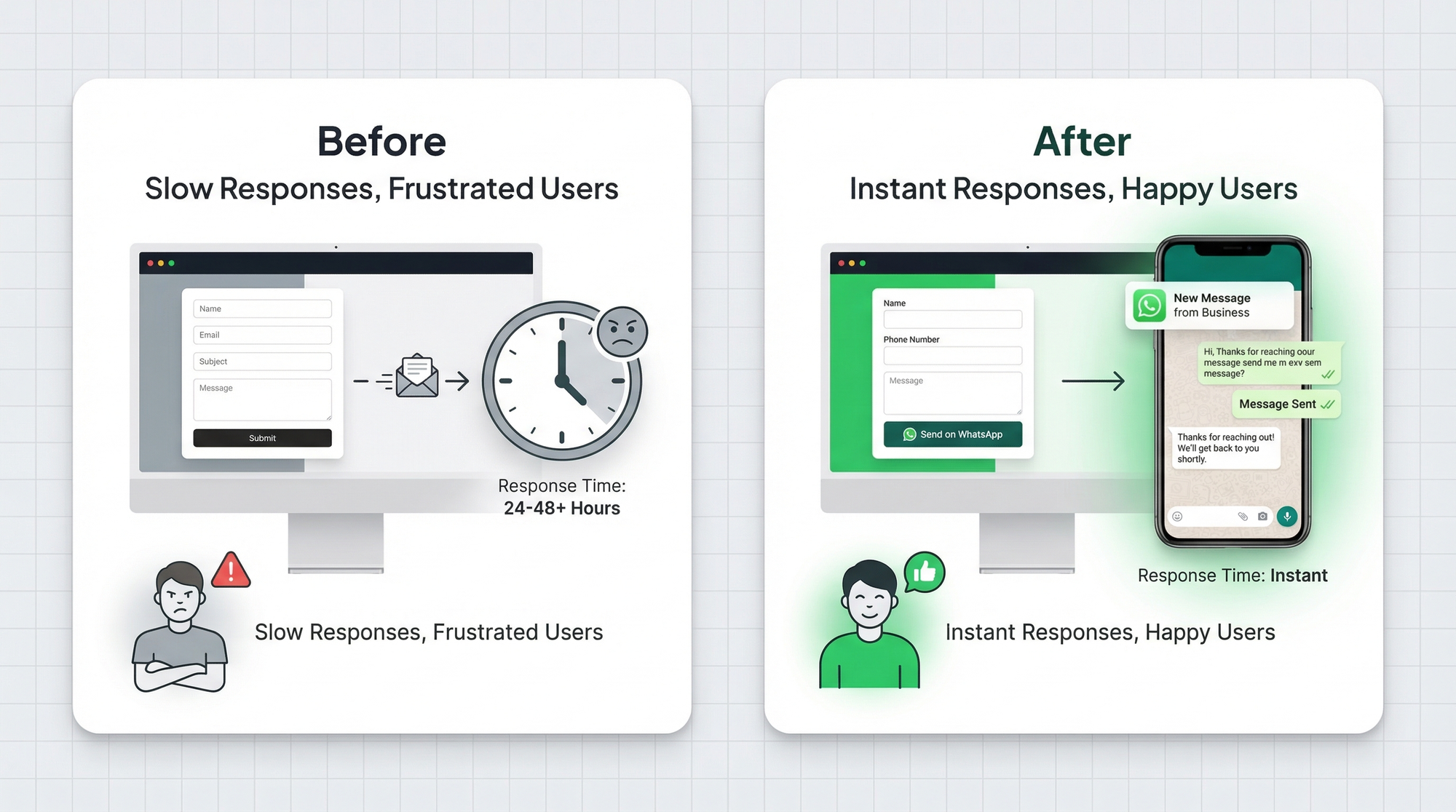
But here's what actually happens: visitor fills the form, it hits an inbox nobody's watching. Hours pass. By the time you reply, they've already talked to your competitor and moved on.
Your contact page isn't a lead magnet. It's a lead graveyard.
Your contact page is losing you leads
The average business response time to a web inquiry is over 47 hours. That's not a typo. Nearly two days to respond to someone who was ready to buy.
The problem isn't the form. It's where the form sends the response. Email is async by nature. It's easy to miss, easy to delay, easy to forget. And customers don't wait anymore.
Think about it from the visitor's perspective. They have a question. They fill your form. Then nothing. No confirmation of when to expect a reply. No instant response. Just silence. So they open a new tab and contact someone else.
You don't lose leads because your form looks bad. You lose them because the follow-up is slow.
WhatsApp contact forms: how they work
A WhatsApp contact form works exactly like a regular contact form, except instead of sending to email, the submission lands directly in your WhatsApp.
Visitor fills out the form on your website. Hits submit. You get a WhatsApp message instantly, with all the details formatted cleanly. You see the notification. You reply within minutes.
That's the whole model. It's simple, but the speed difference is massive.
WhatsApp has a 98% open rate. People check it constantly. When a lead notification arrives there instead of email, your response time drops from hours to minutes. Sometimes seconds.
We wrote more about this in our breakdown of WhatsApp vs email for lead generation, and the conversion difference is significant.
What to include in your WhatsApp contact form
Keep it short. Every extra field is friction, and friction kills conversions. Here's what actually matters:
- Name – So you can greet them properly
- Email – For follow-up if needed
- Phone number – Optional, but useful if you want to call
- Subject or category dropdown (turns your contact form into a smart enquiry form) – Sales, support, partnership, general inquiry. This lets you route intelligently.
- Message – What they actually need
- Preferred contact method – WhatsApp, email, or phone. Some people prefer one over the other.
Don't ask for things you don't need. You can always get more details in the conversation.
Creating the form with WhatsForm
Full disclosure: we built it. WhatsForm is a tool that lets you create forms that send directly to WhatsApp. No coding, no backend setup, no email routing.
Here's how to set it up for a contact form:
- Go to WhatsForm's contact template and use it as your starting point
- Customize the fields to match what you want to collect (name, email, subject, message)
- Connect your WhatsApp number. When someone submits, you get a pre-formatted WhatsApp message with all the details
- Set a confirmation message so the visitor knows their message was sent
The setup guide in our help center walks through this step by step if you want the full walkthrough.
Embedding on your website
Once your form is ready, you have three ways to put it on your site:
Iframe embed – Paste a single line of code anywhere on your page. Works on any website. Clean, simple, and it keeps visitors on your site. See how embedding works here.
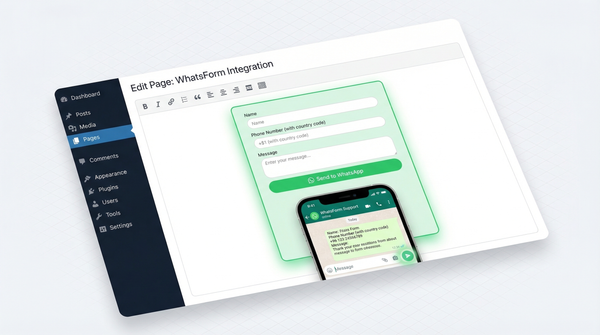
WordPress plugin – If you're on WordPress, the Form to Chat plugin makes this even easier. Install, connect your form, drop a shortcode where you want it.
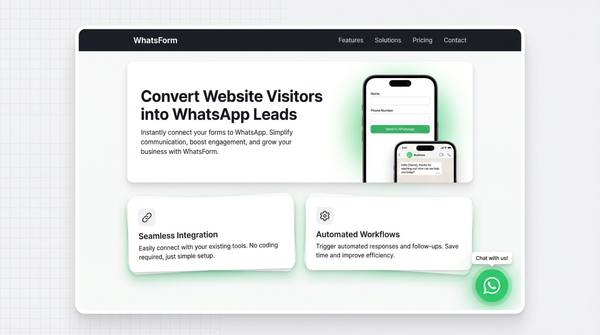
Floating widget – This is the no-friction option. A small button sits in the corner of every page. Visitors click it, the form slides open, they submit without leaving what they were reading. This is what we recommend for most sites. See how the WhatsApp widget works.
Response time matters more than you think
There's a study by InsideSales that found companies who respond within 5 minutes are 100 times more likely to convert a lead than those who respond after 30 minutes. A hundred times.
The business that replies first wins. That's not a marketing slogan, it's just how human psychology works. When someone has a problem, they contact multiple places. The first one that responds gets the trust. The others get forgotten.
WhatsApp notifications are immediate. Unlike email, which you might batch-check a few times a day, WhatsApp pings you. You hear it. You see the preview. You reply.
That's the real value here. Not just routing leads to a different channel. It's compressing your response time from hours to minutes.
Routing to the right person
If you're a solo operator, the form goes to you and that's it. Simple.
But if you have a team, you want smarter routing. A sales inquiry should go to your sales person. A support question should go to whoever handles support. A partnership request should land with the founder.
WhatsForm supports team routing. You can set up rules so that when someone selects "Sales" in the subject dropdown, the message routes to your sales team's WhatsApp. "Support" goes to support. "Partnership" goes to whoever handles that.
No more forwarding emails. No more "I thought you were handling it." The right person gets the message directly, with full context. More about how this works on the WhatsForm for teams page.
Getting started
For a detailed walkthrough, check our help center guide on how to create your first WhatsApp form.
If your current contact page sends to email, it's worth switching today. The setup takes less than 20 minutes.
- Start with the WhatsApp contact form template on WhatsForm
- Customize the fields for your business
- Choose your embed method: iframe, WordPress plugin, or floating widget
- Replace your old contact form
If you want to manage responses on the go, the WhatsForm app works on both platforms. Download for Android or iOS.
Your contact page should be working for you, not against you. Switch the destination from inbox to WhatsApp, and watch what happens to your response times.