WhatsForm vs Google Forms: which is better for WhatsApp?
Google Forms is great for surveys. WhatsForm is built for WhatsApp. Here's an honest side-by-side comparison of both form builders.

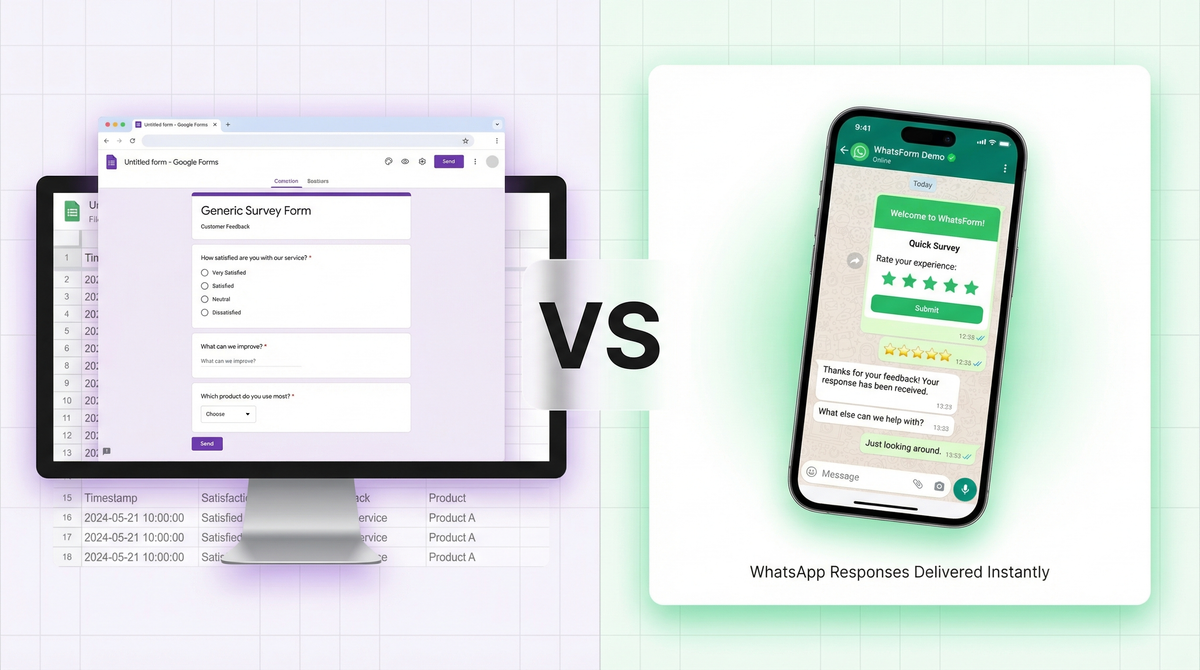
Both Google Forms and WhatsForm let you build forms. You can add fields, share a link, and collect responses. That's where the similarity ends.
Google Forms was built for surveys, internal feedback, and structured data collection. It's a Google product, it's free, and it integrates seamlessly with Google Sheets. For what it's designed to do, it does it well.
WhatsForm was built for one thing: delivering form responses directly to WhatsApp. Not email. Not a spreadsheet. WhatsApp. That single difference changes everything about how you'd choose between them, and who each tool is actually for.
If you're a business that talks to customers on WhatsApp, this comparison matters. If you're doing internal surveys for a 500-person company, skip to the bottom.
Google Forms: what it's great at
Let's be fair. Google Forms is genuinely good at what it does, and pretending otherwise would be dishonest.
It's completely free with no response limits. You create a form in a few minutes, share the link, and responses automatically populate a Google Sheet. For teams already in the Google ecosystem, collaborative editing and real-time response tracking are hard to beat.
It's also excellent for structured, high-volume data collection. Academic research. Employee surveys. Event registrations. Feedback forms you want to analyze across hundreds of responses. Google Forms has been doing this reliably for years, and it shows.
If you're running a 500-person company-wide survey and plan to slice the data in pivot tables, Google Forms is the right tool. We'd tell you to use it. No upsell here.
Google Forms: what it can't do
Here's where things fall apart for customer-facing small businesses.
No WhatsApp delivery. Responses go to your email and a Google Sheet. That's it. If your business runs on WhatsApp (which most small businesses across India, MENA, Latin America, and Southeast Asia do), you won't know a customer submitted a form until you check your email. By then, they've moved on or found someone else.
No real-time notifications where you actually work. Most small business owners aren't monitoring their Gmail dashboard throughout the day. They're on WhatsApp. Google Forms has no way to reach you there.
Generic mobile experience. Google Forms renders on mobile, but it looks like a Google product. There's no branding, no logo, no colors. Every Google Form looks identical. For a customer filling out your order form, that's not a great first impression.
No payment collection. You can't charge someone inside a Google Form. If you're taking orders or bookings, you need a separate checkout step, which adds friction and kills conversions. More steps always means more drop-off.
No conversation after submission. Someone fills your form. What happens next? An automated email at best. If you're a WhatsApp-first business, your follow-up happens on WhatsApp anyway. You're manually copying order details from a spreadsheet into a chat window. That's not a workflow. That's just extra work you're doing for free.
No way to verify contact details. Anyone can type a fake email or a random phone number into a Google Form. You have no idea if the lead is real until you try to reach them and get nothing back. With WhatsForm, responses come through WhatsApp, which means you automatically get the customer's actual WhatsApp number. No fake emails, no made-up phone numbers. Every submission is tied to a real, reachable person.
None of these are Google's fault. Google Forms wasn't built for this. But if you're using it for customer-facing business forms on WhatsApp, you're using the wrong tool for the job.
WhatsForm: built for WhatsApp
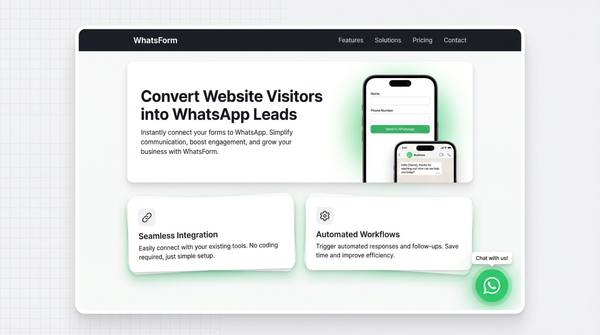
We built WhatsForm for businesses that operate on WhatsApp. The core idea is simple: when someone submits your form, you get the full response in WhatsApp, instantly.
Not in an email you'll read at 11pm. Not in a spreadsheet you review on Friday afternoons. In WhatsApp, where you already are, formatted as a readable message with all the details you need to act on it.
A few things that matter:
Mobile-first design. WhatsForm forms are designed for phones. Clean, branded, fast-loading. You add your logo, pick your colors, and the form feels like part of your business. Not like a generic Google survey.
Payment collection built in. Customers can pay inside the form itself. They fill out an order, pay, and you get the order confirmation on WhatsApp. One complete flow, no redirects. Here's exactly how payment collection works inside WhatsForm.
Templates for real business use cases. Not survey templates. Order forms, booking forms, lead capture, contact forms. Built for how small businesses actually take inquiries, not for how academics conduct research.
Already using Google Forms? You can convert your Google Form to a WhatsApp form in a few minutes. We also wrote a full guide on how to send Google Form responses to WhatsApp if you want to understand the options first.
And if the concept of a WhatsApp form is still new to you, this article breaks down what a WhatsApp form actually is and how businesses use them.
Side-by-side: Google Forms vs WhatsForm
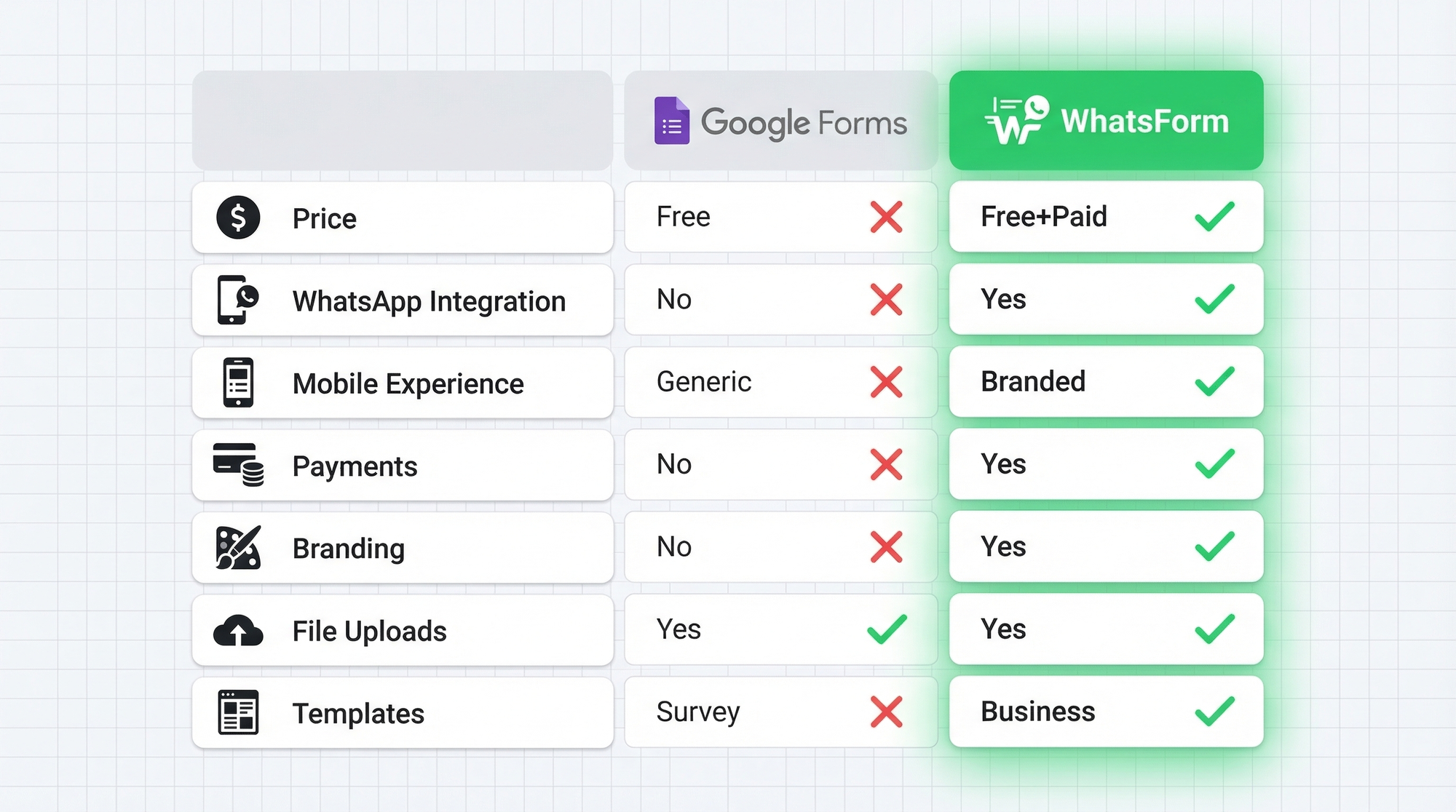
| Feature | Google Forms | WhatsForm |
|---|---|---|
| Price | Free | Free plan + paid plans |
| WhatsApp delivery | No | Yes |
| Mobile experience | Functional, generic | Branded, mobile-first |
| Payment collection | No | Yes |
| Custom branding | No | Yes |
| File uploads | Yes | Yes |
| Templates | Survey-focused | Business-focused |
| Verified contact details | No (anyone can enter fake info) | Yes (real WhatsApp number) |
| Response destination | Email + Google Sheets | WhatsApp + dashboard |
When to use Google Forms
Google Forms is the right choice when the form isn't customer-facing and WhatsApp delivery doesn't matter.
Internal company surveys. Academic research that needs clean, exportable data. Quick polls or questionnaires for a team that already lives in Google Workspace. Event registrations for large groups where you'll analyze responses in bulk.
If you're collecting structured data at scale and plan to analyze it in a spreadsheet, Google Forms is perfectly fine. It's free, it works, and there's no reason to use anything else for those use cases.
When to use WhatsForm
WhatsForm makes sense the moment WhatsApp enters the picture.
Not sure which form type to start with? Our guide on setting up a WhatsApp contact form for your website is a good first step. Once you're getting inquiries, an order form is the natural next move.
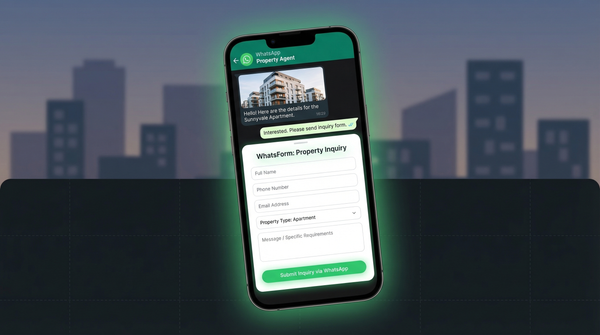
You talk to customers on WhatsApp. If your follow-up happens on WhatsApp anyway, your form responses should arrive there too. Getting a new inquiry the second it comes in, already formatted in a chat message, is a meaningful operational advantage for small businesses. You can read more about WhatsApp lead generation to see how businesses are using it.
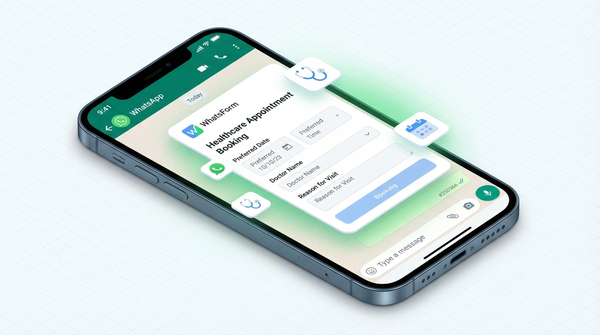
You're taking orders, bookings, or service inquiries. Speed matters here. A new order that arrives in WhatsApp instantly beats a spreadsheet you check once a day. Read our full guide on creating a WhatsApp order form, or explore ready-to-use WhatsApp order templates and booking templates to get started quickly.
You want a form that looks like your business. Logo, colors, branded thank-you message. Not a purple Google product.
You need payments inside the form. One flow from inquiry to payment, with the confirmation hitting your WhatsApp. No separate checkout page, no abandoned carts.
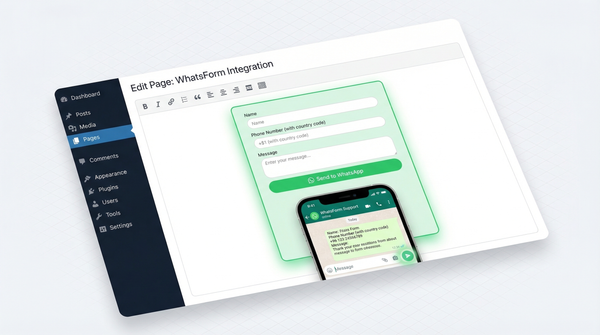
You can manage everything from your phone with the WhatsForm Android app or the iOS app. If your site runs on WordPress, there's a WhatsForm WordPress plugin that lets you embed forms directly on your site.
Full disclosure: we built WhatsForm
Yes, we built WhatsForm. You should factor that in when reading this comparison.
For a detailed walkthrough, check our help center guide on converting Google Forms to WhatsApp.
But we've tried to be straight with you. Google Forms is genuinely excellent for surveys, research, and internal data collection. We're not trying to replace it for those use cases, and we wouldn't recommend WhatsForm for them. If that's what you need, use Google Forms.
We built WhatsForm because Google Forms doesn't solve the problem of connecting form submissions to WhatsApp conversations. That's a real problem for real businesses, and it's the only problem we're trying to solve.
Try both. Google Forms is free and takes two minutes to set up. WhatsForm has a free plan too. If your business runs on WhatsApp, the difference will be obvious within the first form you build.