How Businesses Use WhatsApp to Grow

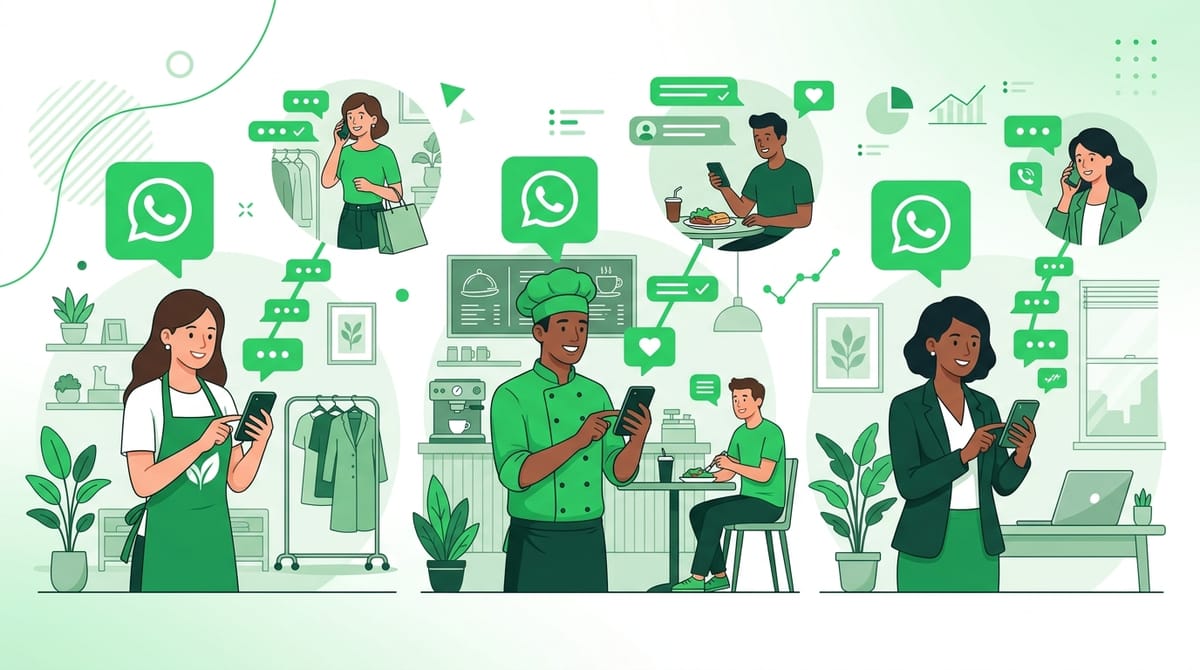
WhatsApp isn't just for chatting with friends anymore. Over 50 million businesses use it to talk to customers, close deals, and run operations. And the gap between businesses using it casually and businesses using it strategically is massive.
This article breaks down exactly how smart businesses are using WhatsApp to grow, with real examples by industry and practical steps to get started.
Lead Capture: Getting People Into Your WhatsApp Pipeline
The first step is getting people to message you. There are three main ways businesses do this:
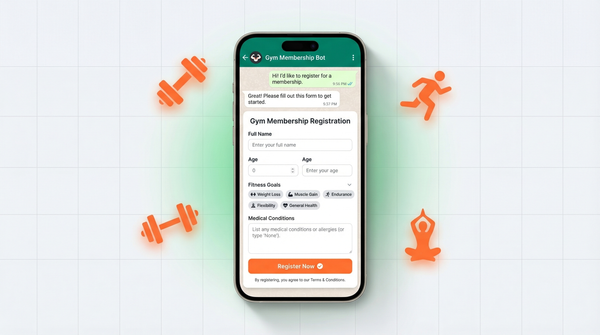
WhatsApp Forms
Tools like WhatsForm let you build forms that deliver responses directly to your WhatsApp. Instead of sending leads to an email inbox (where they die), you get them in a chat where you can respond instantly. A local gym uses a "Free Trial Request" form on their website that routes straight to their WhatsApp. Response time went from hours to minutes.
Click-to-Chat Links
A click-to-chat link opens a WhatsApp conversation with a pre-filled message. You put it on your website, Instagram bio, email signature, anywhere. When someone clicks it, they're already in a conversation with you. The friction is nearly zero.
QR Codes
Physical businesses use QR codes to bridge offline and online. A restaurant puts a QR code on their menu. A retail shop puts one on their receipt. Scan it, you're now in a WhatsApp chat. This is how businesses build WhatsApp contact lists from walk-in traffic.
Sales Conversations: Closing Deals in Chat
WhatsApp is a surprisingly powerful sales channel. It's conversational, fast, and personal in a way email just isn't.
The pattern that works looks like this:
- Qualify first. Ask 2-3 questions to understand the lead. What are they looking for? What's their timeline? What's their budget?
- Send the proposal in chat. PDFs, images, voice notes, short videos. All work on WhatsApp. Some businesses send a quick 60-second voice note explaining the proposal instead of a 10-page document. Conversion goes up.
- Follow up without it feeling like follow-up. A quick "just checking in, did you get a chance to review?" feels different in WhatsApp than in email. It's less formal. More like a real conversation.
Real estate agents, coaches, and service businesses report closing deals faster on WhatsApp than any other channel. The key is staying in the conversation rather than pushing people to a call.
Customer Support: Fast, Where Customers Already Are
Email support has a 12-hour average response time. WhatsApp? Customers expect a reply within minutes, and businesses that deliver that build serious loyalty.
What Works for Support on WhatsApp
- Quick replies. Pre-saved responses for common questions. "What are your delivery times?" gets the same answer 50 times a day. Save it as a quick reply, send it in two taps.
- Order tracking updates. Instead of customers emailing "where's my order?", proactively message them with updates. Shipping confirmed. Out for delivery. Delivered. Three messages that eliminate 80% of support tickets.
- Handling complaints in real time. A complaint on WhatsApp is actually easier to resolve than one by email. The back-and-forth is fast. You can de-escalate quickly and often turn a frustrated customer into a loyal one in a single conversation.
Marketing and Promotions: Broadcasts That Actually Get Seen
WhatsApp has a 98% open rate. Email newsletters average 20-25% if you're lucky. This alone should make you take WhatsApp marketing seriously.
The WhatsApp Business broadcast feature lets you message your contact list without it being a group chat. Each person receives it as a direct message from you.
What businesses broadcast:
- Flash sales and limited-time offers
- New product launches
- Weekly newsletters (short ones, not 2,000-word essays)
- Event invites
- Appointment reminders
The rule: keep broadcasts infrequent and relevant. WhatsApp is a personal channel. People will block you if you abuse it. Two to four times a month is enough. Make every message worth opening.
Order and Appointment Management
This is where WhatsApp quietly saves hours every week for small businesses.
Order confirmations, appointment reminders, cancellation rescheduling, all of this used to require phone calls or emails. Now it's a message thread.
A beauty salon that switched to WhatsApp appointment confirmations reduced no-shows by 40%. The reminder message goes out 24 hours before, includes the appointment time, and has a "Reply YES to confirm or NO to reschedule" call to action. Simple, direct, and it works.
Restaurants use it for reservations. Clinics use it for appointment reminders. E-commerce stores use it to handle returns and exchanges without putting customers on hold.
Real Examples by Industry
Retail
A clothing boutique uses WhatsApp to notify loyal customers when new stock arrives. They photograph the new pieces and broadcast to their 200-person WhatsApp list. The message gets 98% opens and drives customers in-store the same day. No ad spend required.
Real Estate
An independent property agent handles all initial inquiries on WhatsApp. When someone clicks the "Enquire Now" button on a listing, it opens a WhatsApp chat. The agent qualifies the lead in 3 messages and only schedules viewings with serious buyers. Time wasted on cold leads dropped significantly.
Healthcare
A private clinic sends appointment confirmations and pre-appointment instructions via WhatsApp. Patients reply to confirm, reschedule, or ask questions. The reception team spends 60% less time on the phone. Patients appreciate the convenience.
Restaurants
A restaurant uses WhatsApp for takeaway orders. Customers send their order in a message, get a confirmation with the pickup time, and pay on arrival. No app to download. No account to create. Orders increased when they made the process this simple.
Getting Started
The fastest way to start capturing leads on WhatsApp is to build a form that routes responses directly to your chat. That's exactly what WhatsForm does. You build a form, share the link or embed it on your site, and every response comes into your WhatsApp as a message.
No complex setup. No developer needed. If you're serious about using WhatsApp to grow your business, that's the best place to start.