5 alternatives to contact forms that actually get responses
Contact forms have a 2-5% response rate. Here are 5 alternatives that actually get replies, ranked by how well they work for most businesses.

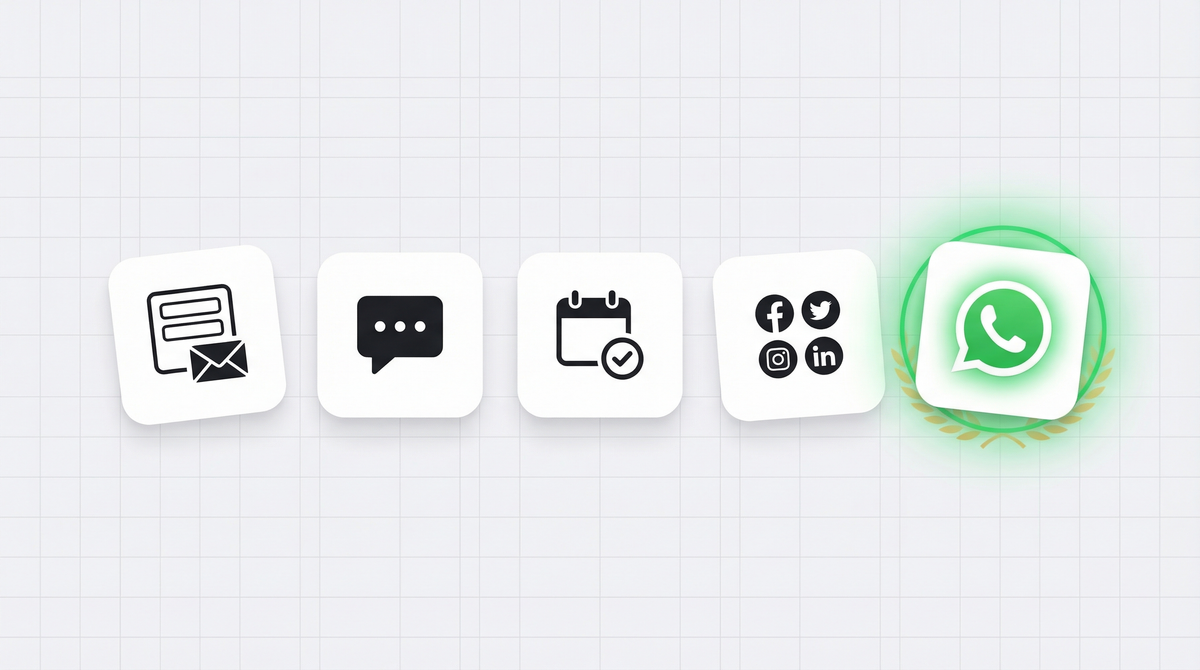
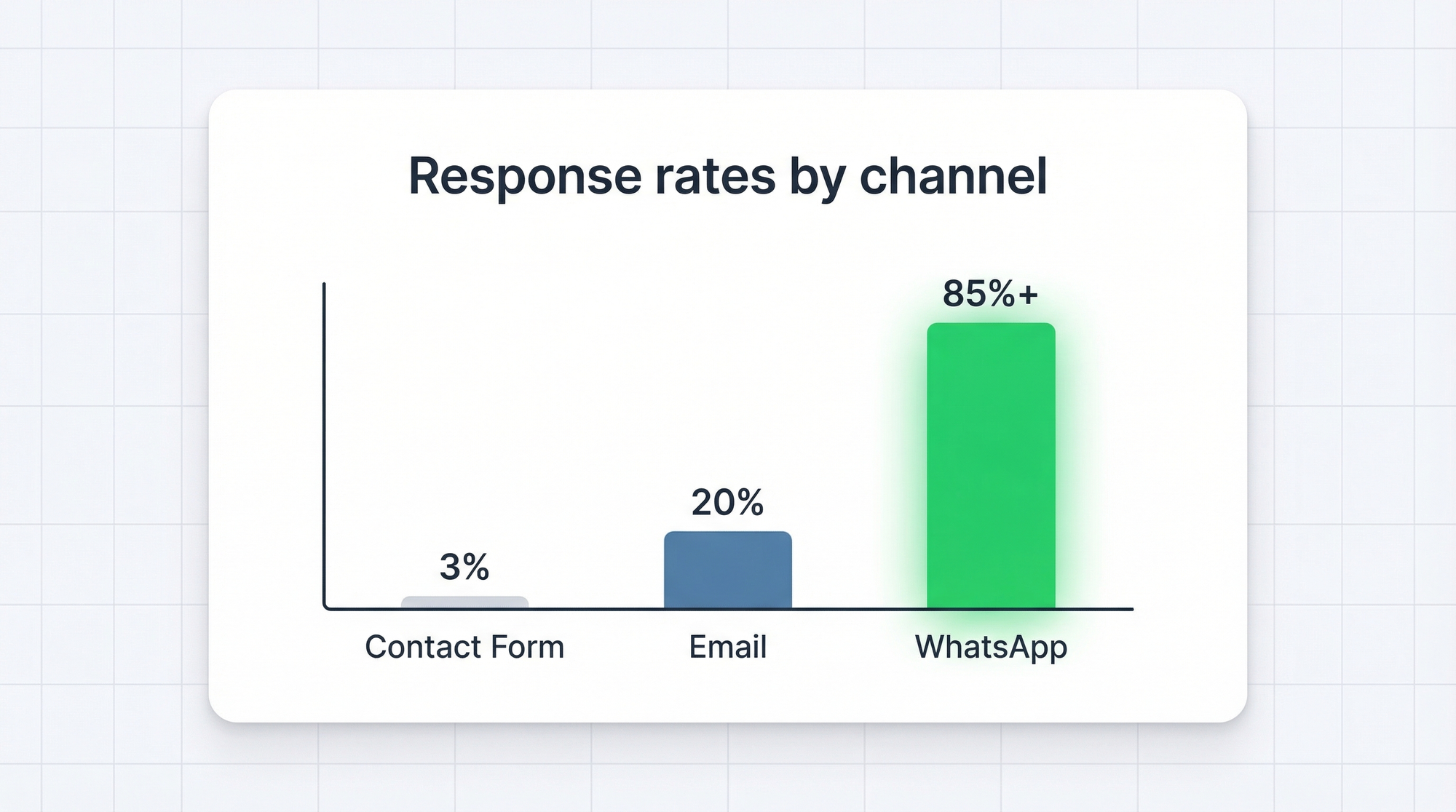
Most contact forms have a 2-5% response rate. That means for every 100 people who try to reach you, 95 leave without hearing back. And honestly, that stat tracks with our experience too.
The problem isn't just low volume. It's the whole flow. Someone fills out a form, the message lands in an email inbox, it sits there for hours (or days), and by the time someone responds, the lead has moved on. The window for connecting with a warm lead is tiny. Most contact forms blow right past it.
So we looked at the alternatives businesses are using. Here's an honest breakdown of five, what they get right, what they get wrong, and which one actually works.
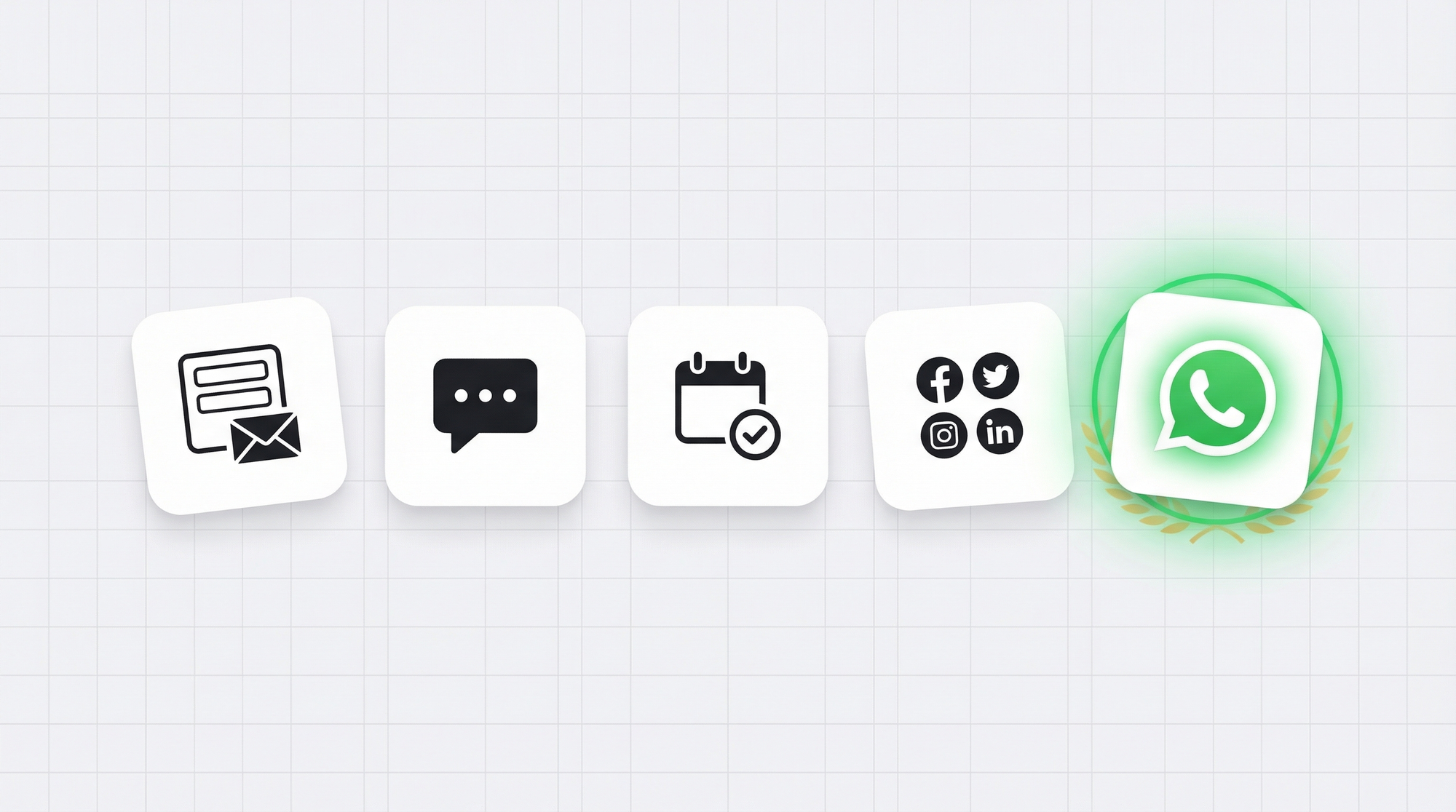
Alternative 1: WhatsApp forms
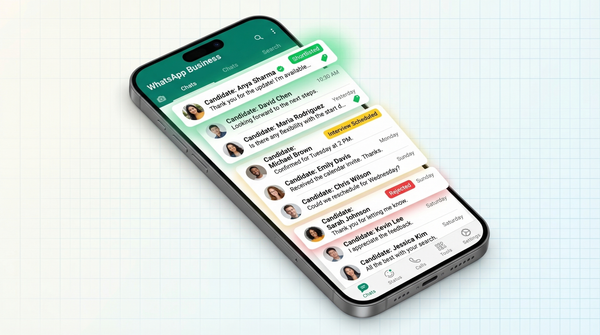
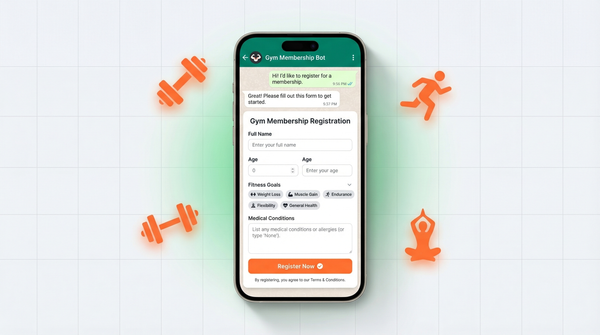
A WhatsApp form looks like a regular web form, but when someone submits it, the response doesn't go to an email inbox. It lands directly in your WhatsApp.
You get an instant notification. The customer sees you pick up the conversation in real time. It feels like a text exchange, not a support ticket. That changes the tone completely.
We built WhatsForm specifically for this. Full disclosure: we built it. You create a form, embed it on your site or share the link, and every submission opens a WhatsApp chat with the lead's responses already pre-filled. No inbox management, no delays, no leads going cold.
You can start with our free WhatsApp contact template to see how it works. Takes about five minutes to set up. We also have a guide on how to add a WhatsApp button to your website if you want to go the click-to-chat route first. If you're comparing full options, read our roundup of the best WhatsApp form builders.
Best for: Any business that wants structured lead data and fast response times. Especially good for service businesses, agencies, and local businesses where speed matters.
Alternative 2: Live chat widgets
Tools like Intercom, Drift, and Tidio put a chat bubble in the corner of your site. A visitor clicks it and gets a real-time conversation window.
When it works, it's great. You can answer questions instantly, qualify leads on the spot, and close deals in a single session. Real-time conversation is genuinely powerful.
But the economics are rough. Intercom starts at hundreds of dollars per month for anything serious. And more importantly, live chat only works when someone is actually there to respond. If your team isn't online, the visitor sees a "we'll get back to you" message and that's no better than a contact form.
For small businesses or teams without dedicated support staff, live chat promises more than it delivers.
Best for: SaaS companies and e-commerce brands with a dedicated support team and budget to match.
Alternative 3: Calendly-style booking links
Booking tools like Calendly, Cal.com, and TidyCal let visitors schedule time directly on your calendar. No back-and-forth emails, no phone tag. They see your availability and pick a slot.
For services businesses, this is excellent. Discovery calls, demos, consultations. Getting a meeting booked is often the actual goal.
The limitation is that it's a one-trick tool. It captures meetings, not general inquiries. If someone has a quick question, a pricing question, or wants to place an order, a booking link creates unnecessary friction. You don't always need a call.
It's also a significant commitment to ask of a lead. Filling out a two-field form takes 20 seconds. Booking a call means picking a time slot, committing to a 30-minute block, and getting a calendar invite. A lot of people bounce before they get there.
Best for: Consultants, agencies, and service businesses where the next step is always a meeting.
Alternative 4: Social media DMs
Instagram DMs. Facebook Messenger. Twitter/X DMs. Customers are already there, so why not let them reach you there too?
There's something right about this. Meeting customers where they already spend time reduces friction significantly. No form to fill, no new platform to navigate. They just send a message.
The problems pile up fast on the business side. Social DMs have zero structure. Every inquiry arrives as a freeform message, which means you're playing 20 questions with every lead just to understand what they want. Messages are easy to miss in a noisy feed. There's no thread management, no assignment to team members, no organized record of conversations.
If you're getting one or two DMs a week, you can manage it. At any real scale, it becomes chaos.
Best for: Very early-stage businesses or creators who want informal connection with a small, engaged audience.
Alternative 5: WhatsApp click-to-chat buttons
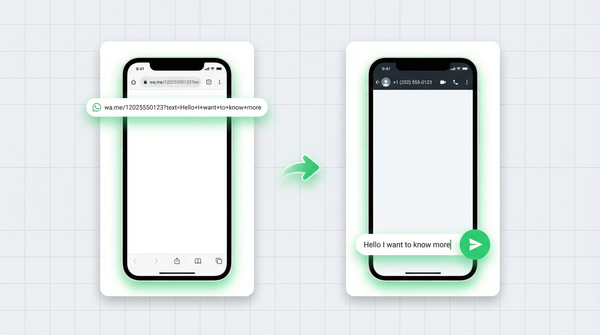
A simple button on your website that opens a pre-filled WhatsApp message when clicked. Free to set up, familiar to users, and works on every device.
We've written about how to add a WhatsApp button to your website before. It's a genuinely low-friction touch point, and the WhatsApp open rate is consistently above 85% compared to email's 20%. That gap is massive.
The catch: you capture nothing before the chat starts. You don't know who the person is, what they want, or how to qualify them. Every conversation starts from zero. And if you're not actively online, the message just sits there, which brings you back to the same problem as contact forms.
Compare this to how WhatsApp compares to email for lead generation overall. The channel is strong. The format matters. If you're still weighing tools, our WhatsForm vs Google Forms and WhatsForm vs Typeform guides break down the trade-offs.
Best for: A quick "talk to us" entry point for businesses that are always online and can handle unstructured incoming messages.
Why WhatsApp forms combine the best of all of these
Look at what each alternative gets right:
- Live chat: instant, conversational
- Booking links: structured, intentional
- Social DMs: meets customers where they are
- Click-to-chat: low friction, high open rates
A WhatsApp form does all of it. It's structured like a form, instant like chat, and lands on the platform where response rates are highest.
The lead fills out a form on your website. That submission triggers a WhatsApp conversation with all their details already in the thread. You respond in the same app you use to message anyone else. They see the response within minutes, not hours. No inbox management, no missed messages buried in spam, no cold leads.
It's also mobile-first. Over 60% of web traffic is mobile. WhatsApp is already on those phones. The path from "I need to reach this business" to "I'm in a conversation with them" has never been shorter.
Learn more about what a WhatsApp form actually is and how it works. And if you're curious about the mechanics, our guide to creating your first WhatsApp form walks through everything step by step. For businesses replacing old forms, the WhatsApp form overview in our help center is a good starting point.
Try it
We offer a free tier with no credit card required. Start with the WhatsApp contact template and have it live on your site in under 10 minutes.
For a detailed walkthrough, check our help center guide on WhatsApp forms.
If you manage inquiries on the go, download the WhatsForm app to handle everything from your phone:
Running WordPress? Install the WhatsForm WordPress plugin and embed your form in minutes with no code. Check out the full setup guide for WordPress if you need help.
Contact forms had a good run. But your leads deserve a faster answer than a 48-hour email reply, and your business deserves the conversion that comes with actually being there when someone reaches out.