WhatsForm vs Typeform: when to use which
Typeform is beautiful but expensive and has no WhatsApp delivery. WhatsForm is simpler but purpose-built for WhatsApp. An honest comparison.

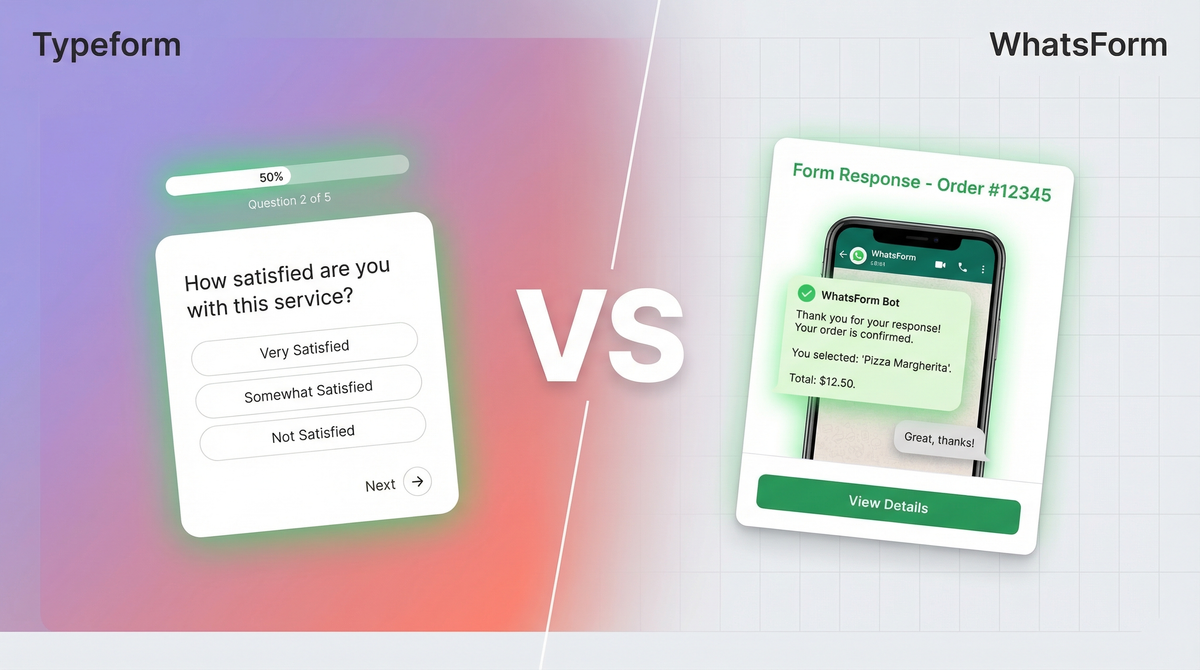
We get this question a lot. Someone's building a business on WhatsApp, they need a form, and they're trying to figure out if they should just use Typeform or try WhatsForm instead.
Honest answer: it depends on what you need the form to do.
Full disclosure: we built WhatsForm. So we have a stake in this comparison. But we're going to be straight with you, because the worst thing we can do is recommend the wrong tool and have you waste time.
Different tools for different jobs
Typeform is a survey and data collection tool. It's beautiful, it's polished, and it's built around capturing structured responses in a dashboard or spreadsheet. When you fill out a Typeform, your answers go to the form creator's Typeform account. That's the workflow.
WhatsForm is something different. It's built specifically so that when someone fills out your form, the response lands in your WhatsApp. Not an email. Not a dashboard. WhatsApp, where you're already talking to customers.
That single difference changes everything about which tool is right for you.
Typeform: what it does really well
Typeform has one of the best form UXes ever built. The one-question-at-a-time format feels conversational, not like a spreadsheet. Completion rates go up. People don't bail halfway through.
It has logic jumps, so you can show or skip questions based on previous answers. It has hundreds of integrations. It looks great and reflects well on your brand. If you're running customer research, NPS surveys, or detailed multi-step questionnaires, Typeform is genuinely excellent at that job.
The templates are polished. The analytics are solid. If your goal is beautiful data collection that ends up in a spreadsheet or CRM, Typeform is hard to beat.
Typeform: where it falls short for WhatsApp businesses
Here's the problem. Typeform was not built for WhatsApp. Not even close.
When someone submits your Typeform, you get an email notification or you check your Typeform dashboard. There's no native WhatsApp delivery. You'd need a Zapier/Make workflow to route responses to WhatsApp, and even then it's clunky and adds latency.
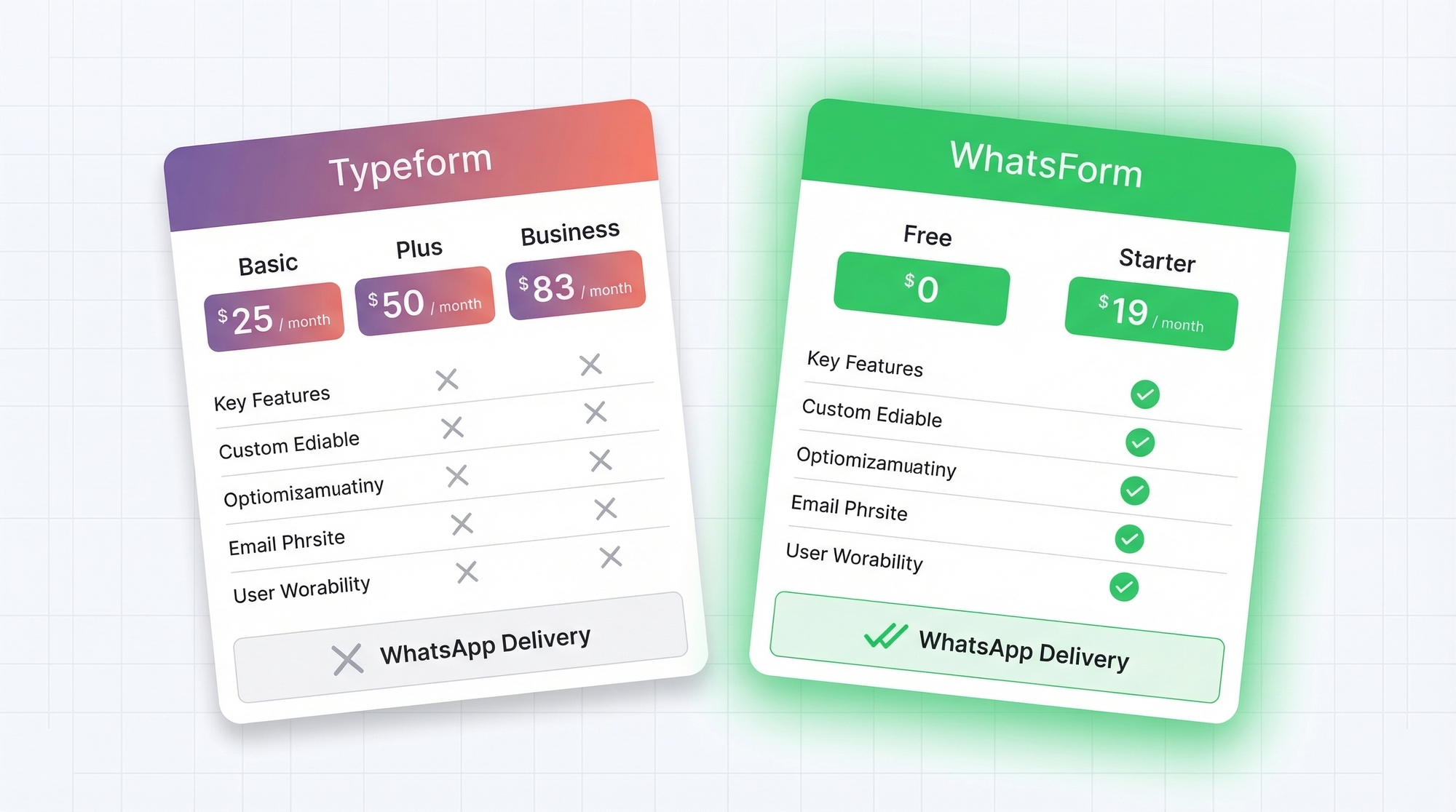
Then there's the price. Typeform's Basic plan starts at $25/month and caps you at 100 responses. The Plus plan is $50/month. Business is $83/month. For a small business collecting leads or orders, that's a meaningful monthly cost, and you're still not getting WhatsApp delivery out of the box.
If you're running a local business, a WhatsApp-first operation, or just need responses to reach you instantly on your phone without extra setup, Typeform creates friction that shouldn't be there.
WhatsForm: what it does well
WhatsForm is built around one promise: form responses land in your WhatsApp. That's the whole product. Someone fills out your order form, your booking form, or your contact form, and you get a WhatsApp message with all their details. You reply directly. The conversation starts immediately.
A few things that matter here:
- Free tier available. You can start collecting responses without paying anything.
- Mobile-first. WhatsForm works great on phones, which is where most of your customers are anyway.
- Payment collection. You can collect payments inside a WhatsForm. Orders, deposits, bookings. See the help center guide: how to accept payments inside WhatsForm.
- Fast setup. You can have a working WhatsApp form in under 10 minutes. No integrations needed.
- WordPress plugin if you need to embed it on your site.
There's also an app if you want to manage things on the go: Android and iOS.
If you want to understand what a WhatsApp form actually is before going further, here's a quick primer.
WhatsForm: where it falls short
We're going to be honest here, because you deserve that.
Design flexibility is limited. Typeform lets you customize fonts, colors, backgrounds, and overall brand feel deeply. WhatsForm is clean but simpler. If you need a highly branded, visually impressive form experience, Typeform wins on aesthetics.
Fewer integrations. Typeform connects natively with hundreds of tools. Zapier, HubSpot, Salesforce, Notion, you name it. WhatsForm's integration ecosystem is smaller. If your workflow depends on routing data into complex CRM pipelines automatically, Typeform has more options.
Smaller template library. Typeform has a massive template gallery. WhatsForm has useful templates for common use cases (orders, bookings, contacts, leads), but less variety overall.
If design, integrations, and template variety are your top priorities, Typeform is the better tool.
Pricing comparison
Here's how the numbers look side by side:
Typeform:
- Basic: $25/month (100 responses/month)
- Plus: $50/month (1,000 responses/month)
- Business: $83/month (10,000 responses/month)
WhatsForm:
- Free tier: available, no credit card needed
- Paid plans: affordable, designed for small businesses and growing teams
See full pricing at whatsform.com/pricing.
The cost difference is real. For a business doing 100-500 form submissions per month, Typeform at $25-50/month adds up. If WhatsApp delivery is what you actually need, you're paying a premium for features you won't use.
When to choose Typeform
Typeform is the right call when:
- You're running brand surveys, NPS, or customer research where visual polish matters
- You need complex logic jumps across many question types
- Responses need to route automatically into a CRM or analytics tool via native integrations
- WhatsApp delivery is not a requirement
- You need a highly customized, branded form experience
If someone on your team is already in Typeform's ecosystem and the workflow is working, there's no reason to switch unless you hit the WhatsApp gap.
When to choose WhatsForm
WhatsForm is the right call when:
- You need form responses to reach you on WhatsApp instantly
- You're taking orders, bookings, or lead captures from customers
- You want to start a WhatsApp conversation immediately after someone fills out a form
- You're a small or mid-sized business that doesn't want to pay $25-83/month for a form tool
- You want to collect payments inside the form
- Speed of setup matters more than design customization
The use cases where WhatsForm shines: order forms, restaurant and booking forms, contact forms, and lead capture for any business running on WhatsApp.
The short version
If you need beautiful surveys and don't care about WhatsApp delivery, use Typeform.
If you want to compare more WhatsApp form tools, we put together a roundup of the best WhatsApp form builders in 2026.
For a detailed walkthrough, check our help center guide on creating a WhatsApp form.
If you need form responses in your WhatsApp, use WhatsForm.
They're solving different problems. The question isn't which is better overall. The question is which one matches what you're actually trying to do.
If that's WhatsApp, try WhatsForm free and see if it fits.