WhatsApp broadcast vs group: when to use which
Broadcast sends private one-to-one messages to many. Groups create shared conversations. Here's when to use each and what to watch out for.

If you've ever stared at your WhatsApp contacts wondering whether to use a broadcast list or a group, you're not alone. Most people mix them up or use one where the other would work better.
Here's the clear breakdown so you never get it wrong again.
The quick answer
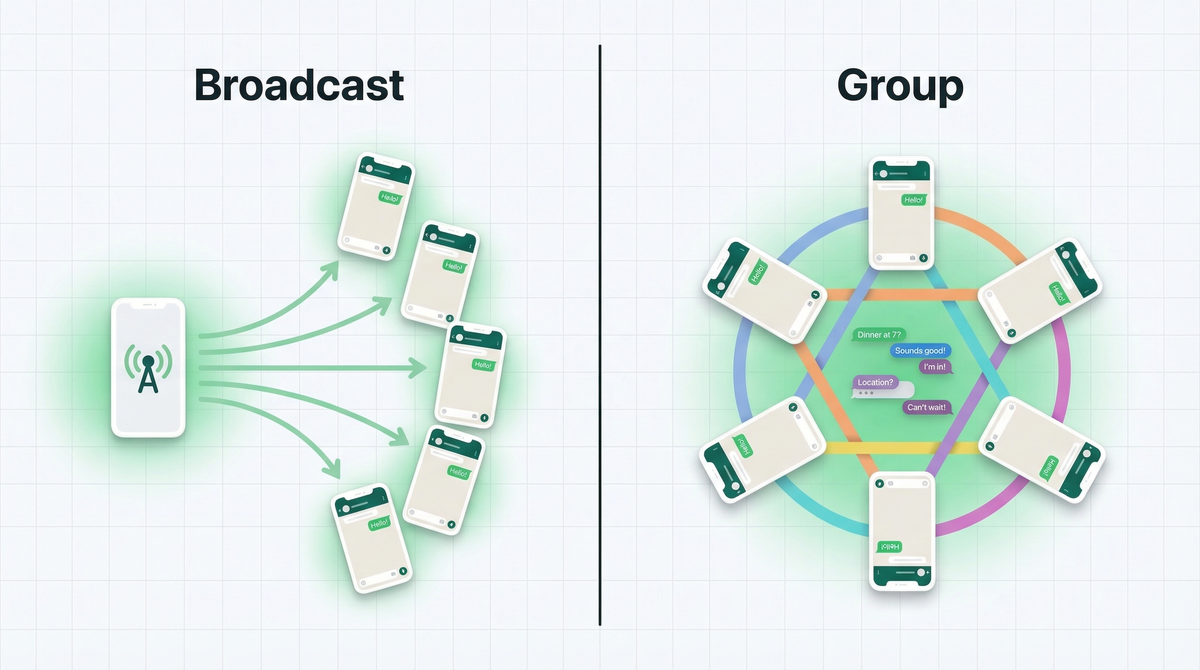
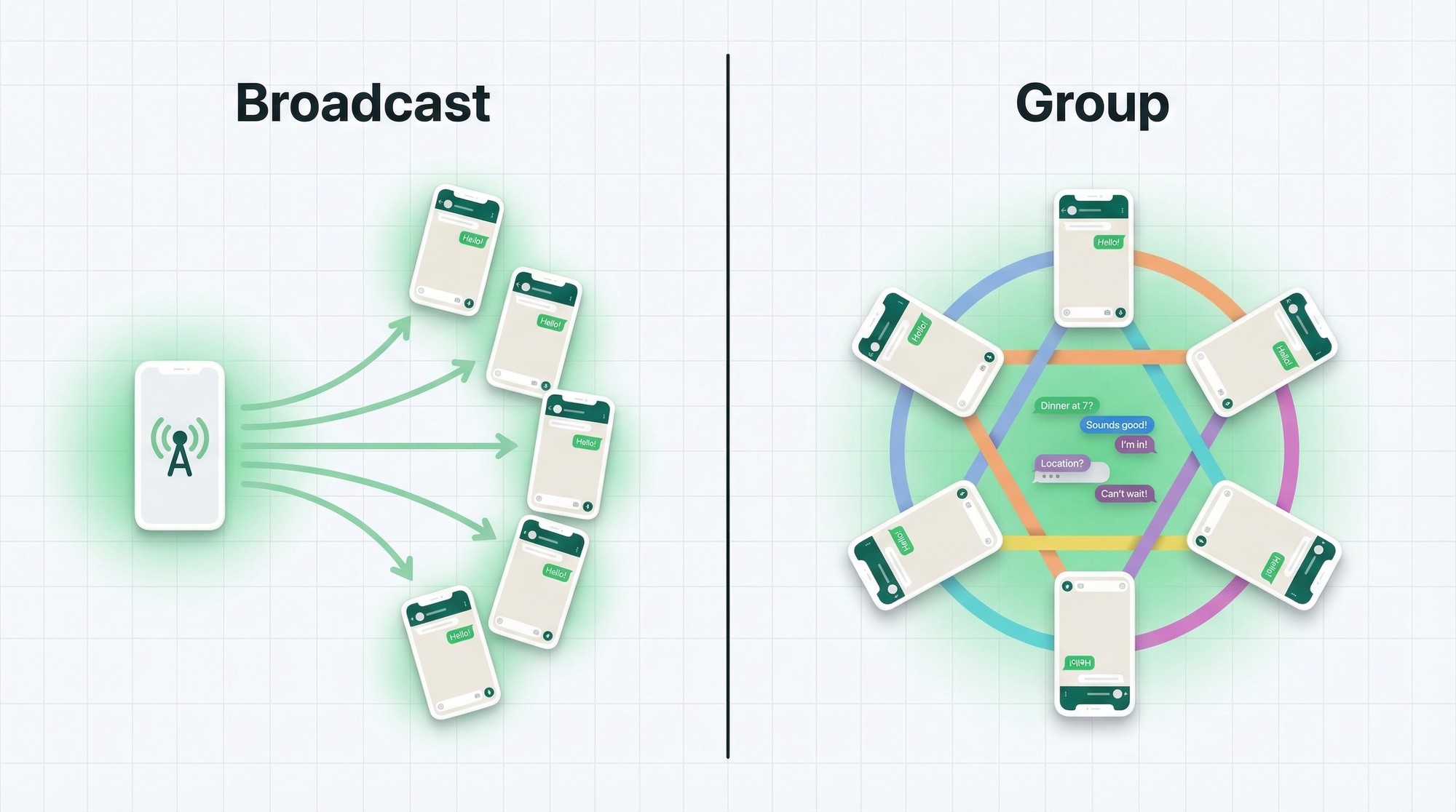
Broadcast is one-to-many private messaging. You send one message, everyone gets it as if you texted them personally. They can't see who else received it.
Group is a shared conversation. Everyone is in the same chat. Everyone sees everything. Anyone can reply to the whole room.
Different tools. Different purposes. Let's go deeper.
How WhatsApp broadcast works
You create a broadcast list by selecting contacts. When you send a message to that list, each recipient gets it in their individual chat with you. It looks like a normal personal message.
There's one important catch we'll get into later: recipients must have your number saved in their contacts or the message won't reach them at all.
The limit on a regular WhatsApp broadcast list is 256 contacts. With WhatsApp Business API, you can send to much larger lists, but that's a different setup entirely. (More on that in our guide on WhatsApp Business App vs API.)
How WhatsApp groups work
A WhatsApp group is a shared chat room. You add contacts, and now everyone is in the same conversation. Anyone can see every message. Anyone can reply. It can get chaotic fast.
Groups work well when you want discussion and interaction. They don't work well when you want clean, distraction-free communication.
WhatsApp groups support up to 1,024 members. But a 1,000-person group with even moderate activity is going to be a notification nightmare for most people.
When to use broadcast
Broadcast is perfect when you want to reach people without starting a group conversation. Here are the situations where it wins:
- Promotions and offers. Send a discount code to your customer list. Each person sees it as a personal message. Higher open rates, more personal feel.
- Announcements. New product launch, service update, event reminder. One message, clean delivery, no group noise.
- Order updates. Shipping confirmed. Ready for pickup. Your order is out for delivery. These are personal updates, not group discussions. Check out our guide on how to collect orders on WhatsApp for the full flow.
- Personalized communication. Broadcast keeps the message feeling 1-on-1 even when you're sending to hundreds.
When to use groups
Groups are for conversation, not broadcast. Use them when dialogue is the point:
- Communities. Hobbyist groups, neighborhood associations, local business networks. People want to interact, not just receive.
- VIP customers. A small, exclusive group where your best customers can share feedback, get early access, and feel like insiders. Keep it small.
- Team coordination. Internal project groups, shift scheduling, quick team check-ins. Groups work well here because you want replies.
- Discussion-based support. Some businesses run support groups where customers help each other. Can work, but requires active moderation.
The catch with broadcast
Broadcast sounds great on paper. In practice, there's one thing that trips up a lot of businesses.
Recipients must have your number saved in their phone contacts. If they don't, the message simply doesn't arrive. No notification, no error, nothing. You have no idea they missed it.
This means before you rely on broadcast for customer communication, you need to make sure your customers actually save your number. That's harder than it sounds when you have a large list.
The other limitation: you can't see who actually received the message. Read receipts show you who read it (if they have that setting on), but delivery confirmation doesn't distinguish between "delivered but from broadcast" and "not saved so never sent."
Broadcast vs group vs WhatsApp channel
WhatsApp has added Channels as a third option. Here's how all three compare:
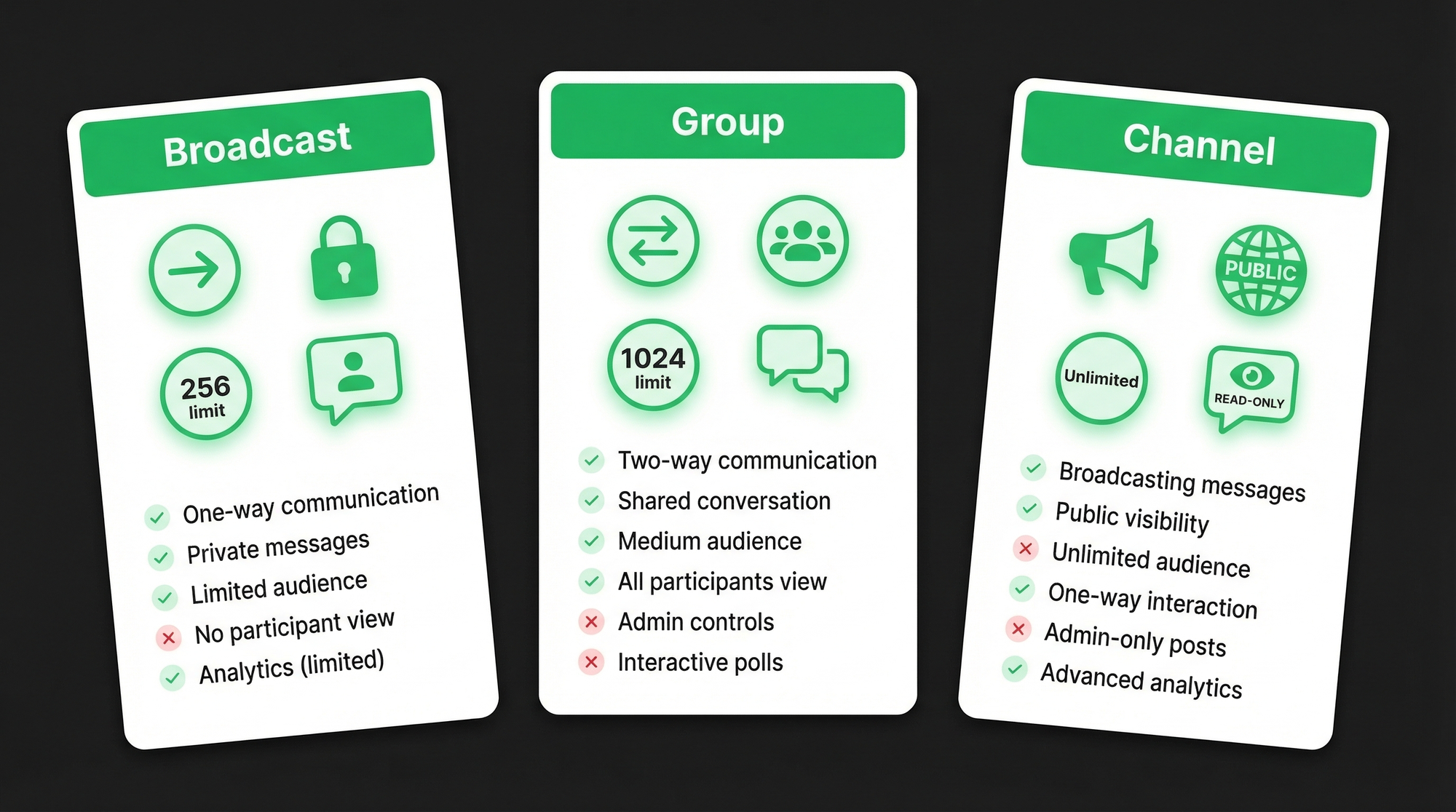
| Feature | Broadcast | Group | Channel |
|---|---|---|---|
| Member limit | 256 | 1,024 | Unlimited |
| Recipients see each other? | No | Yes | No |
| Replies from recipients? | Private reply to you | Visible to all | Reactions only |
| Requires number saved? | Yes | No | No |
| Who can see members? | Only you | All members | Admin only |
| Best for | Personal-feel updates | Discussion, community | Public announcements |
Channels are newer and positioned for publishers, creators, and brands who want a public-facing feed. Think of it like a one-way newsletter inside WhatsApp. Followers can react but not reply.
A better alternative for business communication: forms
Here's something most businesses don't consider: when you're using broadcast or groups to communicate with customers, you often want something back. A response, an order, a booking, some information.
Groups get chaotic. Broadcast doesn't collect structured responses at all. You end up managing conversations manually across dozens of chats.
This is where WhatsForm comes in. Full disclosure: we built it.
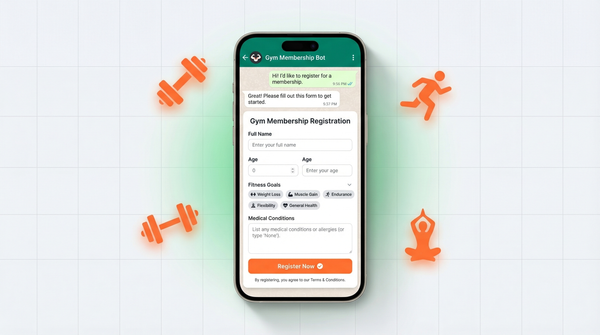
WhatsForm lets you create forms that send structured responses straight to WhatsApp. Instead of juggling messy replies in a group or broadcast thread, you ask the right questions upfront and get clean responses in WhatsApp. No group chaos. No lost messages buried in a thread.
If you're learning the broader WhatsApp Business setup first, read WhatsApp Business App vs API, how to set up WhatsApp auto reply for your business, and 9 free WhatsApp tools every business should know about. They fit naturally with broadcast and group workflows.
Use it for:
- Order collection (instead of a noisy group where everyone's orders overlap)
- Appointment booking
- Lead capture
- Customer feedback
- Event RSVPs
You can create your first WhatsForm in minutes and share it as a link, a QR code, or embed it on your website.
If you're using WhatsApp for business, also check out our article on WhatsApp vs email for lead generation, WhatsApp lead generation, and what a WhatsApp form actually is.
For a detailed walkthrough, check our help center guide on WhatsApp forms.
Manage everything on the go with the WhatsForm app: Android or iOS. If you're running a WordPress site, the WhatsForm WordPress plugin makes it easy to add forms anywhere on your site.
Bottom line
Use broadcast when you want to send personal-feeling messages to many people without creating a conversation. Use groups when you want actual discussion and interaction. Use channels when you're publishing content to a wide public audience.
And when you need structured responses from customers without the chaos of either, forms are the smarter move.