How to create a customer survey on WhatsApp
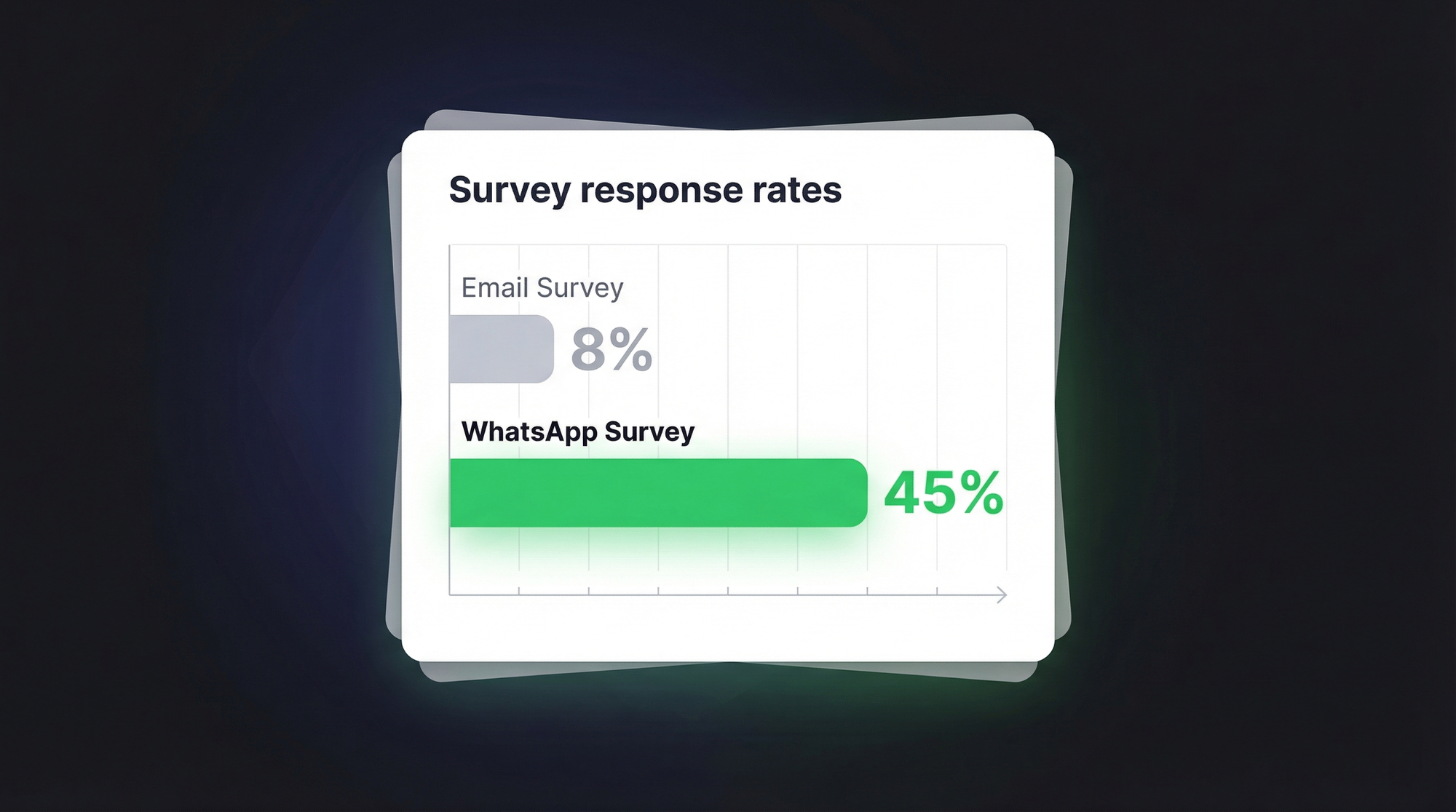
Email surveys get 5-10% response rates. WhatsApp surveys get 40%+. Here's how to create and distribute customer surveys on WhatsApp.

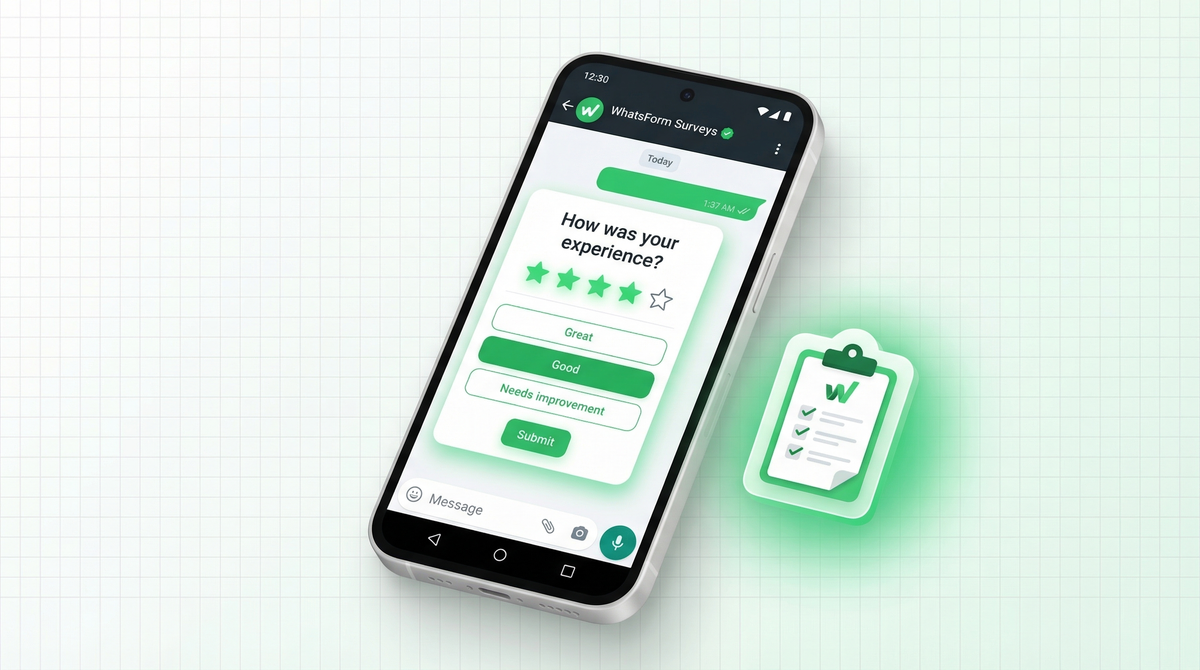
Your customers are ignoring your surveys. Not because they do not care. Because you are sending them to the wrong place.
Email surveys get 5-10% response rates. WhatsApp surveys get 40% or more. The difference isn't the questions. It's the channel.
People read WhatsApp messages within 3 minutes. They check email when they remember to. If you want honest, fast feedback, meet your customers where they actually are.
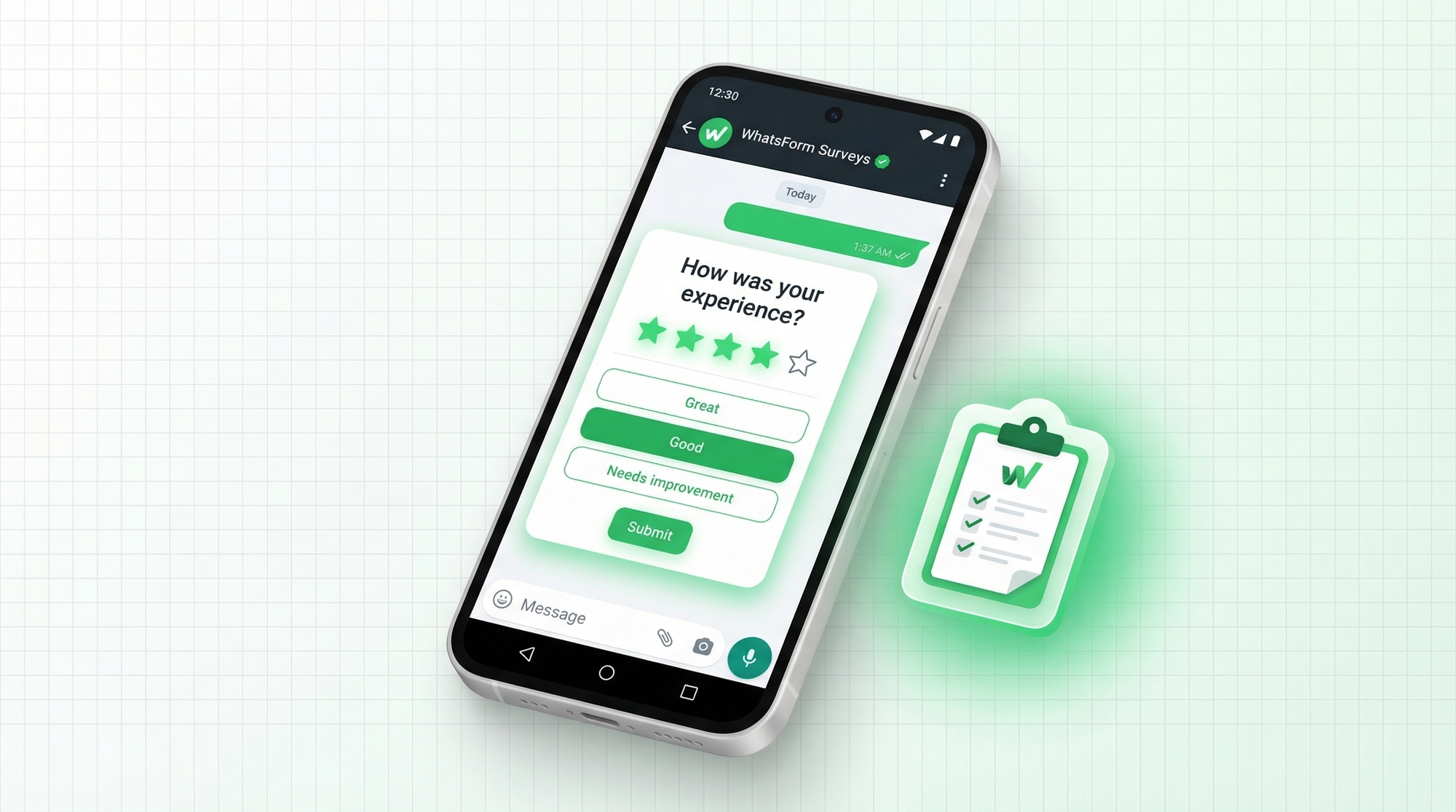
Email surveys are dead
Let's be direct. The average email open rate hovers around 20%. Of those who open, maybe a third click through to the survey. And of those, only half actually complete it.
Do the math. You send 1,000 survey emails. You get roughly 30-40 completed responses. That's not data, that's noise.
WhatsApp is different. Your message lands in the same place as their family group chat and their best friend's voice note. It feels personal. It gets read. And when the survey is short and native to the interface, people actually fill it out. We've seen response rates of 40-60% consistently across different industries.
If you're still relying on email for customer feedback, you're making decisions on incomplete data. Time to fix that.
Types of WhatsApp surveys
Not all surveys are created equal. The type you send depends on what you're trying to learn.
NPS (Net Promoter Score) asks one question: "How likely are you to recommend us to a friend?" Scale of 0-10. Simple, fast, comparable over time.
CSAT (Customer Satisfaction) measures how satisfied someone was after a specific interaction. "How satisfied were you with your support experience today?" Usually a 1-5 scale.
Post-purchase surveys capture the moment right after a customer buys. Did the product match expectations? Was delivery smooth? This is your best window for honest feedback.
Market research surveys help you understand your audience before you build something. What problems do they have? What do they wish existed? What would they pay for?
Product feedback surveys go deeper into specific features. What's working, what's confusing, what's missing. Invaluable for prioritizing your roadmap.
You can also look at our guide on how to create a WhatsApp feedback form for a closer look at how feedback collection works on WhatsApp specifically.
If you are new to the category, read what a WhatsApp form is and why WhatsApp beats email for lead generation.
Keep your survey short
The biggest mistake people make with surveys is making them too long. If your survey has 15 questions, you're asking people to do work. Nobody wants to do work for free.
Stick to 3-5 questions maximum. One question per screen. Show a progress indicator so people know how close they are to the end.
Think about it from the customer's side. They just bought something, or just got off a support call. You're asking them to pause their life and give you feedback. The easier you make it, the more responses you get. And if the first question is a simple rating scale, momentum kicks in and most people finish.
Long surveys aren't just annoying. They skew your data. The people who complete 15-question surveys are outliers. Either they loved you or they hated you. You miss the middle, and the middle is most of your customers.
Question types that work on WhatsApp
Not every question type translates well to a conversational interface. Here's what works.
Rating scales are the best starting point. "Rate your experience from 1 to 5." Tap a number, done. Low friction, high completion.
Multiple choice works well for anything with clear options. "What was the main reason you bought?" with 4-5 options. People scan the list and tap. Fast.
Yes/No questions are even simpler. "Would you buy from us again?" Two buttons. Zero friction. Great for quick pulse checks.
One open-ended question at the end is where you get the gold. "Anything else you'd like to share?" After answering 3-4 easy questions, people are warmed up and willing to type. This is where you get the honest, specific feedback that changes how you build things.
Avoid open-ended questions at the start. They feel like homework. Save them for the end when the person is already committed.
Creating your survey with WhatsForm
Full disclosure: we built it. WhatsForm is what we use to create and run WhatsApp surveys. Here's how to set one up.
Choose how to create your form. WhatsForm lets you create your survey in different ways. You can describe your survey and let AI build it for you, use a ready-made templates, or start from scratch. Pick the option that works best for you.
Add your WhatsApp number. Enter the WhatsApp number where you want to receive responses. Every time someone submits the form, the responses will be sent directly to this number.
Customize your form. Add and edit your questions based on your survey goal. You can include rating fields (1–5 or 1–10), multiple choice questions (single or multi-select), and an optional open text field like “Any other thoughts?” to get more detailed feedback.
Publish and share your form. Once your form is ready, publish it and share it using your link or embed it on your website. When someone fills it out, responses flow directly to your WhatsApp.
Distributing your survey
A great survey nobody sees is useless. Here are four ways to get your survey in front of customers.
Broadcast list. If you have existing WhatsApp contacts, send the survey link via a broadcast message. Keep the message short. "Hey [name], got 60 seconds? We'd love your feedback: [link]" That's it. Learn about the difference between broadcast and group messages before you send.
Post-purchase auto-send. Trigger a WhatsApp message automatically after someone buys. "Thanks for your order! How was your experience?" with a link to the survey. Timing matters here. Send it within 24-48 hours while the experience is fresh.
QR code at your store. If you have a physical location, print a QR code that links to your WhatsApp survey. Place it at checkout, on receipts, or at tables. Scan, tap, answer. Takes 90 seconds. You can get your QR code directly from WhatsForm.
Website embed. Embed the survey on your thank-you page or add it as a widget. Customers who just completed a purchase or action are in the right mindset to give feedback. Check the guide on embedding WhatsForm on a website for the technical setup.
Analyzing your results
Responses are only useful if you do something with them.
Export to Google Sheets. WhatsForm lets you export all responses directly to a spreadsheet. See the guide on exporting responses to get your data out. Once it's in Sheets, you can filter, sort, and spot patterns easily.
Spot patterns, not outliers. One angry customer doesn't mean you have a problem. Fifty customers saying the same thing does. Look for repeated phrases, common complaints, consistent low scores on specific questions. That's where the insight lives.
Respond to negative feedback immediately. When someone gives you a low NPS or CSAT score, reach out. "We saw your rating and wanted to understand more. Can we chat?" Most customers are surprised and impressed. Some become your most loyal customers because you cared enough to follow up.
Don't treat surveys as a reporting exercise. Treat them as the start of a conversation.
Getting started
If you've been collecting feedback via email forms or not at all, switching to WhatsApp surveys is one of the highest-leverage moves you can make this quarter.
More responses means better data. Better data means better decisions. And the setup takes less than 30 minutes.
For a detailed walkthrough, check our help center guide on creating a WhatsApp form.
Start with a free account on WhatsForm, pick the survey template that fits your use case, and send your first survey this week. You can manage incoming responses and follow up with customers directly from the mobile app.
Download the app to manage surveys on the go:
Your customers want to give you feedback. They just need you to ask in the right place.