WhatsApp for salons and spas: booking appointments via chat
Salons lose bookings every day because the phone goes unanswered during busy hours. WhatsApp booking forms fix this: customers book when convenient, staff responds between appointments.

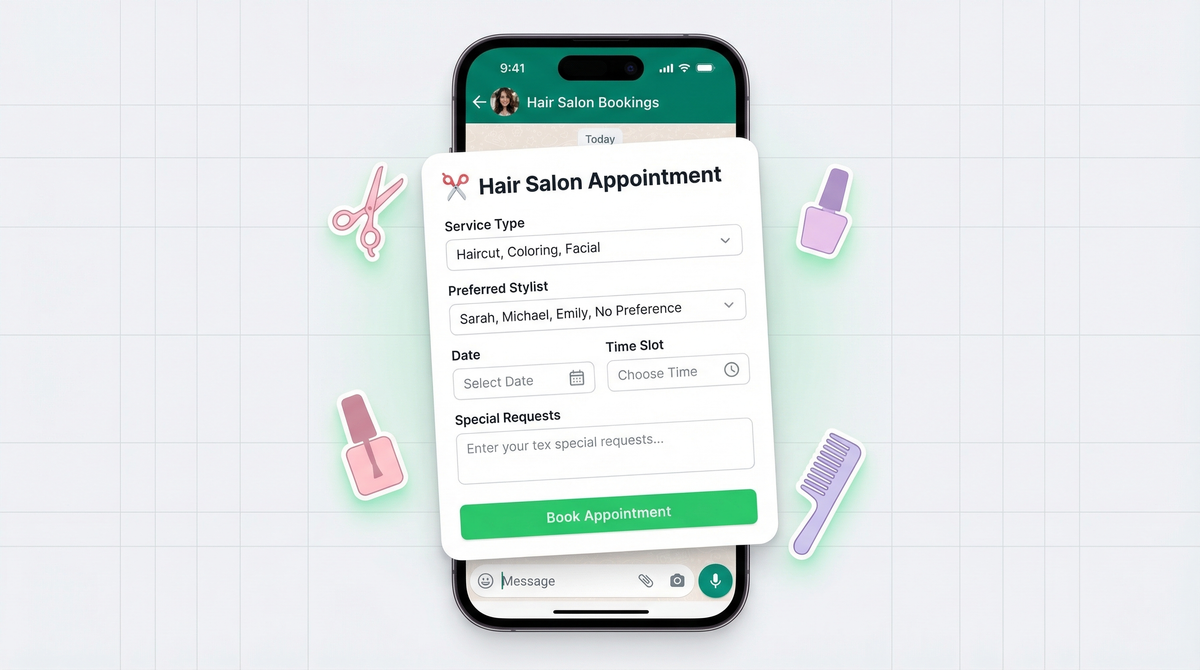
It's 2pm on a busy Saturday. Your stylist is mid-way through a color treatment. A customer calls to book a Sunday blowout. Nobody picks up. They call the salon down the street instead. They book there. You never knew.
This happens dozens of times a month at salons everywhere. Not because they don't want new bookings. Because the phone just doesn't work when everyone's busy with their hands.
The missed booking problem
Salons and spas run on time. Every chair is full, every stylist is focused, and the last thing anyone can do is stop mid-highlight to answer a call. So the phone rings, nobody answers, and the voicemail box fills up with people who already booked somewhere else.
It's not just missed calls either. Customers who can't reach you on the first try rarely try a second time. One missed call can mean a lost regular.
The fix isn't to hire a dedicated receptionist. The fix is to let customers book themselves, instantly, on a channel they're already using.
Why WhatsApp works for salons
Your customers already have WhatsApp open. They're not going to download a booking app or fill out a form on a website they've never visited. But they will send a quick message if the link is right there on your Instagram bio.
WhatsApp booking works because it's asynchronous. The customer sends a message when it's convenient for them. The stylist replies between appointments. Nobody has to be available at the same time for the booking to happen.
It also feels more personal than an automated booking system. In the beauty industry, that personal touch is everything. A message exchange feels like talking to someone at the salon. That matters in a business built on relationships. If you're new to WhatsApp forms, here's what a WhatsApp form actually is and how it works.
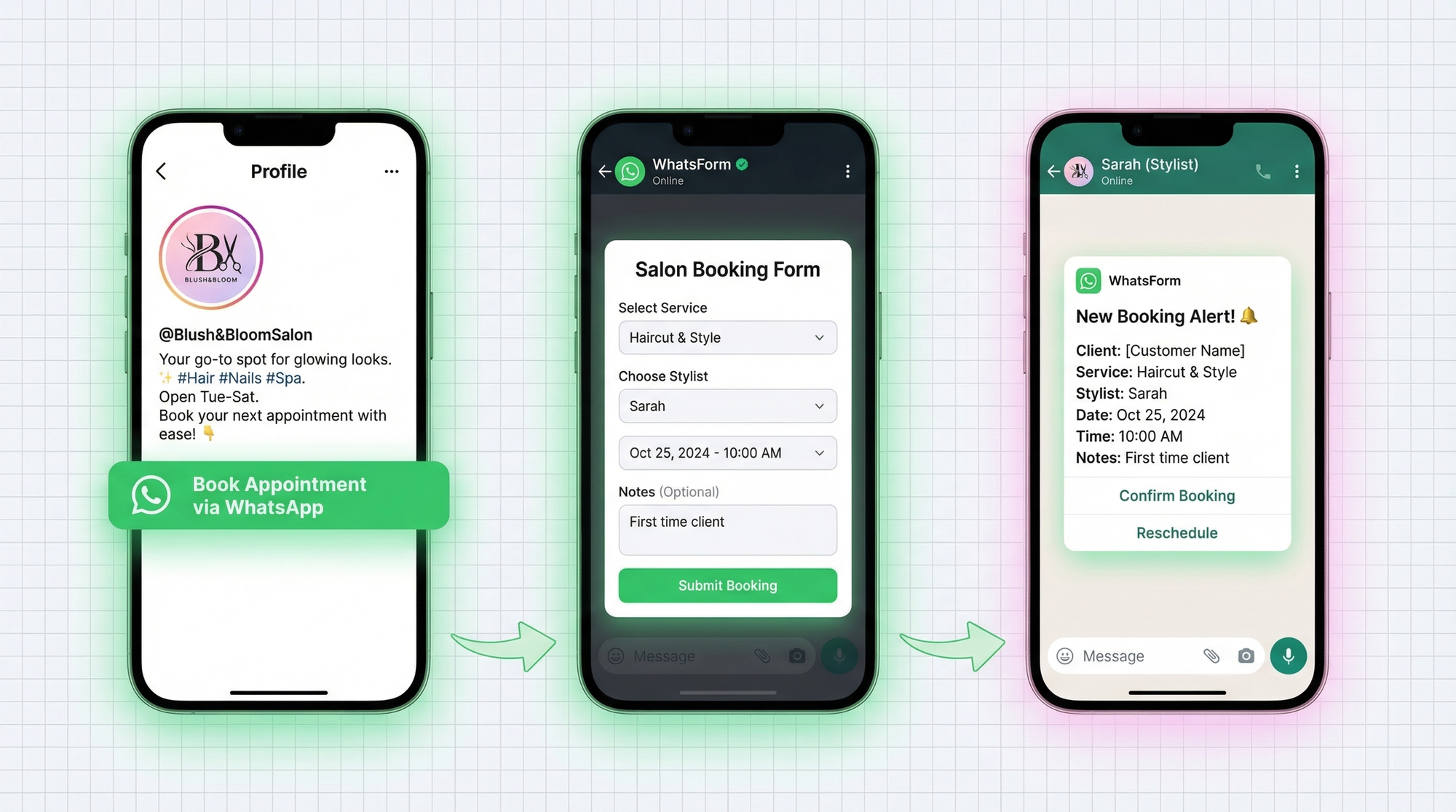
Appointment booking form
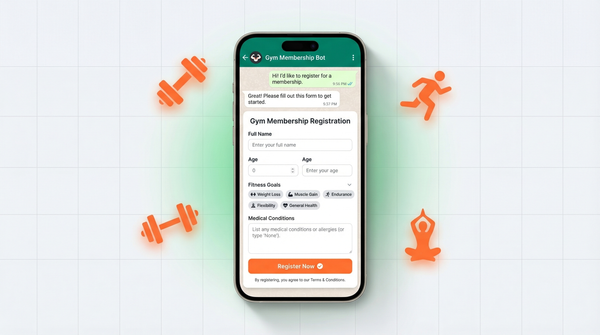
Instead of a back-and-forth conversation to gather details, you set up a structured booking form that customers fill out before the chat even starts. By the time you see their message, you already have everything you need.
A good salon booking form on WhatsApp collects:
- Service type (haircut, coloring, facial, manicure, full package)
- Preferred stylist (or "no preference")
- Date and time preference (with a note that you'll confirm availability)
- Special requests (specific style references, allergy notes, first-time visit)
When all this arrives together in one WhatsApp message, confirming the appointment takes ten seconds. No clarifying questions, no back and forth. Just confirm and move on.
We built a booking form template specifically for this. You can have one live in a few minutes. If you want the full walkthrough, this help center guide on creating your first WhatsApp form shows the setup step by step.
Service menu via catalog
WhatsApp Business has a catalog feature that lets you list your services with photos and prices. It shows up right in the chat. Customers can browse your menu before they message, or you can share it directly in a conversation.
Add your most popular services with real photos: the balayage result, the gel manicure finish, the facial glow. Seeing the actual work is more persuasive than any price list. It also answers questions before they're asked, which saves time for everyone.
Combine the catalog with your booking form and customers can pick a service, see what it looks like, and book it in one flow.
Reminders and no-show reduction
No-shows are expensive. A stylist blocked for 90 minutes for someone who doesn't show up is revenue you can't recover. The fix is simple reminders, and WhatsApp is the best place to send them.
Set up a reminder message the day before the appointment. Something like:
"Hi [Name], just a reminder your [Service] is booked for tomorrow at [Time] with [Stylist]. Reply YES to confirm or let us know if you need to reschedule."
A confirmation request the night before catches most cancellations in time to rebook the slot. It also signals professionalism. Customers feel looked after, not just scheduled.
Send a second reminder an hour before for high-value appointments. Opening rates on WhatsApp messages are over 90%. Email reminders just don't compete.
Collecting reviews after service
The best time to ask for a review is 30 minutes after the customer leaves, when they're still thinking about how good their hair looks. WhatsApp makes this frictionless.
Send a short follow-up message with a quick feedback form. Ask three things:
- Rating (1 to 5)
- What did they enjoy most
- Would they recommend the salon to a friend
Most customers won't leave a Google review unprompted. But if you send the link on WhatsApp right after their visit, a good chunk will click through. That's how salons and spas build their review count consistently, not just when a customer happens to be motivated.
You can collect this via a WhatsApp form too, with responses landing directly in your WhatsApp as structured feedback. Check out how salons use WhatsApp for lead generation and customer retention for more ideas.
Managing walk-ins vs appointments
Walk-ins still happen. They always will. The challenge is managing them alongside scheduled appointments without chaos at the front.
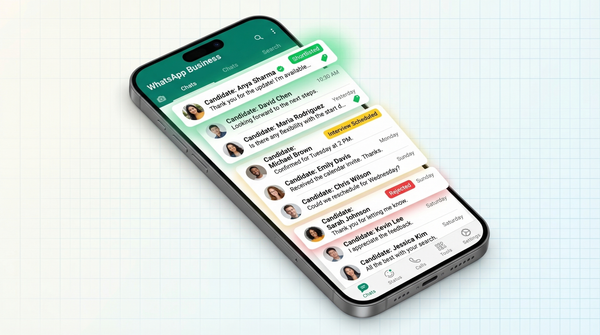
WhatsApp Business labels make this easy. You can label chats by status:
- Confirmed for locked-in bookings
- Pending for bookings waiting on confirmation
- Walk-in today for people who just showed up
- Follow-up for customers you want to reconnect with
If you're a team, route bookings through a shared WhatsApp workflow so front desk staff and stylists aren't stepping on each other. One person can handle morning bookings while another manages afternoon. No double-booking, no confusion.
Labels also let you see at a glance who's coming in, who needs a reminder, and who's overdue for a follow-up. It's a lightweight CRM built right into WhatsApp..
This same setup works beyond salons too. If you want more examples, see how businesses use WhatsApp in healthcare, real estate, and education. If you want to compare approaches before committing, read our roundup of the best WhatsApp form builders.
Getting started
For a detailed walkthrough, check our help center guide on creating your first WhatsApp form.
The fastest path to WhatsApp bookings for your salon:
- Describe the form you need and let AI build the first draft. Go to WhatsForm, type what you want to collect, and let the AI generate your booking form. Then tweak the fields for services, preferred stylist, date and time preference, and special requests.
- Publish and copy your booking link. Once the form looks right, publish it and grab the WhatsApp form URL. This is the link customers will use to start a structured booking chat with you.
- Share the link where customers already find you. Add it to your Instagram bio and your Google Business profile so people can book the moment they discover your salon.
- Manage everything on your phone. Download the WhatsForm app for Android or iOS to manage bookings between clients. You'll get structured messages instead of chaotic chats, and you can confirm or reschedule with a quick reply.
The missed bookings problem is solvable. You don't need a new phone system, a booking app subscription, or a front desk overhaul. You need a WhatsApp form and a link in your bio.
Start with one form. See how many bookings come in the first week. Then build from there.